



Stay Updated with the Latest AI Agent Insights

Join 24,000+ AI enthusiasts and professionals

Discover the newest AI agents, tools, and automation trends shaping the future of work. From powerful agent builders to cutting-edge workflow automation, we break down what matters so you can stay ahead.

Get expert insights, tool comparisons, and curated recommendations—all in one place.

n8n Review
n8n Review
  1. n8n Review
  2. n8n Review

n8n Review

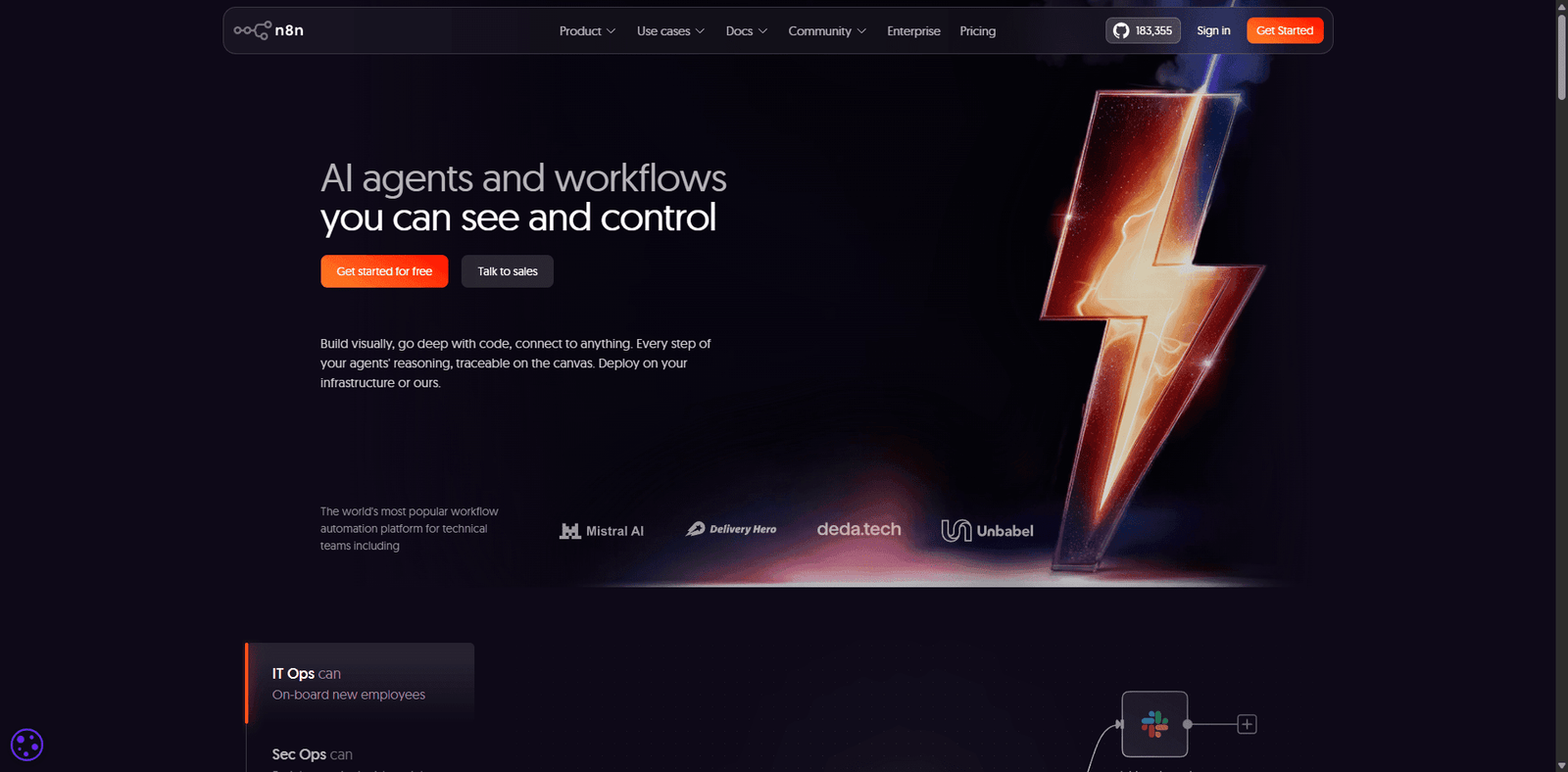
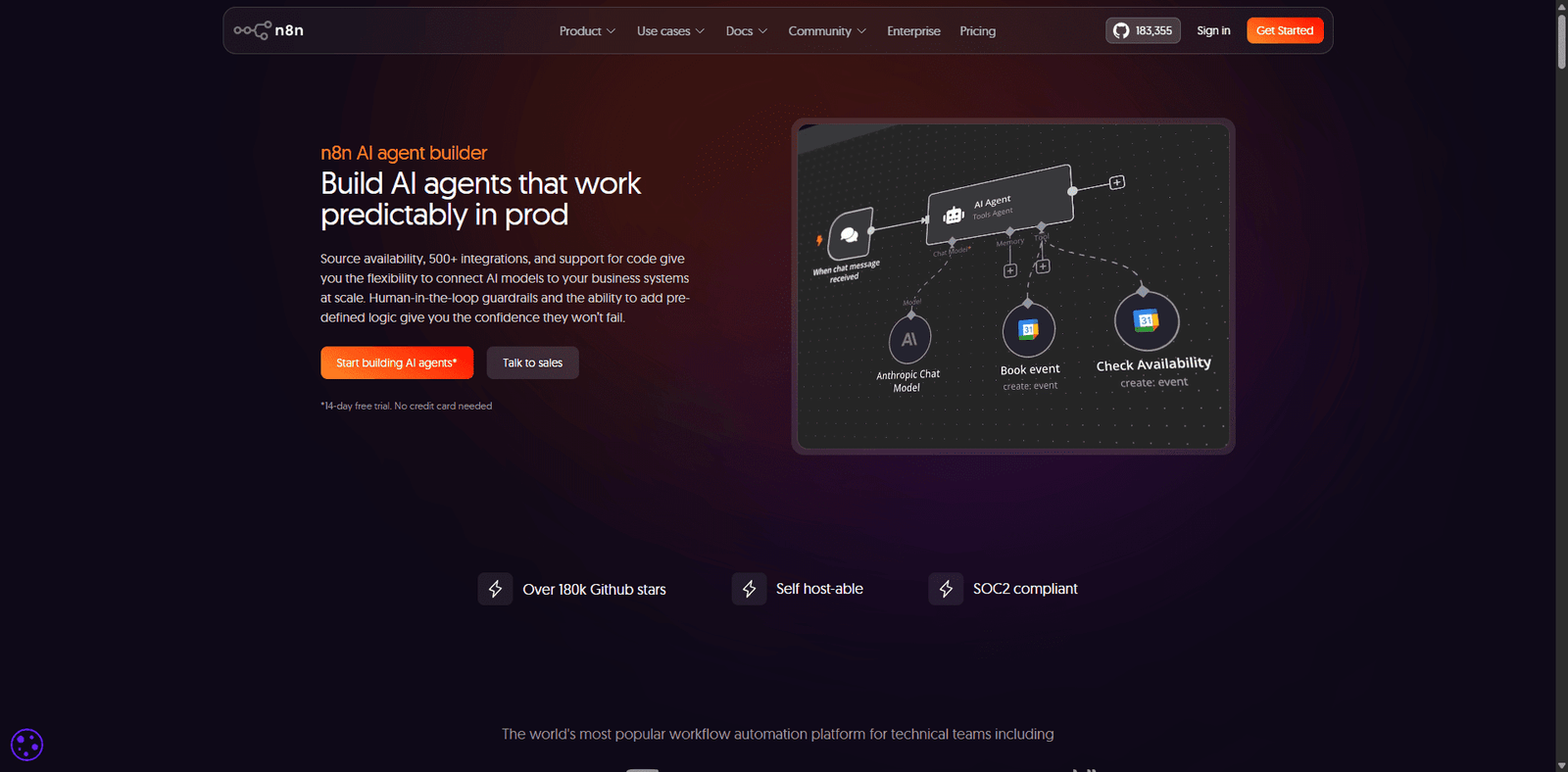
n8n is an open-source workflow automation platform that lets users connect apps and APIs, build custom workflows, and automate tasks with full control and flexibility.

  • Overall
4.5/5Overall Score

n8n is a leading open-source automation platform that offers unmatched flexibility for building workflows and integrations. With its combination of visual automation and developer-level control, it is a top choice for users who want scalable, customizable automation without vendor lock-in.

Category: Workflow Automation / Integration Platform


Pricing Snapshot

PlanPriceNotes
Self-HostedFreeOpen-source version with full control
Cloud (Starter)From ~$20/monthManaged hosting with usage limits
Pro / EnterpriseCustomटीम features, scaling, and support

Pricing Transparency: High — clear open-source and cloud pricing options


Source Type

  • Official documentation and platform capabilities
  • Open-source automation ecosystem analysis
  • Comparison with no-code and low-code automation tools

Overview

n8n is an open-source workflow automation platform that allows users to connect apps, APIs, and services to automate tasks and processes. It is designed to provide flexibility, control, and extensibility, making it a strong alternative to tools like Zapier and Make.

Unlike many automation platforms, n8n offers:

  • Self-hosting for full data control
  • Custom logic and code support
  • Extensive API integrations
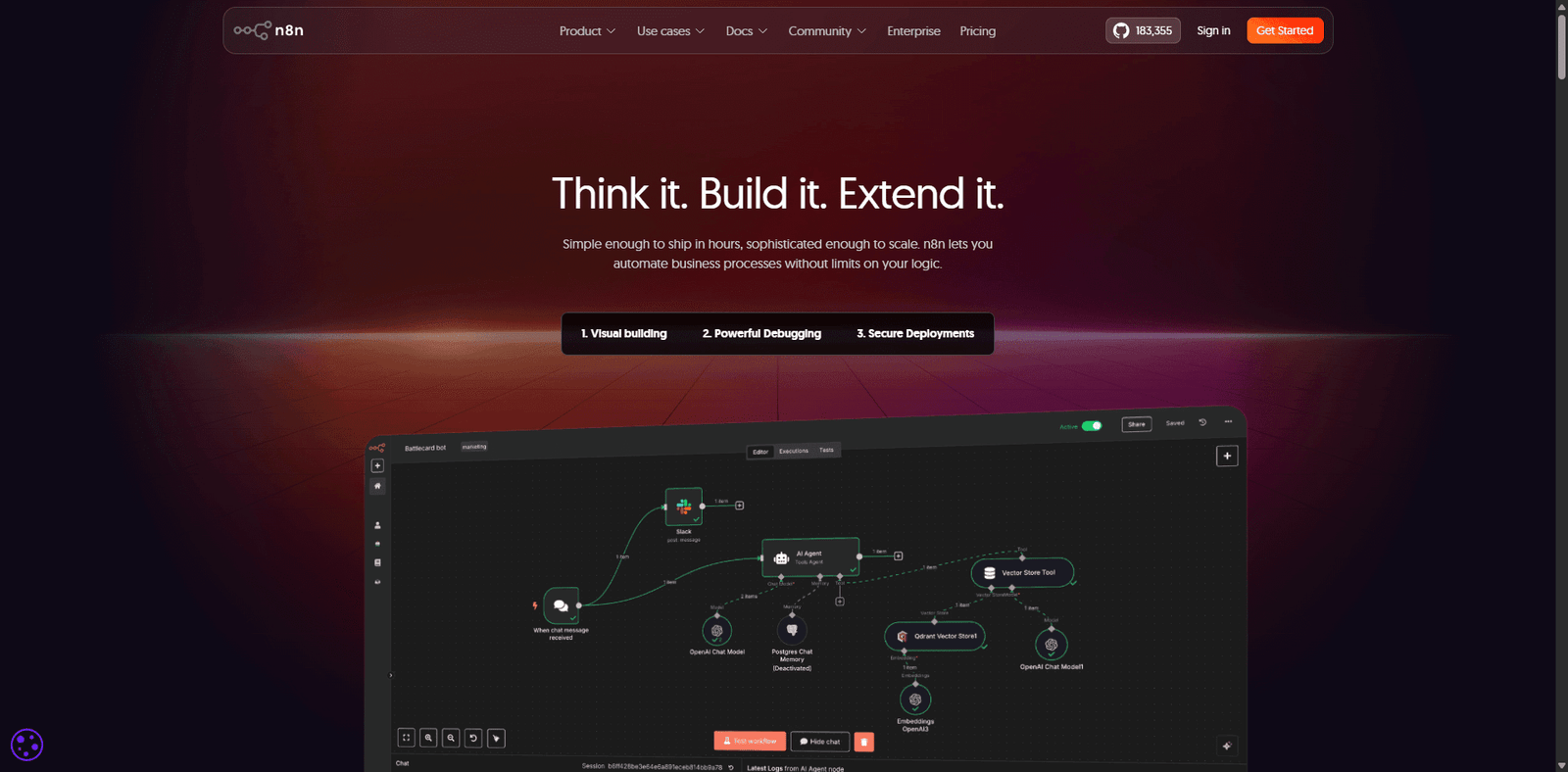
  • Visual workflow builder with advanced capabilities

n8n positions itself as a developer-friendly automation platform, bridging the gap between no-code simplicity and full-code flexibility.


Key Features

1. Visual Workflow Builder

  • Drag-and-drop interface for creating workflows
  • Supports multi-step automation
  • Easy to understand and manage

2. Open-Source & Self-Hosting

  • Full control over data and infrastructure
  • Deploy on your own servers
  • No vendor lock-in

3. Extensive Integrations

  • Connect with hundreds of apps and APIs
  • Support for custom API calls
  • Flexible integration capabilities

4. Custom Code Support

  • Add JavaScript for advanced logic
  • Customize workflows beyond no-code limits
  • Suitable for developers and technical users

5. Event-Based Automation

  • Trigger workflows based on events or schedules
  • Real-time and batch processing
  • Supports complex automation scenarios

6. Scalable Architecture

  • מתאים for small projects and enterprise use
  • Handles large workflows and data volumes
  • Supports production deployments

Use Cases

Business Process Automation

  • Automate repetitive tasks
  • Connect internal tools and systems
  • Improve operational efficiency

API Orchestration

  • Build workflows across multiple APIs
  • Manage data flows between services
  • Create custom integrations

Data Synchronization

  • Sync data between platforms
  • Automate updates and reporting
  • Reduce manual data handling

Developer Automation

  • Build backend workflows
  • Automate DevOps tasks
  • Extend applications with automation

Pros and Cons

Pros

  • Open-source with full self-hosting control
  • Highly flexible and customizable
  • Supports both no-code and code workflows
  • Strong integration capabilities
  • Cost-effective compared to competitors

Cons

  • Learning curve for beginners
  • Requires setup for self-hosting
  • UI less polished than some competitors
  • Maintenance required for self-hosted deployments
  • Advanced features may need technical knowledge

Feature Comparison

Featuren8nZapierMake
Open SourceYesNoNo
Self-HostingYesNoNo
No-Code BuilderYesYesYes
Custom CodeYesLimitedLimited
Pricing FlexibilityHighMediumMedium

Alternatives

ToolBest ForKey Difference
ZapierEase of useMore beginner-friendly
Make (Integromat)Visual workflowsMore polished UI
PipedreamDeveloper workflowsCode-first approach
Node-REDIoT automationMore technical setup

Verdict

n8n is a powerful and flexible workflow automation platform that stands out for its open-source model and developer-friendly approach. It is ideal for users who need custom automation, data control, and scalability.

Its strengths include:

  • Full control through self-hosting
  • Advanced customization with code
  • Strong integration ecosystem

However, considerations include:

  • Learning curve for non-technical users
  • Setup and maintenance requirements
  • Less polished interface compared to competitors

Best suited for:

  • Developers and technical teams
  • Businesses needing custom automation
  • Users prioritizing data control and flexibility

Not ideal for:

  • Beginners seeking plug-and-play solutions
  • Users who prefer fully managed platforms
  • Simple automation use cases

Rating

CategoryScore
Features4.7 / 5
Ease of Use3.9 / 5
Flexibility4.9 / 5
Pricing Value4.6 / 5
Overall4.5 / 5

FAQ

What is n8n used for?

n8n is used to automate workflows by connecting apps, APIs, and services.

Is n8n free?

Yes, it offers a free open-source self-hosted version.

Is n8n better than Zapier?

It offers more flexibility and control, but Zapier is easier for beginners.

Does n8n require coding?

No, but coding is supported for advanced use cases.

Who should use n8n?

Developers, technical teams, and businesses needing flexible automation.


Share your love
AI AGENT
AI AGENT
Articles: 131

Leave a Reply

Your email address will not be published. Required fields are marked *