



Discover the newest AI agents, tools, and automation trends shaping the future of work. From powerful agent builders to cutting-edge workflow automation, we break down what matters so you can stay ahead.
Get expert insights, tool comparisons, and curated recommendations—all in one place.
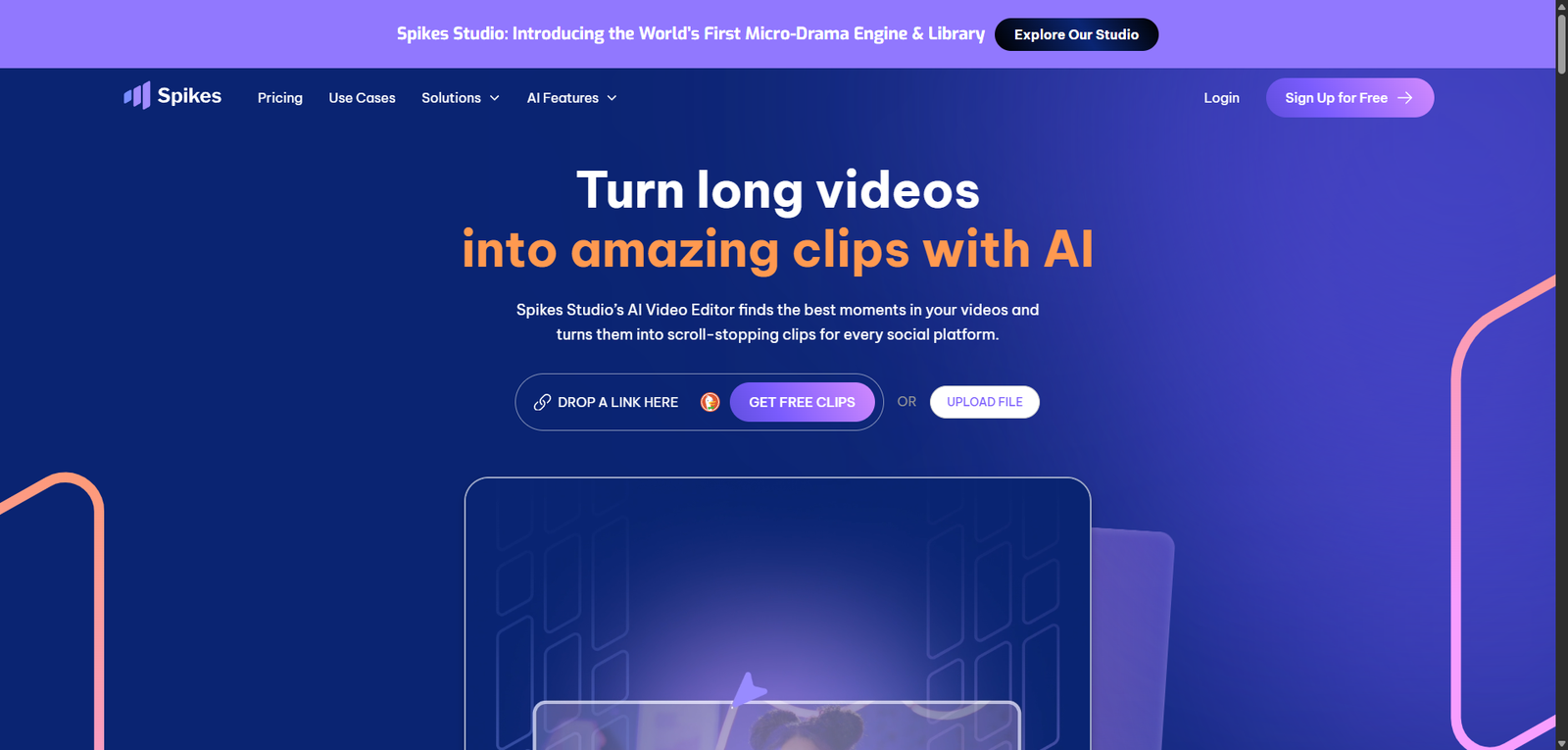
Spikes Studio is an AI video generation tool that transforms long-form content into short, social-ready clips with automated editing, captions, and optimization for modern content platforms.
Spikes Studio is an AI-driven video generation platform that helps users create short-form content quickly through automation. It is particularly valuable for scaling social media content, though advanced users may still require traditional editing tools for full control.
Spikes Studio Review (2026): AI Video Generation Platform for Short-Form Content & Automation
Category: AI Video Generation / Content Creation
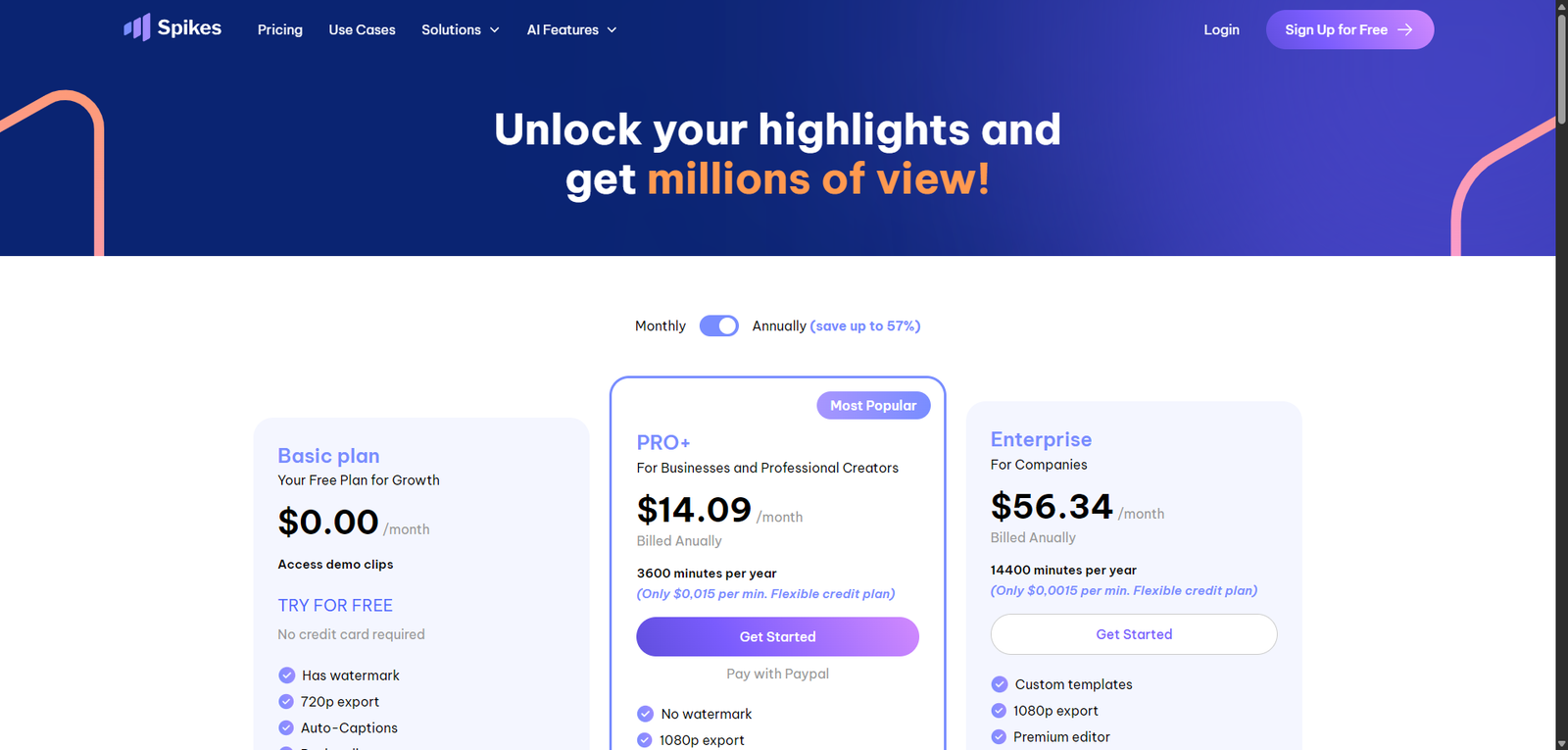
Pricing Snapshot
Plan
Price
Notes
Free Tier
Likely available
Limited exports or credits
Paid Plans
Not publicly disclosed
Expected subscription or usage-based
Pro / Creator
Custom
Higher limits and advanced features
Pricing Transparency: Low — limited public pricing details
Source Type
Product positioning and AI video generation analysis
Short-form content automation trends
Comparison with AI video editing and generation tools
Overview
Spikes Studio is an AI-powered video generation and editing platform focused on creating short-form content for social media and digital platforms. It is designed to help users transform long videos into engaging, shareable clips automatically.
The platform aims to simplify video production by enabling users to:
Generate short clips from long-form content
Add captions and optimize videos for social platforms
Automate editing workflows
Scale content production efficiently
Spikes Studio positions itself as a content repurposing and video automation tool, particularly useful for creators and marketers producing high volumes of video content.
Key Features
1. AI Video Clipping
Automatically extracts highlights from long videos
Identifies engaging moments
Creates short-form clips for social media
2. Auto Captions & Subtitles
Generates captions automatically
Improves accessibility and engagement
Optimized for social media consumption
3. Social Media Optimization
Formats videos for platforms like TikTok, YouTube Shorts, and Instagram Reels
Adjusts aspect ratios and layouts
Enhances discoverability
4. Content Repurposing
Convert podcasts, webinars, and long videos into multiple clips
Maximize content output
Reduce manual editing time
5. Editing Automation
Automates trimming, cutting, and formatting
Reduces need for manual editing tools
Speeds up production workflows
Use Cases
Social Media Content Creation
Create short-form videos for TikTok, Instagram, and YouTube
Increase engagement and reach
Maintain consistent posting schedules
Content Repurposing
Turn long-form videos into multiple clips
Extend content lifespan
Improve ROI on content creation
Creator Workflows
Reduce editing time
Focus on content strategy
Scale video production
Marketing & Branding
Create promotional clips
Generate campaign content
Enhance brand visibility
Pros and Cons
Pros
Strong focus on short-form video automation
Saves time on editing and clipping
Improves content scalability
Easy to use for non-professionals
Optimized for social media platforms
Cons
Pricing not transparent
Limited control compared to manual editing tools
Output quality depends on AI selection accuracy
May require manual refinement
Not suitable for complex video production
Feature Comparison
Feature
Spikes Studio
Opus Clip
Descript
AI Clipping
Yes
Yes
Limited
Auto Captions
Yes
Yes
Yes
Social Optimization
Yes
Yes
Partial
Editing Depth
Medium
Medium
High
Ease of Use
High
High
Medium
Alternatives
Tool
Best For
Key Difference
Opus Clip
Viral clip generation
More mature clipping AI
Descript
Video + audio editing
Full editing suite
CapCut AI
Social video editing
Mobile-first approach
Pictory
Video summarization
Broader content transformation
Verdict
Spikes Studio is a specialized AI video tool focused on short-form content generation and automation, making it a strong option for creators and marketers who need to scale video production efficiently.
Its strengths include:
Automated video clipping and editing
Social media optimization
Ease of use for content creators
However, limitations include:
Limited pricing transparency
Less control than professional editing tools
Dependence on AI-generated outputs
Best suited for:
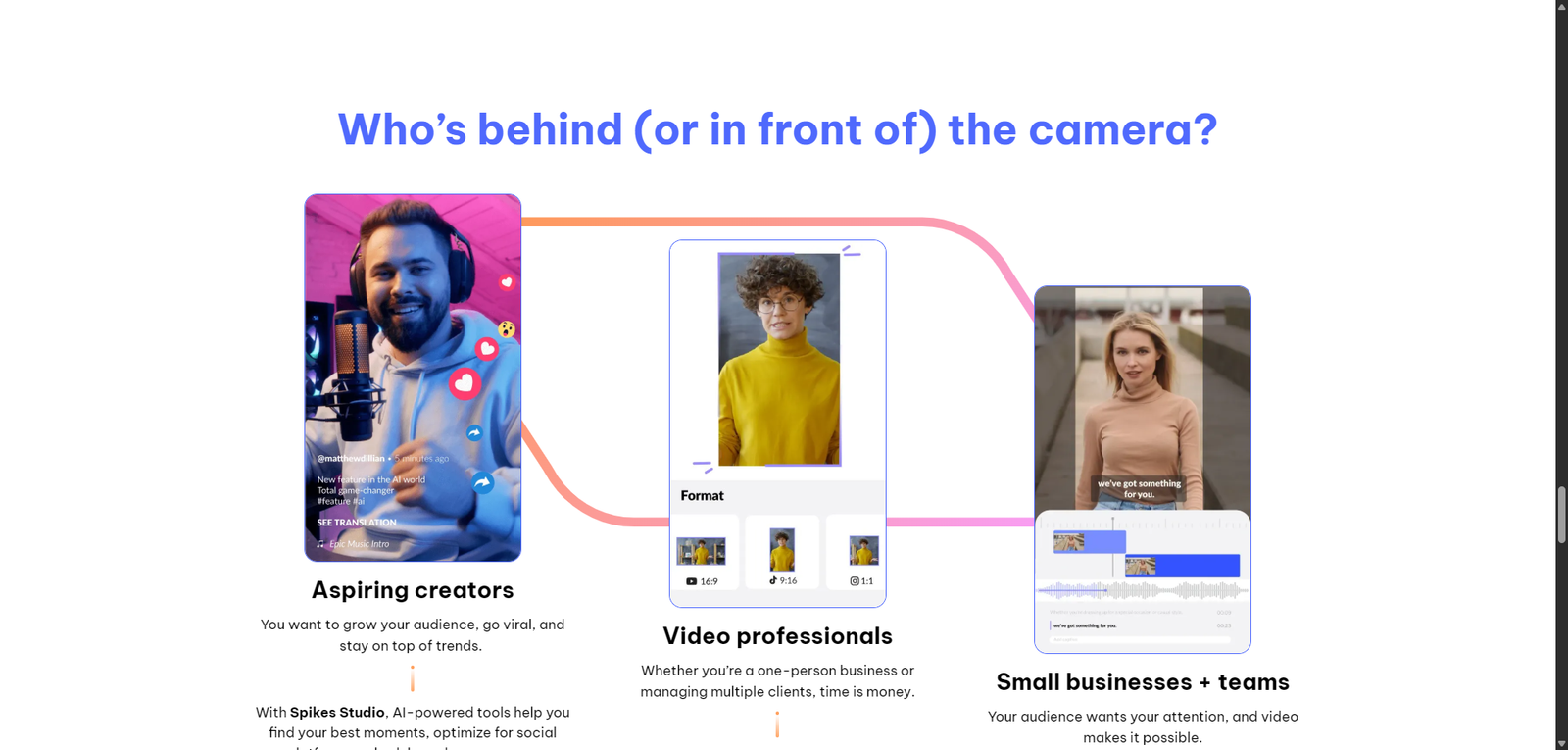
Content creators and influencers
Social media marketers
Teams producing high-volume video content
Not ideal for:
Professional video editors
Complex video production workflows
Users needing full creative control
Rating
Category
Score
Features
4.3 / 5
Ease of Use
4.6 / 5
Automation
4.5 / 5
Pricing Transparency
2.9 / 5
Overall
4.3 / 5
FAQ
What is Spikes Studio used for?
Spikes Studio is used to generate short-form video clips from long content using AI.
Does Spikes Studio add captions?
Yes, it automatically generates captions and subtitles.
Is Spikes Studio beginner-friendly?
Yes, it is designed for creators with minimal editing experience.
Can it replace video editors?
It can automate simple tasks but does not replace professional editing tools.
Who should use Spikes Studio?
Content creators, marketers, and teams producing social media videos.