



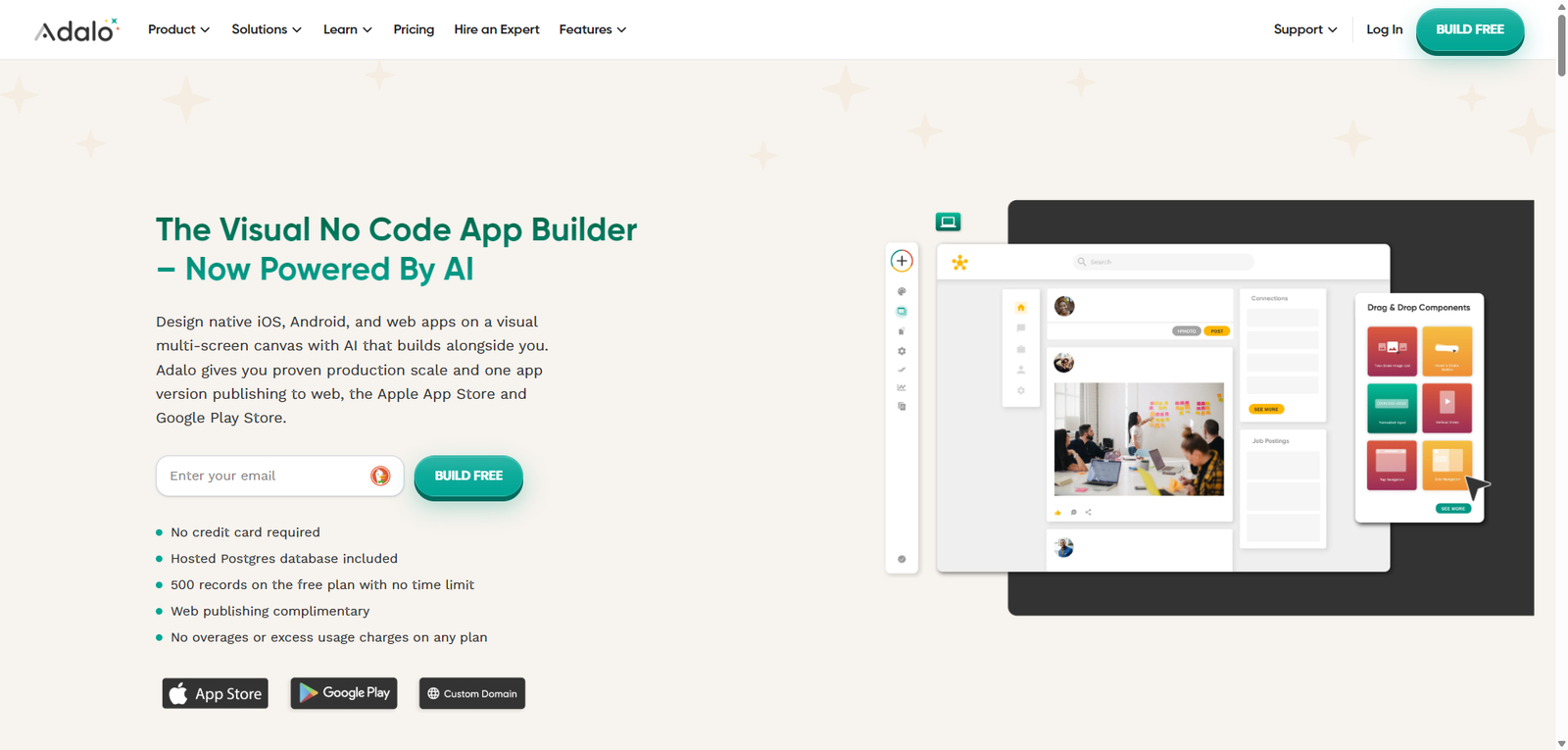
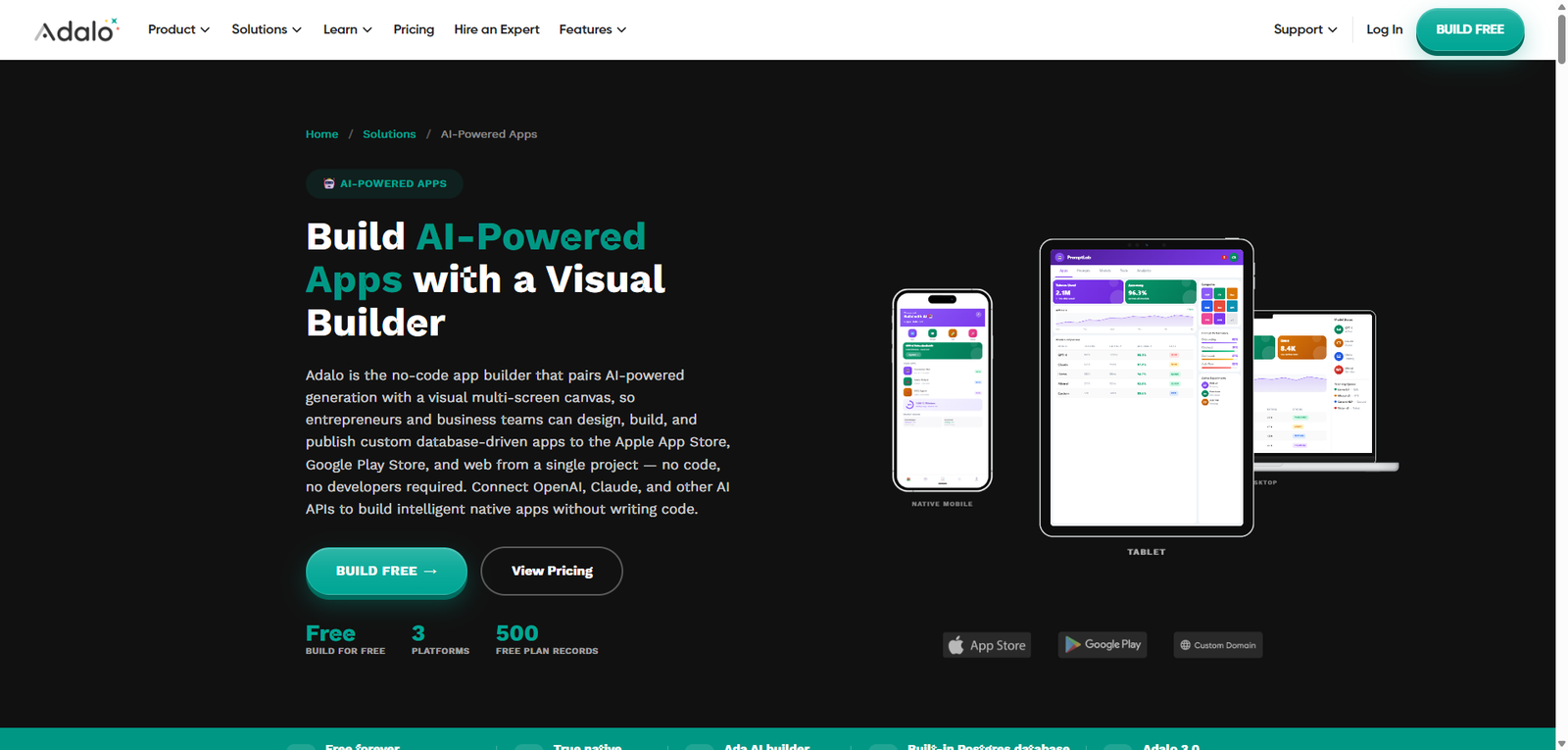
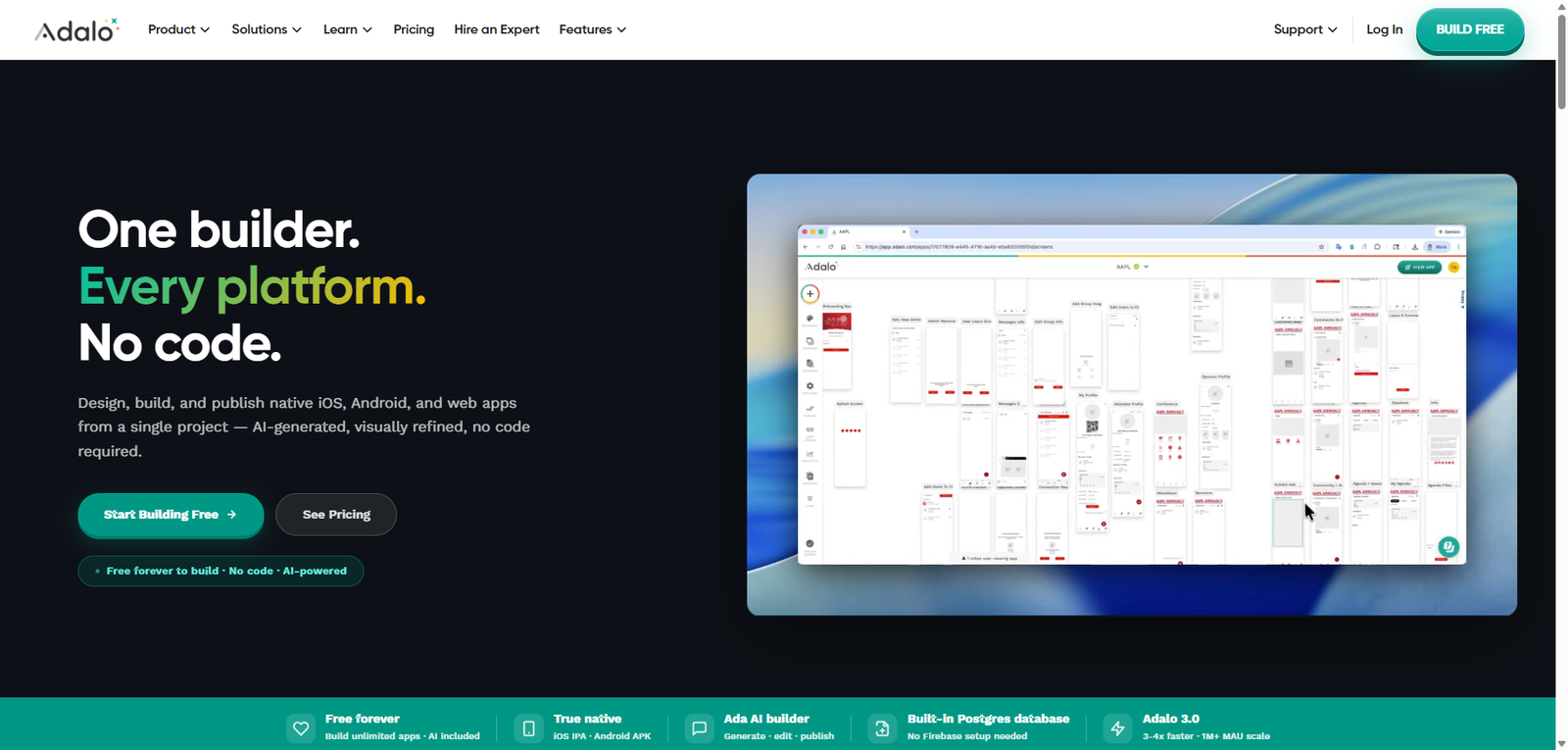
Adalo is a no-code app builder that allows users to create mobile and web applications with a drag-and-drop interface, making app development accessible without coding.
Adalo is a user-friendly no-code app builder that enables users to create and deploy apps quickly without programming. It offers a strong balance of simplicity and functionality, making it ideal for MVPs and small-scale applications, while more complex projects may require advanced platforms.
Category: No-Code Development / App Builder
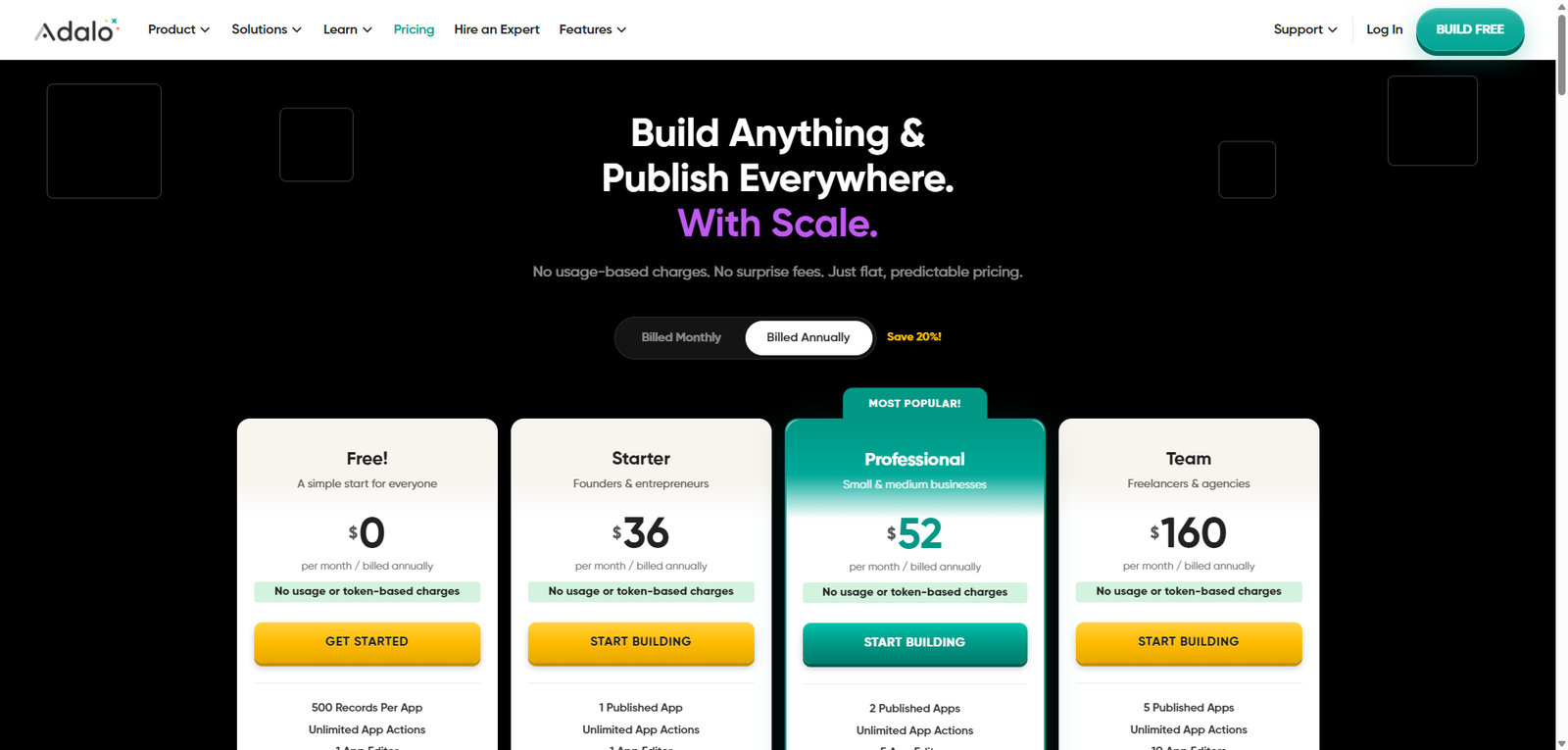
| Plan | Price | Notes |
|---|---|---|
| Free Plan | Available | Limited apps and features |
| Starter | From ~$45/month | Basic publishing and features |
| Professional | From ~$65/month | More apps and advanced functionality |
| Team / Business | Custom | Collaboration and scaling |
Pricing Transparency: High — clear tier-based pricing model
Adalo is a no-code app builder that enables users to create mobile and web applications using a visual drag-and-drop interface, without writing code. It is designed to help individuals, startups, and businesses build functional apps quickly and deploy them to app stores or the web.
The platform focuses on:
Adalo positions itself as a beginner-friendly no-code platform, making app development accessible while still offering enough flexibility for real-world use cases.
| Feature | Adalo | Bubble | Glide |
|---|---|---|---|
| No-Code Builder | Yes | Yes | Yes |
| Mobile Apps | Yes | Limited | Yes |
| Web Apps | Yes | Yes | Yes |
| Customization | Medium | High | Medium |
| Ease of Use | High | Medium | High |
| Tool | Best For | Key Difference |
|---|---|---|
| Bubble | Complex web apps | More powerful but steeper learning curve |
| Glide | Simple apps | Spreadsheet-based approach |
| FlutterFlow | Mobile apps | More advanced UI and flexibility |
| Thunkable | Mobile development | Strong cross-platform focus |
Adalo is a solid no-code app builder that makes it easy to create and launch mobile and web applications without technical expertise. It is especially effective for prototyping and small-to-medium apps, though it may face limitations in scalability and customization.
Its strengths include:
However, limitations include:
Best suited for:
Not ideal for:
| Category | Score |
|---|---|
| Features | 4.3 / 5 |
| Ease of Use | 4.7 / 5 |
| Flexibility | 4.0 / 5 |
| Pricing Value | 4.2 / 5 |
| Overall | 4.3 / 5 |
Adalo is used to build mobile and web apps without coding.
Yes, it supports publishing to iOS and Android.
Yes, it is designed for non-technical users.
No, it is a fully no-code platform.
Entrepreneurs, startups, and anyone building apps without coding.
