




Adalo is a user-friendly no-code app builder that enables users to create and deploy apps quickly without programming. It offers a strong balance of simplicity and functionality, making it ideal for MVPs and small-scale applications, while more complex projects may require advanced platforms.
Category: No-Code Development / App Builder
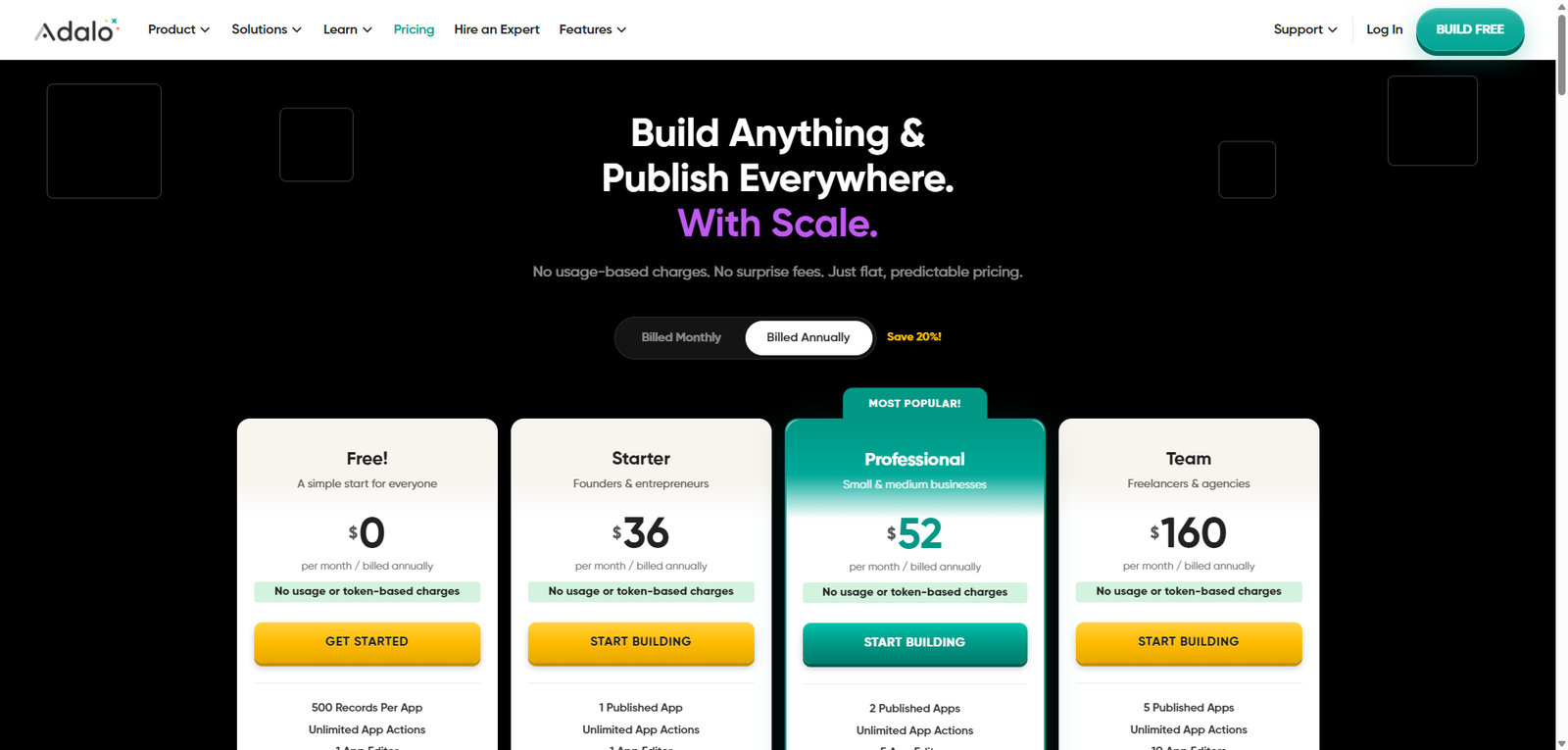
Pricing Snapshot
| Plan | Price | Notes |
|---|---|---|
| Free Plan | Available | Limited apps and features |
| Starter | From ~$45/month | Basic publishing and features |
| Professional | From ~$65/month | More apps and advanced functionality |
| Team / Business | Custom | Collaboration and scaling |
Pricing Transparency: High — clear tier-based pricing model
Source Type
- Official product documentation and features
- No-code development platform analysis
- Comparison with app builders and no-code tools
Overview
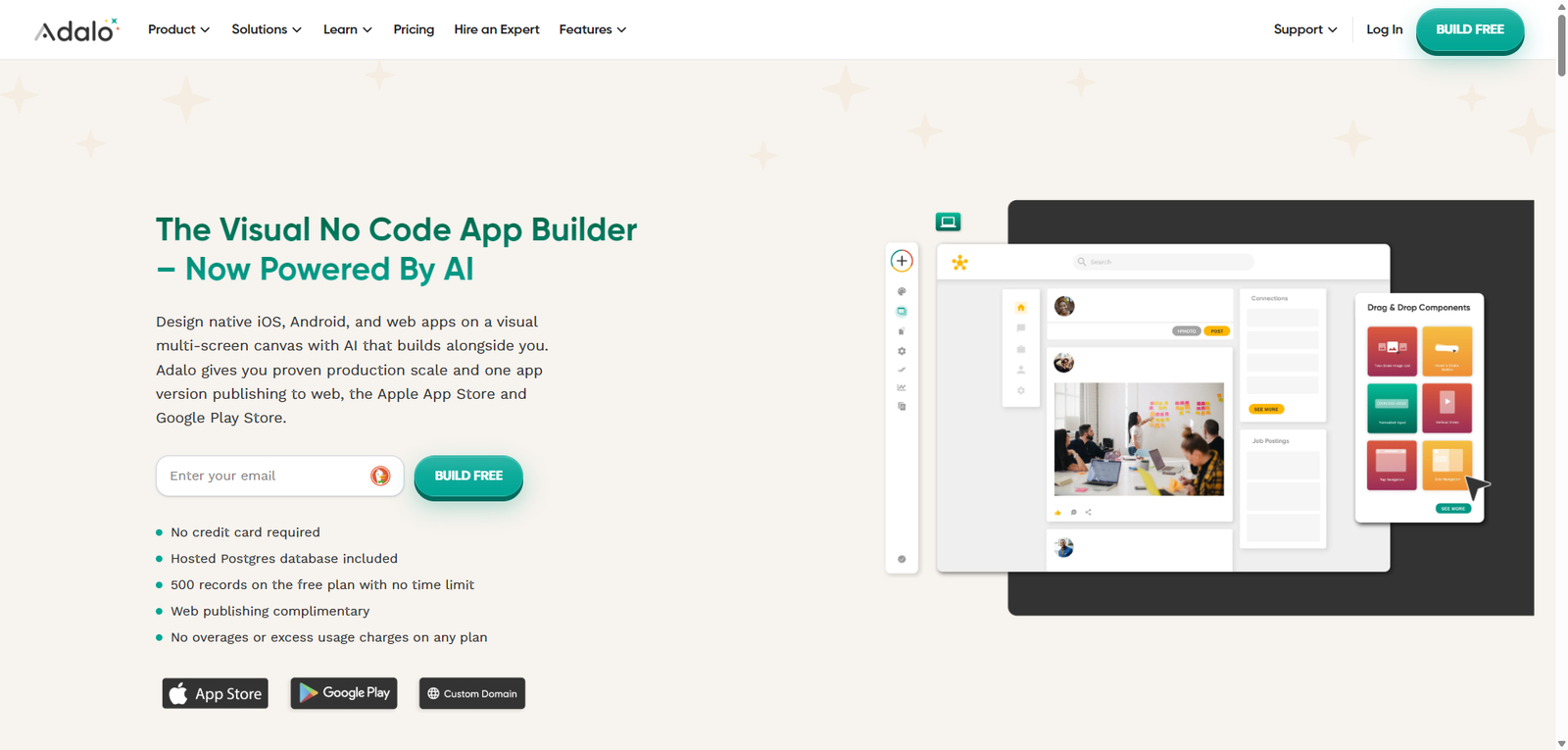
Adalo is a no-code app builder that enables users to create mobile and web applications using a visual drag-and-drop interface, without writing code. It is designed to help individuals, startups, and businesses build functional apps quickly and deploy them to app stores or the web.
The platform focuses on:
- Visual app building
- Database-driven applications
- Rapid prototyping and deployment
- Accessibility for non-developers
Adalo positions itself as a beginner-friendly no-code platform, making app development accessible while still offering enough flexibility for real-world use cases.
Key Features
1. Drag-and-Drop App Builder
- Visual interface for building apps
- No coding required
- Easy layout and component management
2. Built-In Database
- Create and manage app data
- Connect screens and logic
- Build dynamic applications
3. Native Mobile App Publishing
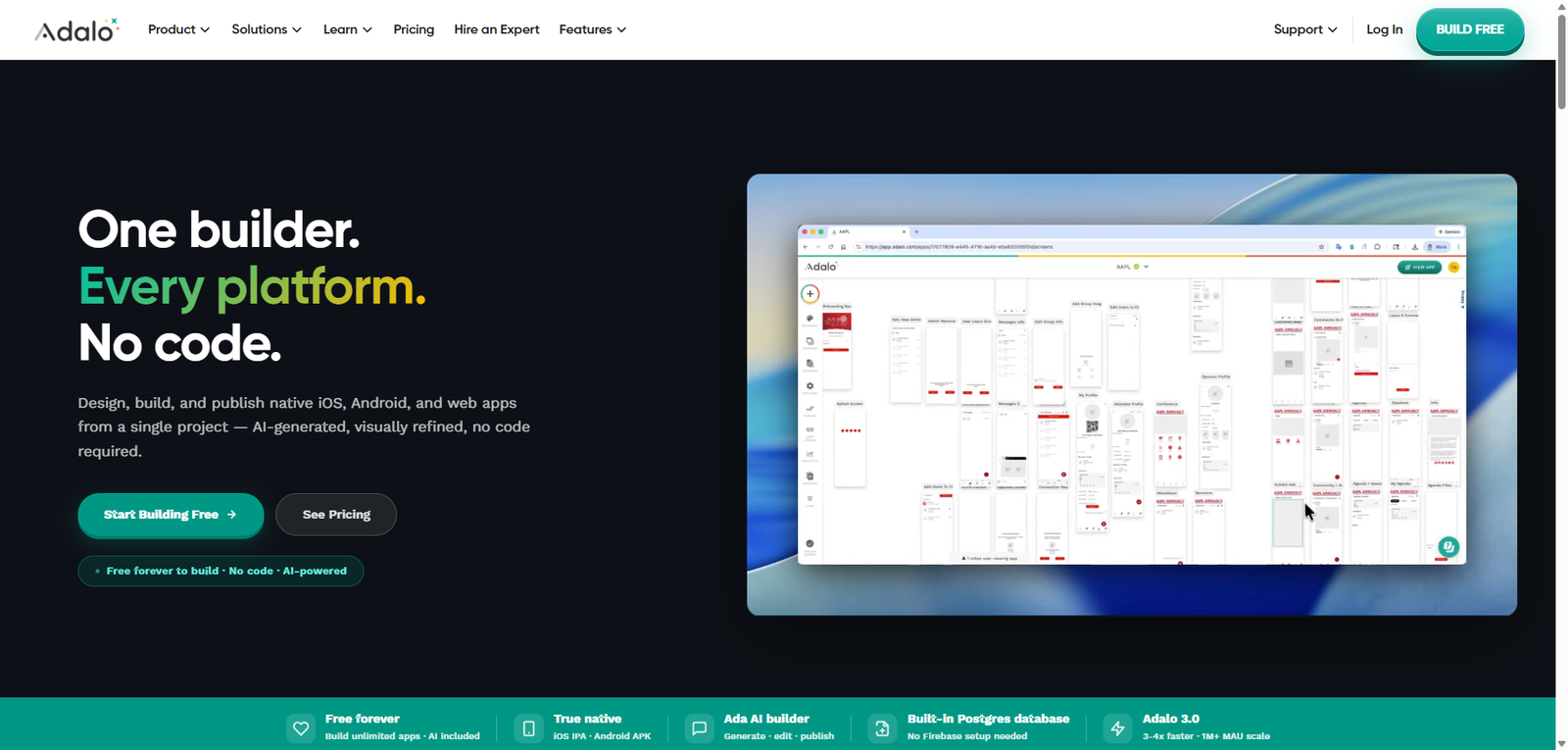
- Publish apps to iOS and Android
- No external development tools required
- Simplifies deployment process
4. Web App Support
- Build responsive web applications
- Share apps via URL
- Expand accessibility beyond mobile
5. Components & Templates
- Pre-built UI components
- Accelerate development
- Maintain design consistency
6. Integrations & Custom Actions
- Connect with external APIs
- Extend app functionality
- Support advanced workflows
Use Cases
Startup MVP Development
- Build and launch apps quickly
- Validate product ideas
- Reduce development costs
Internal Business Tools
- Create dashboards and workflows
- Automate internal processes
- Improve operational efficiency
Client Applications
- Build apps for customers or users
- Deliver functional solutions without coding
- Speed up delivery timelines
Educational Projects
- Learn app development concepts
- Build prototypes and experiments
- Teach no-code development
Pros and Cons
Pros
- Beginner-friendly no-code app builder
- Supports both mobile and web apps
- Built-in database simplifies development
- Fast prototyping and deployment
- No coding required
Cons
- Limited scalability for complex applications
- Performance constraints for large apps
- Customization less flexible than full-code solutions
- Pricing can increase with advanced usage
- Integration depth may be limited
Feature Comparison
| Feature | Adalo | Bubble | Glide |
|---|---|---|---|
| No-Code Builder | Yes | Yes | Yes |
| Mobile Apps | Yes | Limited | Yes |
| Web Apps | Yes | Yes | Yes |
| Customization | Medium | High | Medium |
| Ease of Use | High | Medium | High |
Alternatives
| Tool | Best For | Key Difference |
|---|---|---|
| Bubble | Complex web apps | More powerful but steeper learning curve |
| Glide | Simple apps | Spreadsheet-based approach |
| FlutterFlow | Mobile apps | More advanced UI and flexibility |
| Thunkable | Mobile development | Strong cross-platform focus |
Verdict
Adalo is a solid no-code app builder that makes it easy to create and launch mobile and web applications without technical expertise. It is especially effective for prototyping and small-to-medium apps, though it may face limitations in scalability and customization.
Its strengths include:
- Ease of use for beginners
- Quick app development and deployment
- Built-in database and components
However, limitations include:
- محدود scalability for complex apps
- Performance constraints
- Less flexibility compared to code-based solutions
Best suited for:
- Startups and entrepreneurs
- Non-technical users
- MVP and prototype development
Not ideal for:
- Large-scale or enterprise applications
- Highly customized software solutions
- Performance-critical apps
Rating
| Category | Score |
|---|---|
| Features | 4.3 / 5 |
| Ease of Use | 4.7 / 5 |
| Flexibility | 4.0 / 5 |
| Pricing Value | 4.2 / 5 |
| Overall | 4.3 / 5 |
FAQ
What is Adalo used for?
Adalo is used to build mobile and web apps without coding.
Can Adalo publish apps to app stores?
Yes, it supports publishing to iOS and Android.
Is Adalo beginner-friendly?
Yes, it is designed for non-technical users.
Does Adalo require coding?
No, it is a fully no-code platform.
Who should use Adalo?
Entrepreneurs, startups, and anyone building apps without coding.