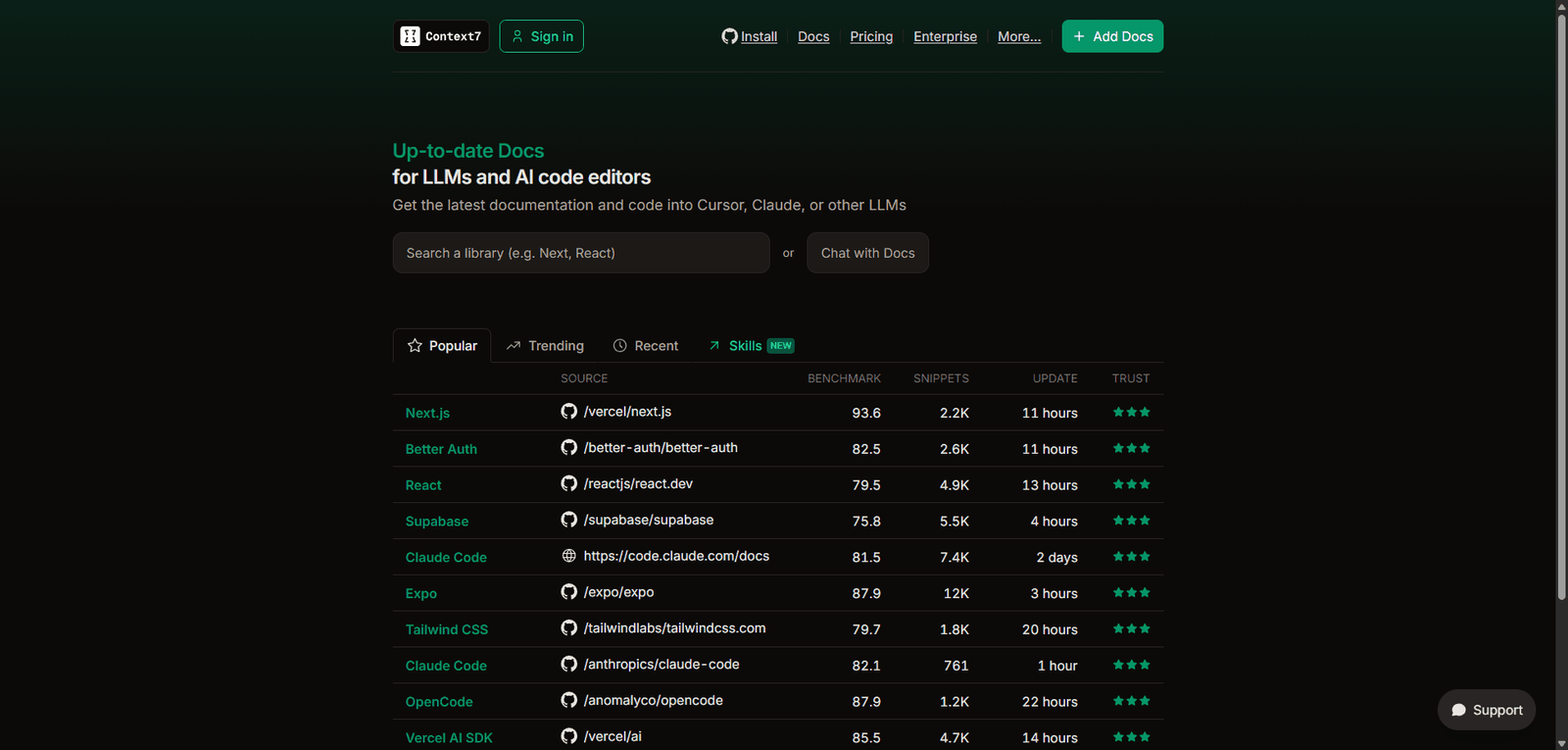


Context7 is an AI-first documentation and context management platform that enhances how developers interact with LLMs and codebases. It stands out for its deep integration with developer workflows and its focus on structured, context-aware knowledge systems, making it a promising tool in the evolving AI developer stack.
Category: AI Agent Builder / Developer Tools / LLM Documentation Platforms
Pricing Snapshot
| Plan | Price | Notes |
|---|---|---|
| Free Tier | Likely available | Basic usage for individuals or testing |
| Pro Plan | Not publicly disclosed | Expected usage-based or subscription |
| Enterprise | Custom | Team collaboration and scaling |
Pricing Transparency: Low — no standardized public pricing structure
Source Type
- Product positioning and developer-focused descriptions
- Comparative evaluation with similar LLM tooling platforms
- Early ecosystem signals and feature analysis
Overview
Context7 is an AI agent builder tailored for documentation workflows within LLM environments and code editors. It is designed to help developers and teams create, manage, and interact with documentation using AI-powered agents directly inside their development workflow.
Unlike general-purpose AI automation tools, Context7 focuses specifically on:
- Context-aware documentation generation
- Integration with code editors and developer environments
- Improving how LLMs retrieve and use structured knowledge
The platform positions itself as a bridge between documentation, codebases, and AI agents, enabling more accurate and context-rich outputs when working with large language models.
Key Features
1. AI-Powered Documentation Agents
- Build agents that understand and generate technical documentation
- Tailored for developer workflows and structured content
- Supports contextual retrieval and summarization
2. Deep Code Editor Integration
- Works within modern development environments
- Enhances inline documentation and code understanding
- Reduces context switching between tools
3. Context Management for LLMs
- Optimizes how LLMs access and use documentation
- Improves response accuracy by providing structured context
- Helps reduce hallucinations in AI-generated outputs
4. Knowledge Base Structuring
- Organizes documentation into AI-friendly formats
- Enables semantic search and retrieval
- Supports scalable documentation systems
5. Developer-Centric Workflow Automation
- Automates repetitive documentation tasks
- Generates explanations, summaries, and references
- Assists in onboarding and knowledge sharing
Use Cases
Developer Documentation Automation
- Generate API documentation
- Maintain internal knowledge bases
- Keep documentation synced with code updates
AI-Assisted Coding
- Provide contextual explanations within code editors
- Improve code readability and maintainability
- Assist with debugging and understanding legacy systems
LLM Optimization
- Enhance prompt context with structured documentation
- Build agents that retrieve accurate technical information
- Reduce irrelevant or incorrect AI outputs
Team Knowledge Management
- Centralize documentation across teams
- Improve onboarding for new developers
- Enable faster internal support and collaboration
Pros and Cons
Pros
- Strong focus on developer workflows and LLM integration
- Improves documentation accuracy and accessibility
- Reduces context switching inside code editors
- Enables AI-driven knowledge retrieval
- Useful for teams managing large codebases
Cons
- Limited public information on pricing and scalability
- Likely requires technical familiarity to fully utilize
- Integration ecosystem not fully documented
- Early-stage maturity compared to established tools
- May overlap with existing AI coding assistants
Feature Comparison
| Feature | Context7 | Traditional Documentation Tools | AI Coding Assistants |
|---|---|---|---|
| AI Documentation Generation | Yes | Limited | Partial |
| Code Editor Integration | Yes | No | Yes |
| Context Optimization for LLMs | Yes | No | Limited |
| Knowledge Base Structuring | Yes | Yes | No |
| Automation Capabilities | High | Low | Medium |
Alternatives
| Tool | Best For | Key Difference |
|---|---|---|
| GitBook | Documentation hosting | Not AI-native |
| Notion AI | General documentation | Less developer-focused |
| Cursor | AI coding assistant | Focused on coding, not documentation systems |
| LangChain | LLM development | Requires coding, not plug-and-play |
| Mintlify | Developer docs | More static, less AI-driven |
Verdict
Context7 addresses a growing need in the AI development ecosystem: structured, context-aware documentation for LLMs and developers. Its approach of embedding AI agents directly into documentation workflows makes it particularly valuable for:
- Engineering teams working with large codebases
- Organizations building LLM-powered applications
- Developers seeking better context handling in AI tools
However, its current limitations include:
- Lack of pricing transparency
- Early-stage ecosystem maturity
- Potential overlap with existing AI coding assistants
Best suited for:
- Developer teams focused on AI and LLM workflows
- Organizations managing complex technical documentation
- Early adopters of AI-native developer tooling
Not ideal for:
- Non-technical users
- Teams needing simple documentation tools
- Businesses requiring fully mature, enterprise-ready solutions
Rating
| Category | Score |
|---|---|
| Features | 4.3 / 5 |
| Ease of Use | 3.7 / 5 |
| Developer Focus | 4.6 / 5 |
| Pricing Transparency | 2.9 / 5 |
| Overall | 4.0 / 5 |
FAQ
What is Context7 used for?
Context7 is used to build AI agents that manage, generate, and optimize documentation within LLM workflows and code editors.
Does Context7 integrate with code editors?
Yes, it is designed to work within development environments to provide contextual documentation and insights.
Is Context7 suitable for beginners?
Not entirely. It is better suited for developers or technical teams.
How does Context7 improve LLM performance?
By structuring and managing context more effectively, it helps reduce hallucinations and improves response accuracy.
Is Context7 a replacement for documentation tools?
It can complement or enhance traditional tools but may not fully replace them yet.