Discover the newest AI agents, tools, and automation trends shaping the future of work. From powerful agent builders to cutting-edge workflow automation, we break down what matters so you can stay ahead.
Get expert insights, tool comparisons, and curated recommendations—all in one place.
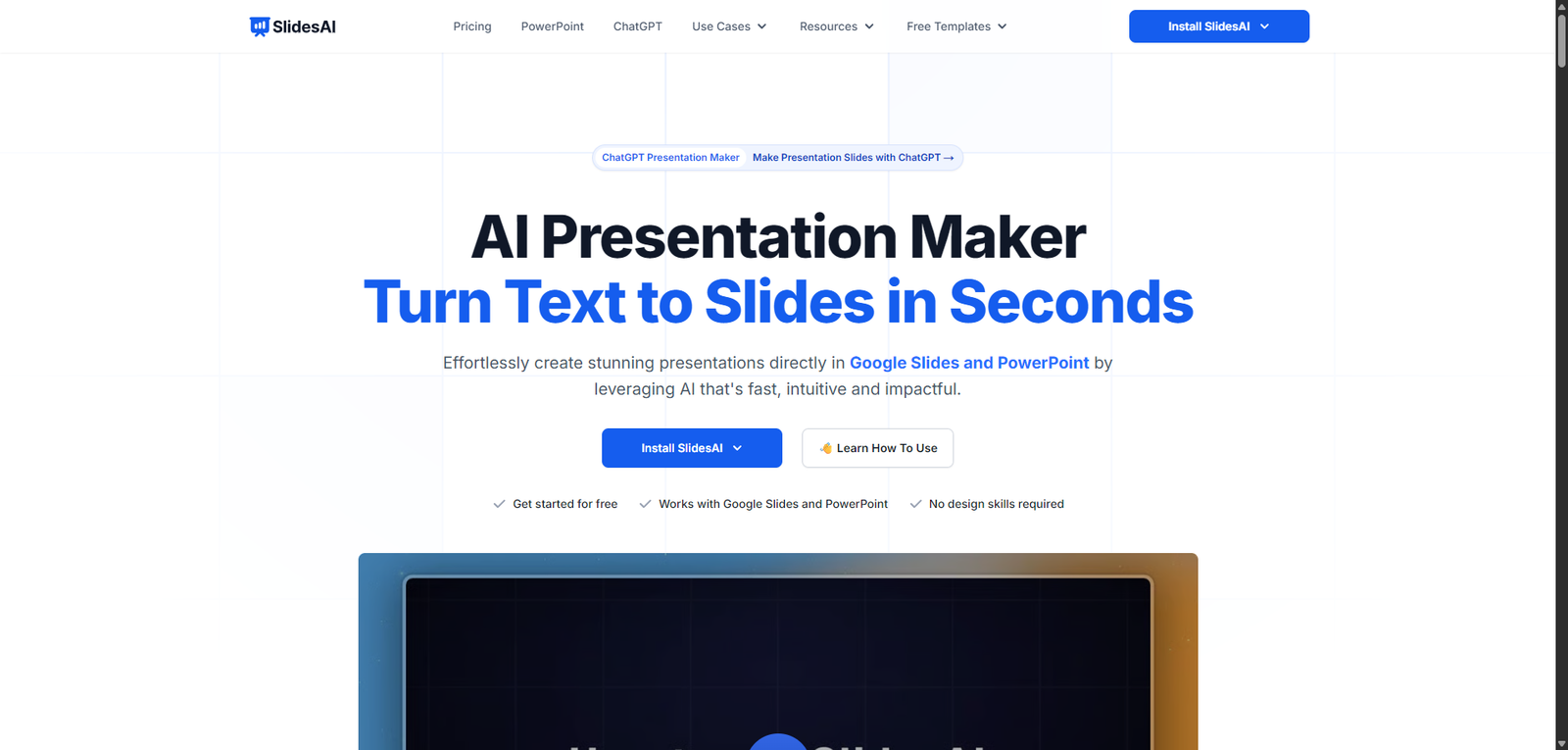
SlidesAI is an AI presentation maker that converts text into structured slides within Google Slides, helping users create presentations quickly and efficiently.
SlidesAI is a simple and effective AI presentation generator that helps users turn text into slides quickly. It is best suited for speed and convenience, especially within the Google Slides ecosystem, though advanced design needs may require additional tools.
SlidesAI Review (2026): AI Presentation Maker for Fast, Automated Slide Creation
Category: AI Presentation / Productivity
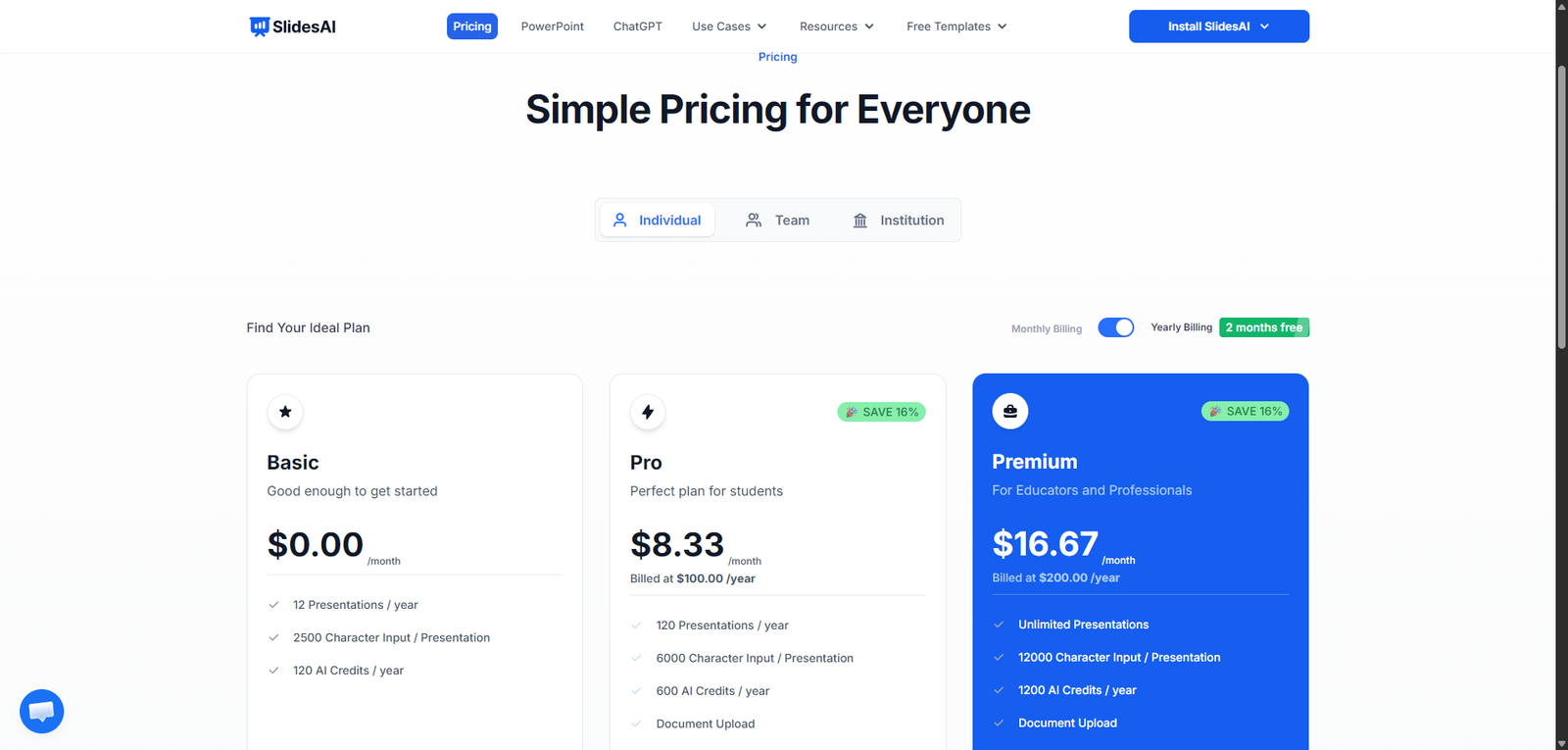
Pricing Snapshot
Plan
Price
Notes
Free Plan
Available
Limited presentations and features
Pro Plan
From ~$10–$20/month
More slides and customization
Premium
Higher tiers
Advanced usage and priority features
Pricing Transparency: High — clear tiered pricing model
Source Type
Official product positioning and integrations
AI presentation and productivity tool analysis
Comparison with presentation automation platforms
Overview
SlidesAI is an AI-powered presentation generator that converts text into structured, visually formatted slides automatically, primarily designed for integration with Google Slides.
It enables users to:
Turn text, notes, or documents into presentations
Generate slide content and layouts instantly
Reduce manual formatting and design work
Create presentations quickly and efficiently
SlidesAI positions itself as a time-saving tool for presentation creation, especially useful for users who need to build slides quickly without design expertise.
Key Features
1. Text-to-Presentation Generation
Convert text into structured slides
Automatically organize content into sections
Generate titles, bullet points, and layouts
2. Google Slides Integration
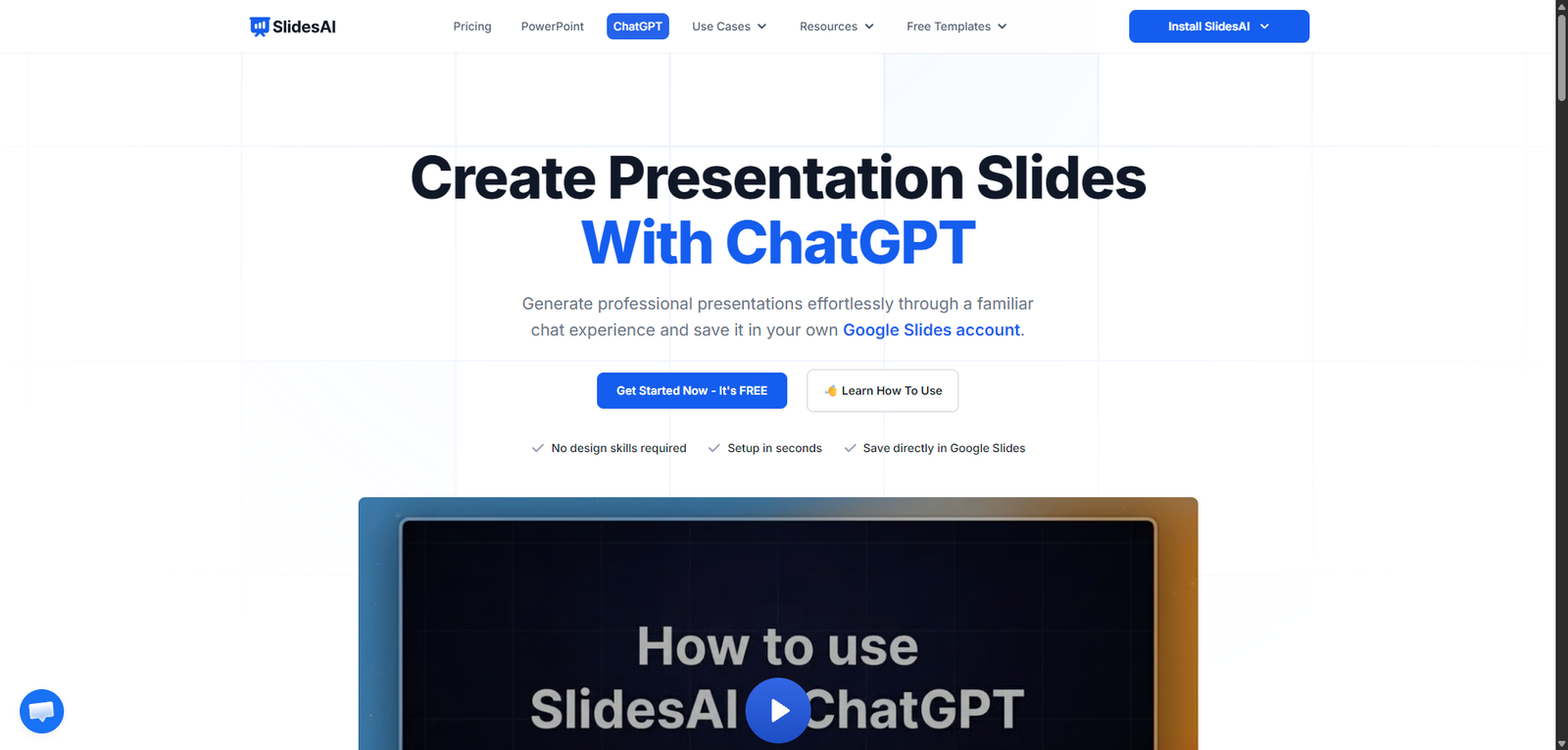
Works directly within Google Slides
Seamless workflow for users already using Google Workspace
No need for external tools
3. Customization Options
Edit generated slides easily
Adjust tone, length, and formatting
Tailor presentations to specific needs
4. AI Content Structuring
Breaks down content logically
Improves readability and flow
Reduces manual slide planning
5. Multi-Language Support
Create presentations in different languages
Useful for global teams and users
Supports localization
6. Design Simplification
Basic layouts and formatting included
Focus on clarity over complex design
Quick and clean presentation output
Use Cases
Business Presentations
Create pitch decks and reports
Save time on slide preparation
Improve productivity
Education & Training
Generate lecture slides
Create learning materials quickly
Support teachers and students
Content Repurposing
Convert blog posts or notes into slides
Reuse existing content
Improve content distribution
Internal Communication
Create team updates and reports
Share information clearly
Reduce manual formatting
Pros and Cons
Pros
Fast and efficient AI presentation generation
Seamless integration with Google Slides
Beginner-friendly and easy to use
Saves significant time on slide creation
Supports multiple languages
Cons
Limited advanced design capabilities
Output may require manual refinement
Not ideal for highly customized presentations
Design options less robust than competitors
Relies on Google Slides ecosystem
Feature Comparison
Feature
SlidesAI
Tome
Beautiful.ai
Text-to-Slides
Yes
Yes
Yes
Design Quality
Medium
High
High
Ease of Use
High
High
High
Customization
Medium
Medium
High
Integration
Google Slides
Standalone
Standalone
Alternatives
Tool
Best For
Key Difference
Tome
Storytelling presentations
More dynamic and visual
Beautiful.ai
Design-focused slides
Stronger design automation
Canva AI
Visual presentations
Broader design ecosystem
Gamma
AI docs + slides
More flexible formats
Verdict
SlidesAI is a practical and efficient AI presentation tool that excels at quickly converting text into structured slides, especially for users already working within Google Slides.
Its strengths include:
Speed and simplicity
Strong integration with Google Slides
Accessibility for non-designers
However, limitations include:
Basic design capabilities
Need for manual refinement for polished presentations
Limited advanced customization
Best suited for:
Students and educators
Business professionals
Users needing quick presentations
Not ideal for:
Design-heavy or high-end presentations
Creative professionals
Users requiring advanced visual customization
Rating
Category
Score
Features
4.2 / 5
Ease of Use
4.8 / 5
Design Quality
3.9 / 5
Pricing Value
4.5 / 5
Overall
4.3 / 5
FAQ
What is SlidesAI used for?
SlidesAI is used to convert text into presentation slides automatically.
Does SlidesAI work with Google Slides?
Yes, it integrates directly with Google Slides.
Is SlidesAI beginner-friendly?
Yes, it is designed for users with no design experience.
Can SlidesAI create full presentations?
Yes, it can generate complete slide decks from text input.
Who should use SlidesAI?
Students, professionals, and anyone needing quick presentations.