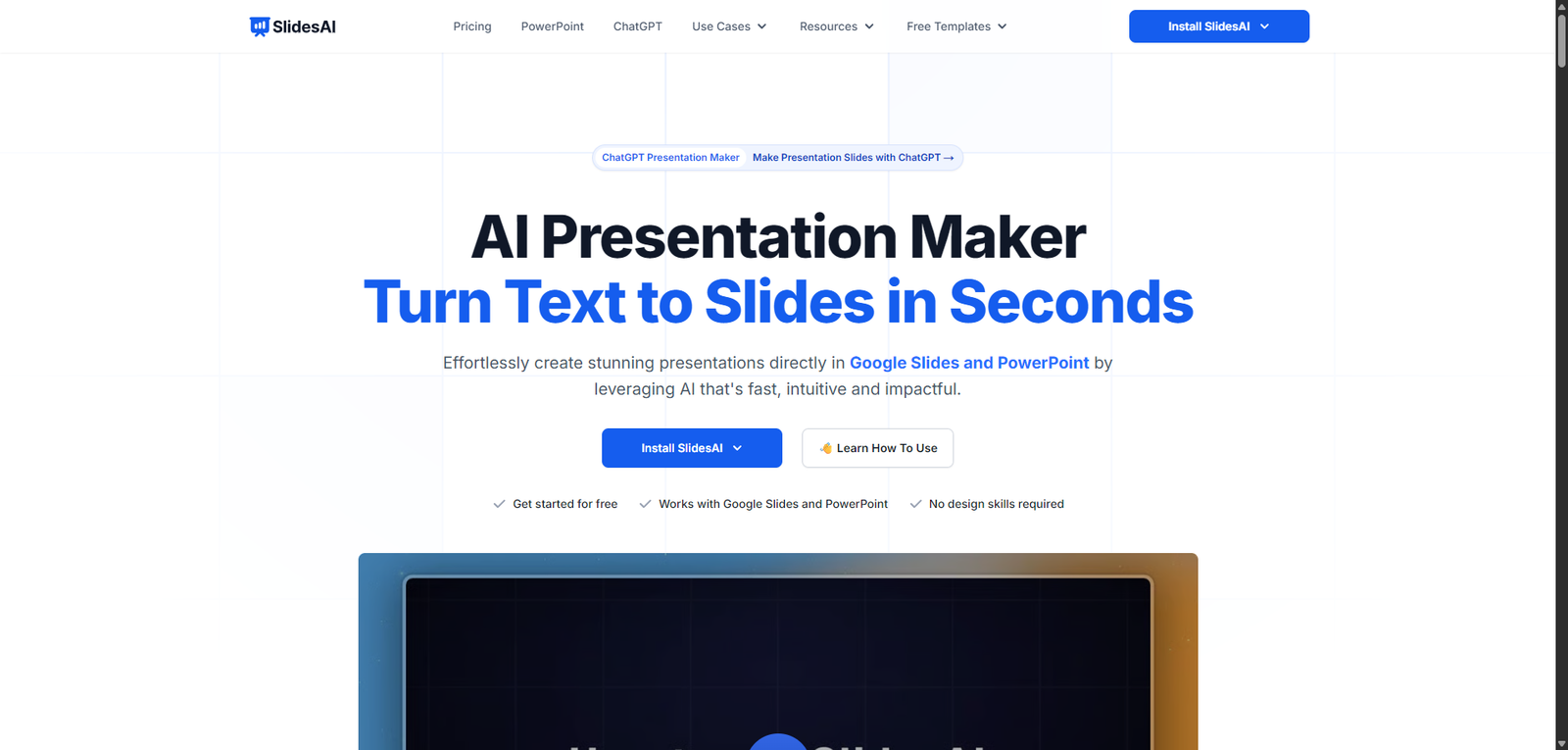
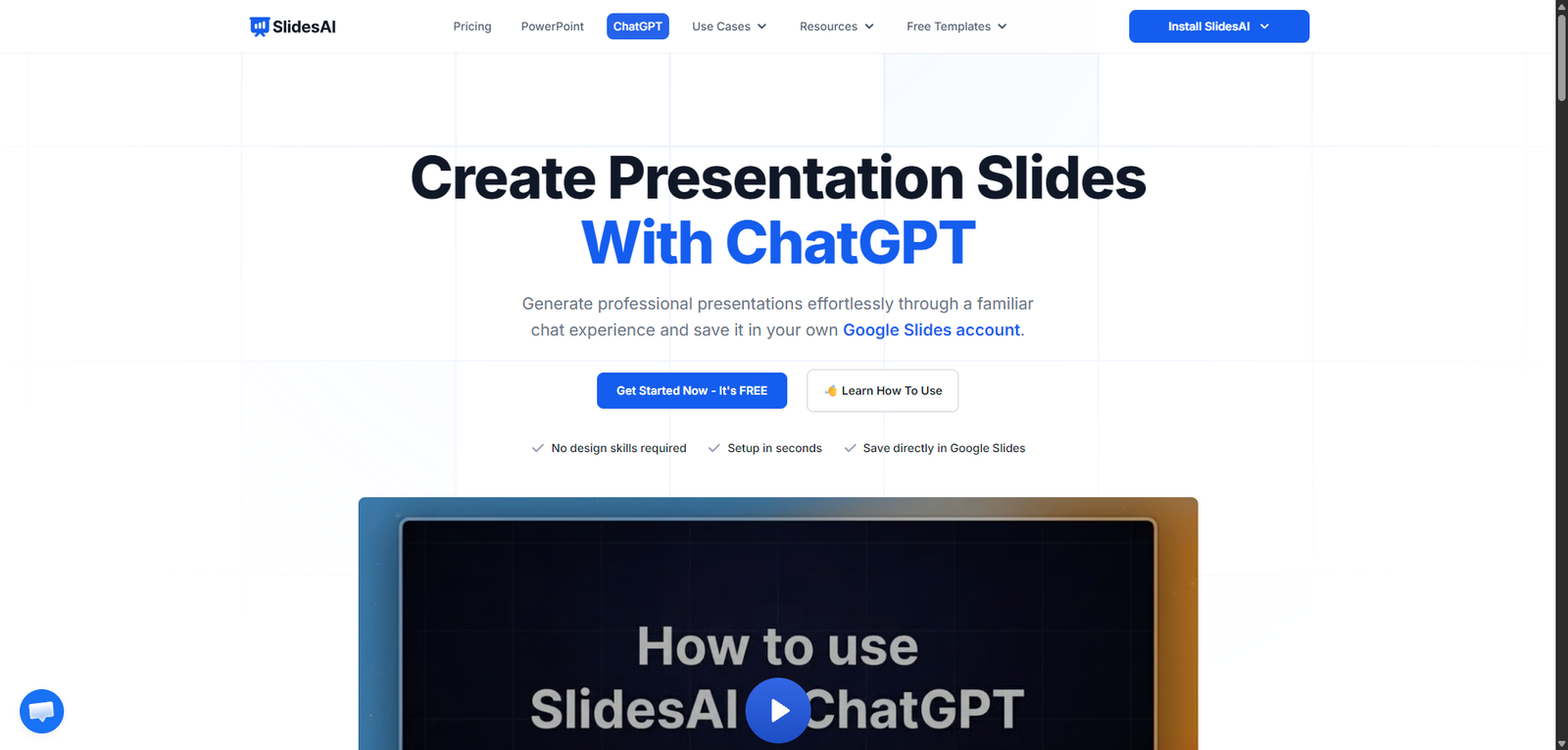
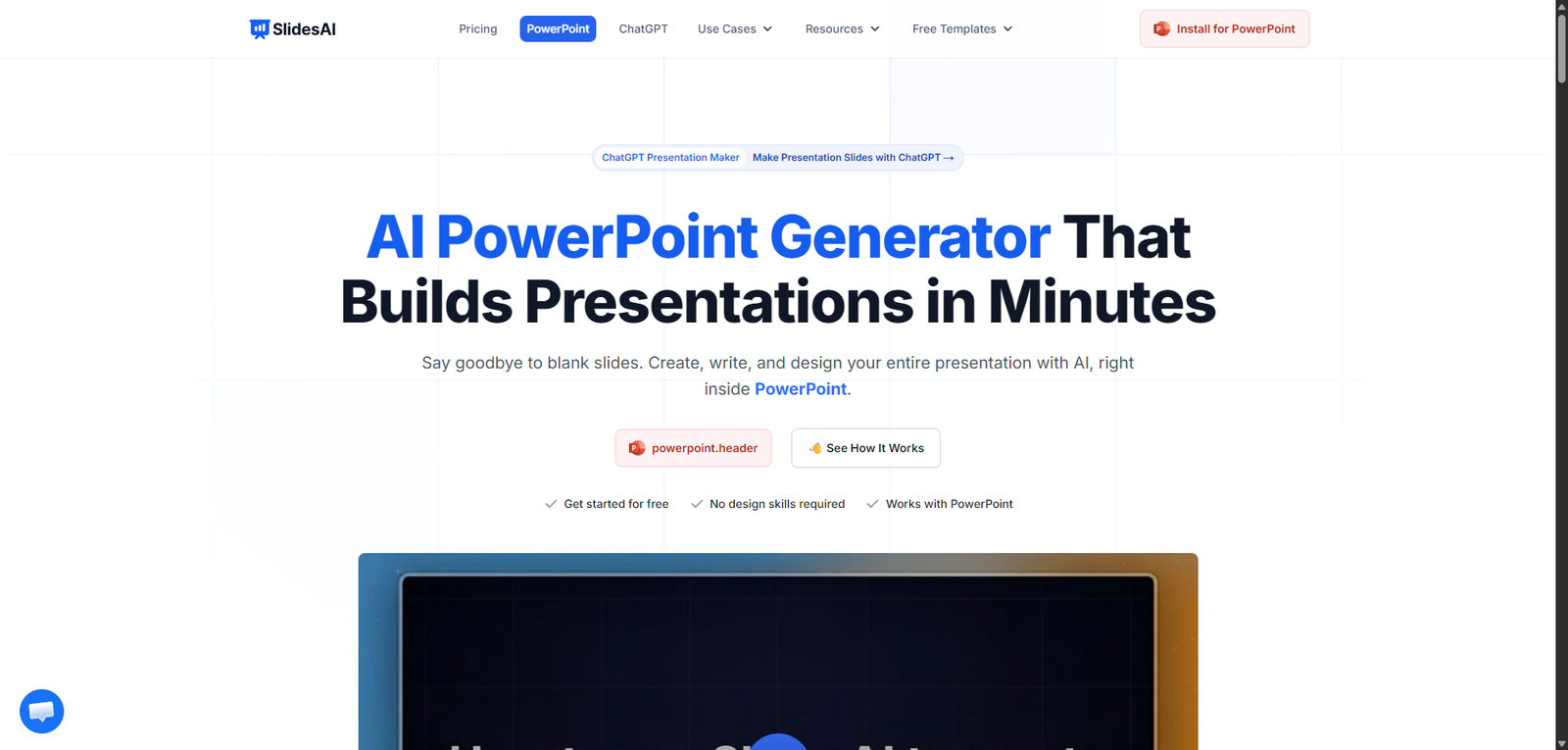





SlidesAI is a simple and effective AI presentation generator that helps users turn text into slides quickly. It is best suited for speed and convenience, especially within the Google Slides ecosystem, though advanced design needs may require additional tools.
SlidesAI Review (2026): AI Presentation Maker for Fast, Automated Slide Creation
Category: AI Presentation / Productivity
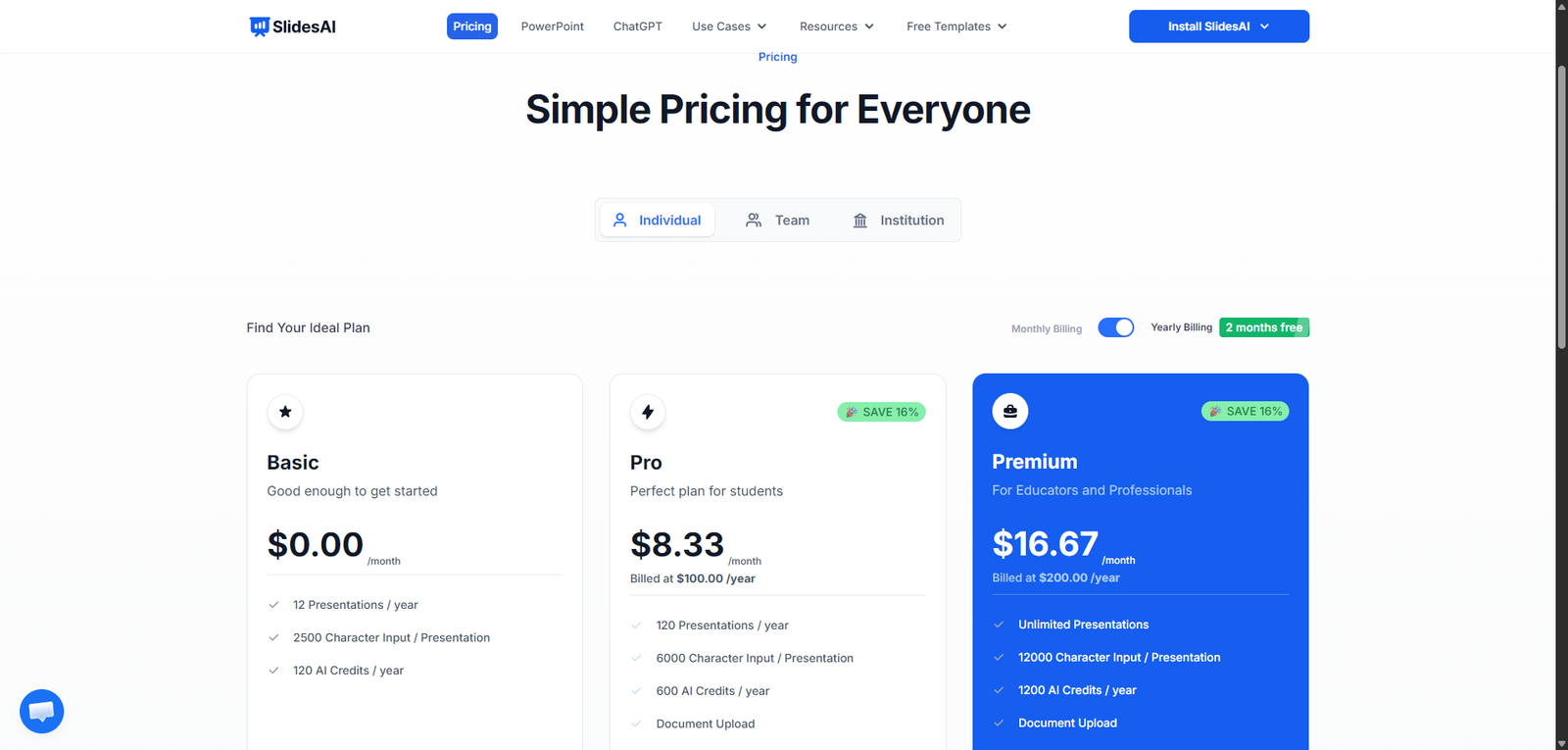
Pricing Snapshot
| Plan | Price | Notes |
|---|---|---|
| Free Plan | Available | Limited presentations and features |
| Pro Plan | From ~$10–$20/month | More slides and customization |
| Premium | Higher tiers | Advanced usage and priority features |
Pricing Transparency: High — clear tiered pricing model
Source Type
- Official product positioning and integrations
- AI presentation and productivity tool analysis
- Comparison with presentation automation platforms
Overview
SlidesAI is an AI-powered presentation generator that converts text into structured, visually formatted slides automatically, primarily designed for integration with Google Slides.
It enables users to:
- Turn text, notes, or documents into presentations
- Generate slide content and layouts instantly
- Reduce manual formatting and design work
- Create presentations quickly and efficiently
SlidesAI positions itself as a time-saving tool for presentation creation, especially useful for users who need to build slides quickly without design expertise.
Key Features
1. Text-to-Presentation Generation
- Convert text into structured slides
- Automatically organize content into sections
- Generate titles, bullet points, and layouts
2. Google Slides Integration
- Works directly within Google Slides
- Seamless workflow for users already using Google Workspace
- No need for external tools
3. Customization Options
- Edit generated slides easily
- Adjust tone, length, and formatting
- Tailor presentations to specific needs
4. AI Content Structuring
- Breaks down content logically
- Improves readability and flow
- Reduces manual slide planning
5. Multi-Language Support
- Create presentations in different languages
- Useful for global teams and users
- Supports localization
6. Design Simplification
- Basic layouts and formatting included
- Focus on clarity over complex design
- Quick and clean presentation output
Use Cases
Business Presentations
- Create pitch decks and reports
- Save time on slide preparation
- Improve productivity
Education & Training
- Generate lecture slides
- Create learning materials quickly
- Support teachers and students
Content Repurposing
- Convert blog posts or notes into slides
- Reuse existing content
- Improve content distribution
Internal Communication
- Create team updates and reports
- Share information clearly
- Reduce manual formatting
Pros and Cons
Pros
- Fast and efficient AI presentation generation
- Seamless integration with Google Slides
- Beginner-friendly and easy to use
- Saves significant time on slide creation
- Supports multiple languages
Cons
- Limited advanced design capabilities
- Output may require manual refinement
- Not ideal for highly customized presentations
- Design options less robust than competitors
- Relies on Google Slides ecosystem
Feature Comparison
| Feature | SlidesAI | Tome | Beautiful.ai |
|---|---|---|---|
| Text-to-Slides | Yes | Yes | Yes |
| Design Quality | Medium | High | High |
| Ease of Use | High | High | High |
| Customization | Medium | Medium | High |
| Integration | Google Slides | Standalone | Standalone |
Alternatives
| Tool | Best For | Key Difference |
|---|---|---|
| Tome | Storytelling presentations | More dynamic and visual |
| Beautiful.ai | Design-focused slides | Stronger design automation |
| Canva AI | Visual presentations | Broader design ecosystem |
| Gamma | AI docs + slides | More flexible formats |
Verdict
SlidesAI is a practical and efficient AI presentation tool that excels at quickly converting text into structured slides, especially for users already working within Google Slides.
Its strengths include:
- Speed and simplicity
- Strong integration with Google Slides
- Accessibility for non-designers
However, limitations include:
- Basic design capabilities
- Need for manual refinement for polished presentations
- Limited advanced customization
Best suited for:
- Students and educators
- Business professionals
- Users needing quick presentations
Not ideal for:
- Design-heavy or high-end presentations
- Creative professionals
- Users requiring advanced visual customization
Rating
| Category | Score |
|---|---|
| Features | 4.2 / 5 |
| Ease of Use | 4.8 / 5 |
| Design Quality | 3.9 / 5 |
| Pricing Value | 4.5 / 5 |
| Overall | 4.3 / 5 |
FAQ
What is SlidesAI used for?
SlidesAI is used to convert text into presentation slides automatically.
Does SlidesAI work with Google Slides?
Yes, it integrates directly with Google Slides.
Is SlidesAI beginner-friendly?
Yes, it is designed for users with no design experience.
Can SlidesAI create full presentations?
Yes, it can generate complete slide decks from text input.
Who should use SlidesAI?
Students, professionals, and anyone needing quick presentations.