




Stay Updated with the Latest AI Agent Insights

Join 24,000+ AI enthusiasts and professionals

Discover the newest AI agents, tools, and automation trends shaping the future of work. From powerful agent builders to cutting-edge workflow automation, we break down what matters so you can stay ahead.

Get expert insights, tool comparisons, and curated recommendations—all in one place.

FYLM.ai Review
FYLM.ai Review
  1. FYLM.ai Review
  2. FYLM.ai Review

FYLM.ai Review

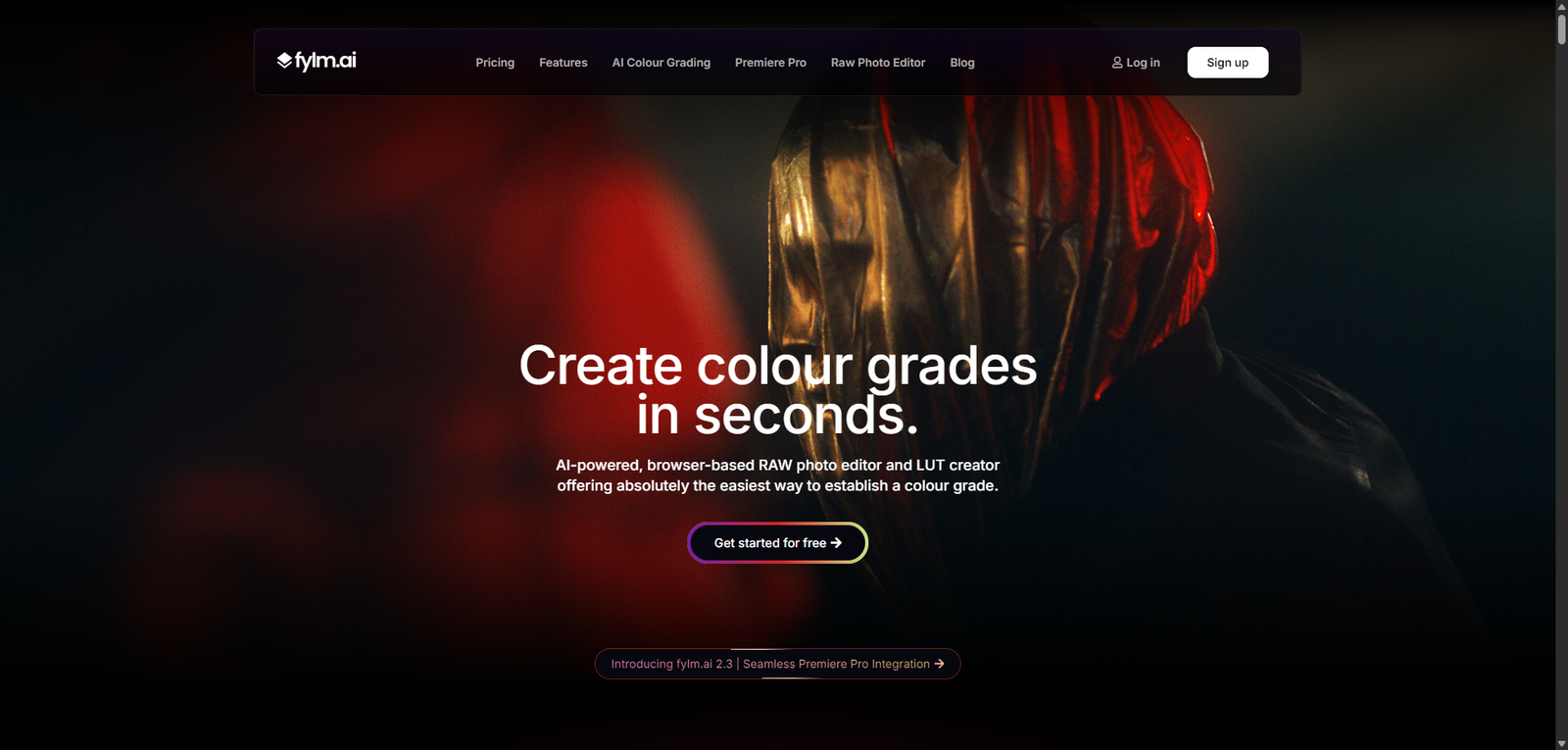
FYLM.ai is an AI image editing tool focused on color grading and LUT creation, helping creators produce cinematic visuals quickly and efficiently.

  • Overall
4.4/5Overall Score

FYLM.ai is a specialized AI image editing platform that excels in color grading and cinematic visuals, offering a strong balance between automation and control. It is best suited for users who prioritize aesthetic quality and efficient workflows, while advanced editing needs may require additional tools.

FYLM.ai Review (2026): AI Image Editing & Color Grading Platform for Creators

Category: AI Image Editing / Photo Enhancement


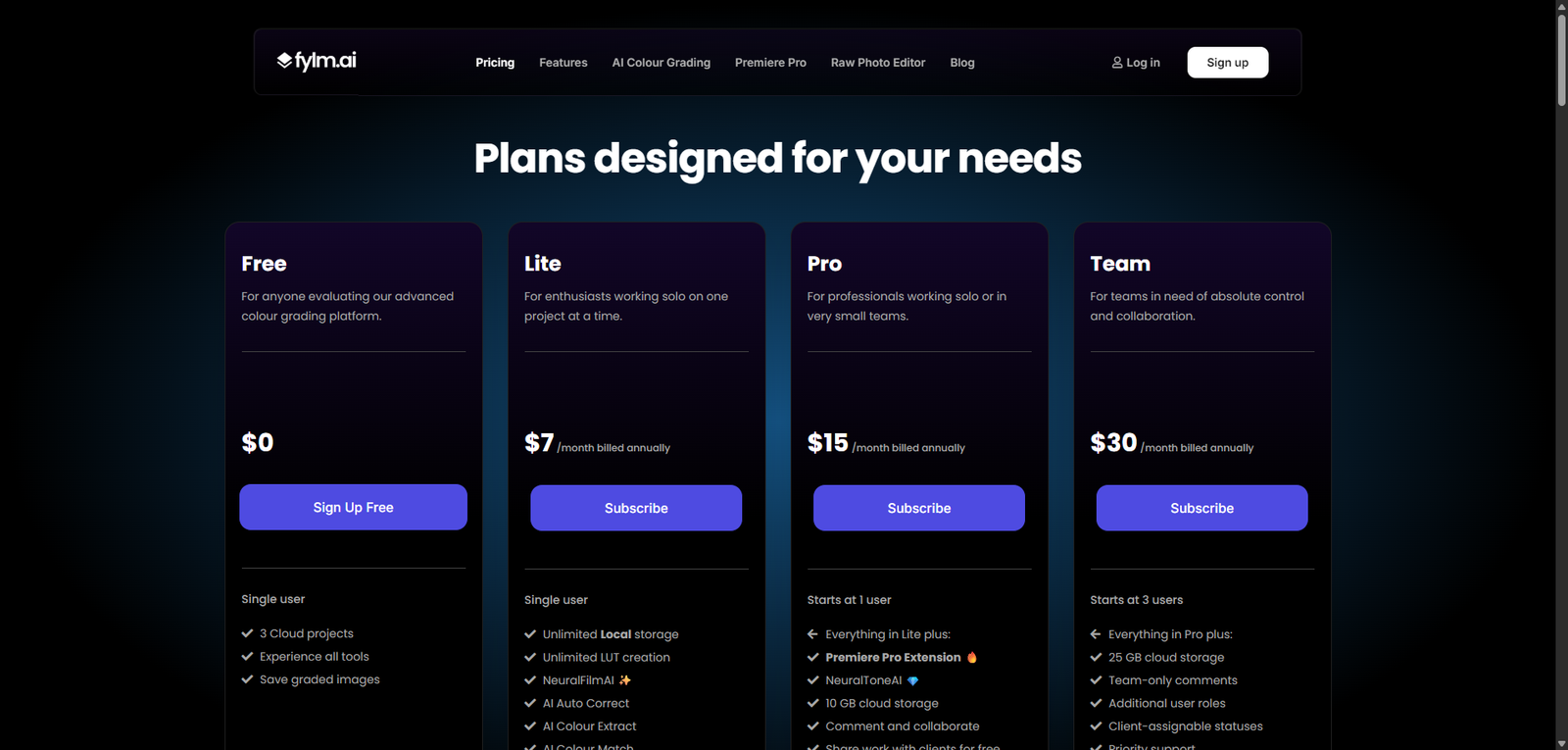
Pricing Snapshot

PlanPriceNotes
Free TrialAvailableLimited exports and features
Paid PlansFrom ~$10–$30/month (estimated)Full access to editing tools
Pro / StudioCustomAdvanced workflows and higher limits

Pricing Transparency: Medium — basic pricing visible, advanced tiers vary


Source Type

  • Product positioning and feature analysis
  • AI image editing and color grading trends
  • Comparison with photo editing and LUT tools

Overview

FYLM.ai is an AI-powered image editing and color grading platform designed to help creators enhance photos with cinematic styles, advanced color controls, and automated adjustments. It focuses on simplifying complex editing workflows while still offering professional-grade results.

The platform is built for:

  • Photo enhancement and correction
  • Color grading and LUT creation
  • Visual storytelling and cinematic looks
  • Fast and scalable editing workflows

FYLM.ai positions itself as a hybrid tool between traditional photo editors and AI-powered automation, appealing to both beginners and advanced users.


Key Features

1. AI-Powered Image Enhancement

  • Automatically adjust exposure, contrast, and colors
  • Improve image quality with minimal effort
  • দ্রুত editing workflows

2. Advanced Color Grading

  • Fine-tune color tones and balance
  • Create cinematic looks
  • Apply professional-grade color adjustments

3. LUT Creation & Export

  • Generate custom LUTs (Look-Up Tables)
  • Export for use in video and photo tools
  • Maintain consistent visual style

4. Layer-Based Editing

  • Apply adjustments non-destructively
  • Combine multiple effects
  • Maintain editing flexibility

5. Presets & Filters

  • Use pre-built styles for quick edits
  • Create and save custom presets
  • Speed up repetitive workflows

6. Web-Based Platform

  • No installation required
  • Access from any device
  • Simplified workflow management

Use Cases

Photography Editing

  • Enhance photos quickly
  • Apply cinematic color grading
  • Improve visual quality

Content Creation

  • Create visually appealing images for social media
  • Maintain consistent branding
  • Speed up content production

Video Color Grading Support

  • Generate LUTs for video editing
  • Match photo and video styles
  • Improve production quality

Creative Projects

  • Experiment with visual styles
  • Build unique aesthetics
  • Support artistic workflows

Pros and Cons

Pros

  • Strong AI-assisted color grading and editing
  • LUT creation adds professional flexibility
  • Web-based and easy to access
  • Suitable for both beginners and advanced users
  • Fast and efficient workflow

Cons

  • Pricing not fully transparent
  • Less comprehensive than full photo editors like Photoshop
  • Requires understanding of color grading for best results
  • Limited ecosystem compared to established tools
  • Performance depends on browser and internet

Feature Comparison

FeatureFYLM.aiLightroomCanva AI
AI EnhancementYesYesYes
Color GradingHighHighMedium
LUT ExportYesLimitedNo
Ease of UseMediumMediumHigh
Professional ControlMedium-HighHighLow

Alternatives

ToolBest ForKey Difference
Adobe LightroomPhoto editingMore advanced ecosystem
PhotoshopAdvanced editingFull creative control
Canva AIQuick design editsSimpler but less powerful
Luminar NeoAI photo editingStrong automation features

Verdict

FYLM.ai is a powerful AI image editing tool with a strong focus on color grading and cinematic visuals, making it a great option for creators who want professional-looking results without complex workflows.

Its strengths include:

  • Advanced color grading capabilities
  • LUT creation and export
  • Efficient AI-assisted editing

However, limitations include:

  • Not as feature-rich as full professional editors
  • Learning curve for color grading
  • Pricing clarity issues

Best suited for:

  • Photographers and content creators
  • Video editors needing LUTs
  • Users focused on visual aesthetics

Not ideal for:

  • Full professional photo editing workflows
  • Heavy compositing or design tasks
  • Beginners needing ultra-simple tools

Rating

CategoryScore
Features4.4 / 5
Ease of Use4.2 / 5
Color Grading4.7 / 5
Pricing Transparency3.2 / 5
Overall4.4 / 5

FAQ

What is FYLM.ai used for?

FYLM.ai is used for AI-powered image editing and color grading.

Does FYLM.ai support LUTs?

Yes, it allows users to create and export LUTs.

Is FYLM.ai beginner-friendly?

It is moderately beginner-friendly but benefits from some editing knowledge.

Can FYLM.ai replace Photoshop?

No, it focuses more on color grading than full image manipulation.

Who should use FYLM.ai?

Photographers, creators, and video editors.


Share your love
AI AGENT
AI AGENT
Articles: 131

Leave a Reply

Your email address will not be published. Required fields are marked *