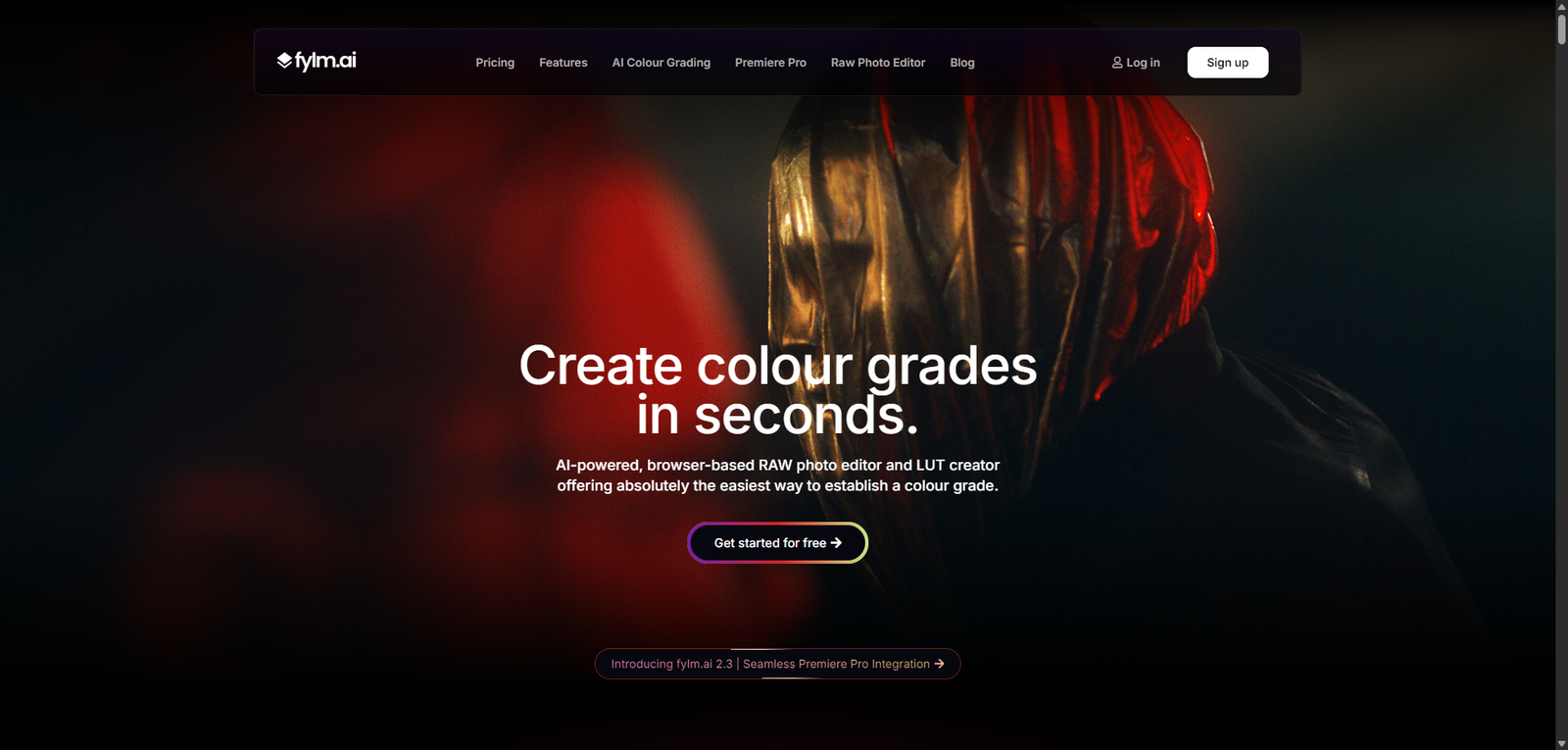
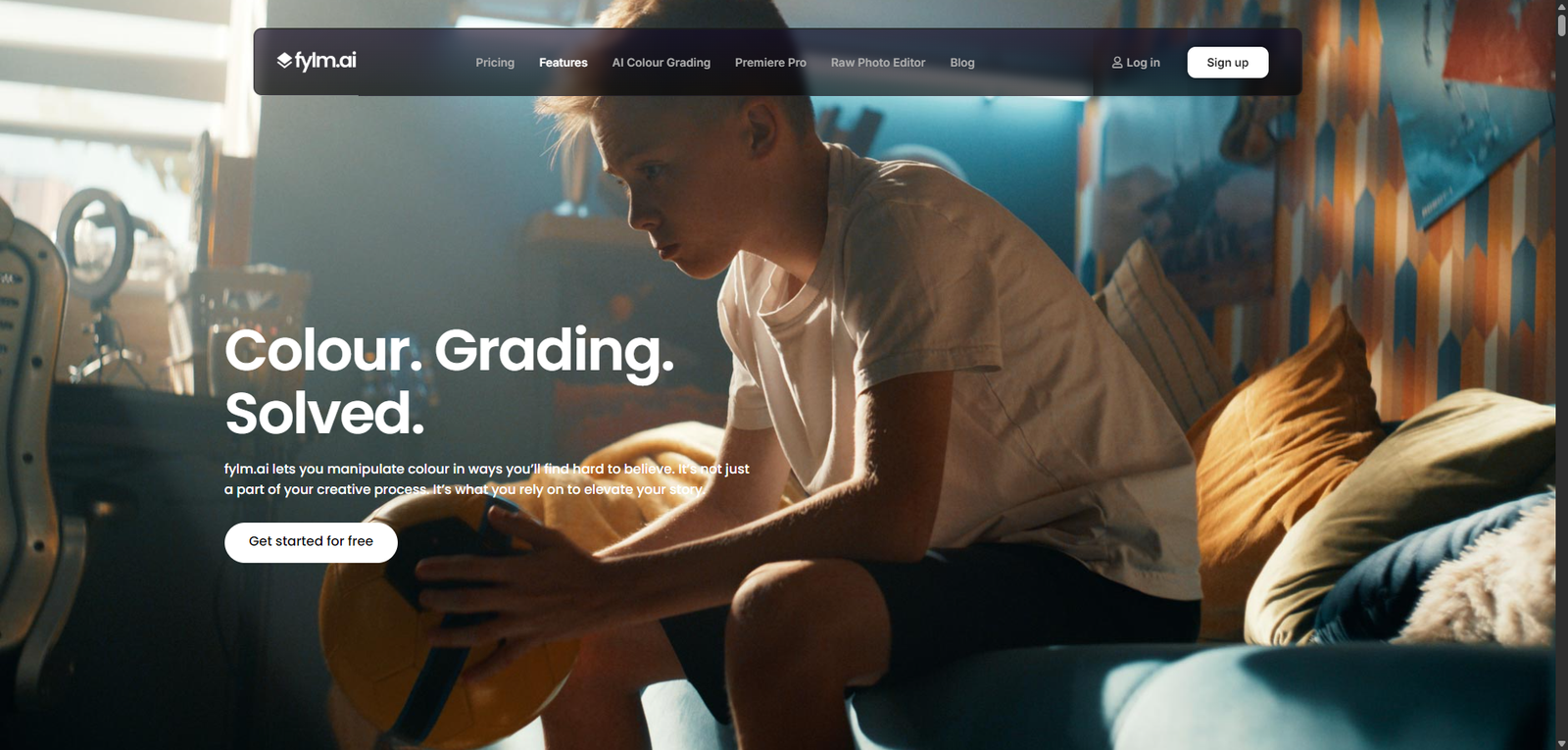




FYLM.ai is a specialized AI image editing platform that excels in color grading and cinematic visuals, offering a strong balance between automation and control. It is best suited for users who prioritize aesthetic quality and efficient workflows, while advanced editing needs may require additional tools.
Category: AI Image Editing / Photo Enhancement
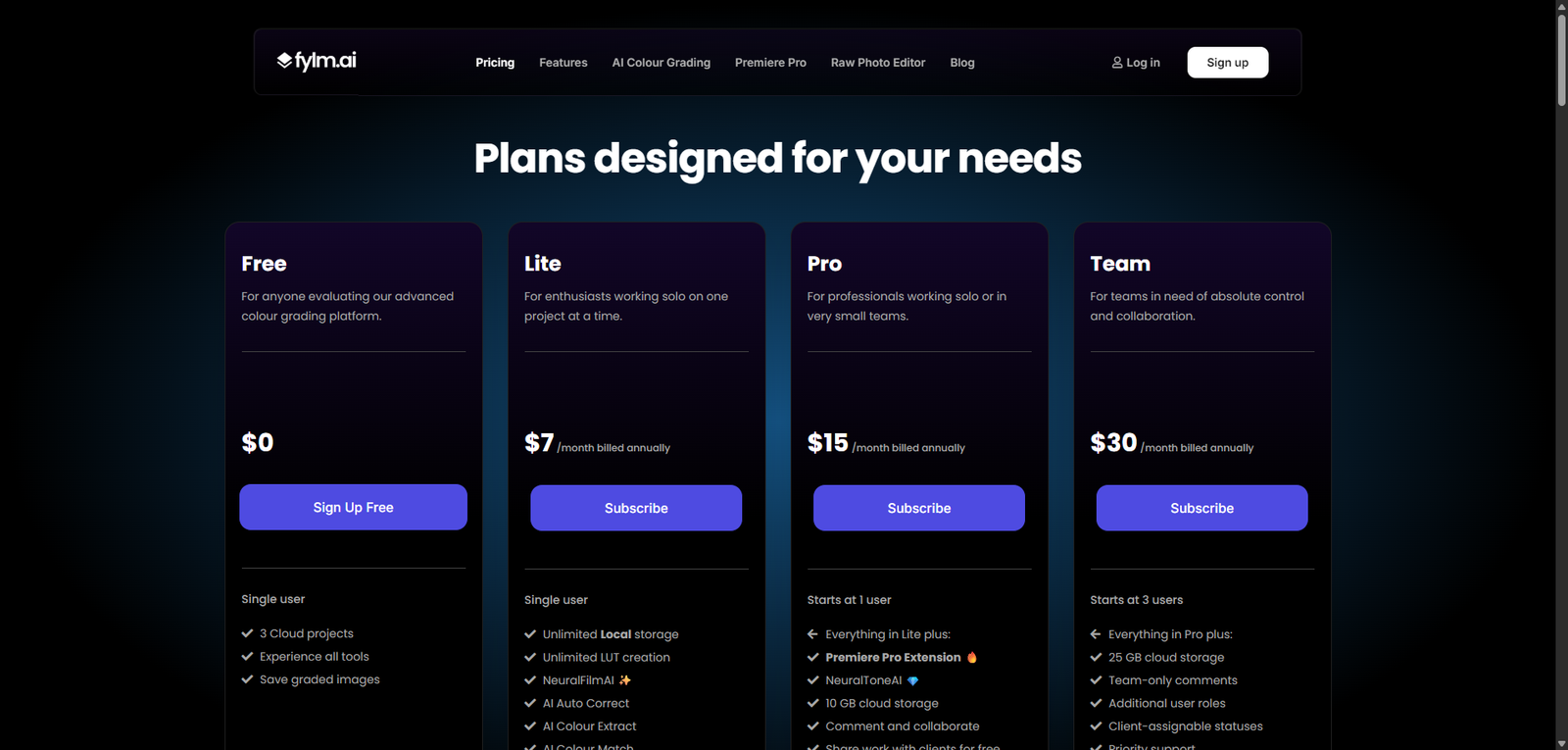
Pricing Snapshot
| Plan | Price | Notes |
|---|---|---|
| Free Trial | Available | Limited exports and features |
| Paid Plans | From ~$10–$30/month (estimated) | Full access to editing tools |
| Pro / Studio | Custom | Advanced workflows and higher limits |
Pricing Transparency: Medium — basic pricing visible, advanced tiers vary
Source Type
- Product positioning and feature analysis
- AI image editing and color grading trends
- Comparison with photo editing and LUT tools
Overview
FYLM.ai is an AI-powered image editing and color grading platform designed to help creators enhance photos with cinematic styles, advanced color controls, and automated adjustments. It focuses on simplifying complex editing workflows while still offering professional-grade results.
The platform is built for:
- Photo enhancement and correction
- Color grading and LUT creation
- Visual storytelling and cinematic looks
- Fast and scalable editing workflows
FYLM.ai positions itself as a hybrid tool between traditional photo editors and AI-powered automation, appealing to both beginners and advanced users.
Key Features
1. AI-Powered Image Enhancement
- Automatically adjust exposure, contrast, and colors
- Improve image quality with minimal effort
- দ্রুত editing workflows
2. Advanced Color Grading
- Fine-tune color tones and balance
- Create cinematic looks
- Apply professional-grade color adjustments
3. LUT Creation & Export
- Generate custom LUTs (Look-Up Tables)
- Export for use in video and photo tools
- Maintain consistent visual style
4. Layer-Based Editing
- Apply adjustments non-destructively
- Combine multiple effects
- Maintain editing flexibility
5. Presets & Filters
- Use pre-built styles for quick edits
- Create and save custom presets
- Speed up repetitive workflows
6. Web-Based Platform
- No installation required
- Access from any device
- Simplified workflow management
Use Cases
Photography Editing
- Enhance photos quickly
- Apply cinematic color grading
- Improve visual quality
Content Creation
- Create visually appealing images for social media
- Maintain consistent branding
- Speed up content production
Video Color Grading Support
- Generate LUTs for video editing
- Match photo and video styles
- Improve production quality
Creative Projects
- Experiment with visual styles
- Build unique aesthetics
- Support artistic workflows
Pros and Cons
Pros
- Strong AI-assisted color grading and editing
- LUT creation adds professional flexibility
- Web-based and easy to access
- Suitable for both beginners and advanced users
- Fast and efficient workflow
Cons
- Pricing not fully transparent
- Less comprehensive than full photo editors like Photoshop
- Requires understanding of color grading for best results
- Limited ecosystem compared to established tools
- Performance depends on browser and internet
Feature Comparison
| Feature | FYLM.ai | Lightroom | Canva AI |
|---|---|---|---|
| AI Enhancement | Yes | Yes | Yes |
| Color Grading | High | High | Medium |
| LUT Export | Yes | Limited | No |
| Ease of Use | Medium | Medium | High |
| Professional Control | Medium-High | High | Low |
Alternatives
| Tool | Best For | Key Difference |
|---|---|---|
| Adobe Lightroom | Photo editing | More advanced ecosystem |
| Photoshop | Advanced editing | Full creative control |
| Canva AI | Quick design edits | Simpler but less powerful |
| Luminar Neo | AI photo editing | Strong automation features |
Verdict
FYLM.ai is a powerful AI image editing tool with a strong focus on color grading and cinematic visuals, making it a great option for creators who want professional-looking results without complex workflows.
Its strengths include:
- Advanced color grading capabilities
- LUT creation and export
- Efficient AI-assisted editing
However, limitations include:
- Not as feature-rich as full professional editors
- Learning curve for color grading
- Pricing clarity issues
Best suited for:
- Photographers and content creators
- Video editors needing LUTs
- Users focused on visual aesthetics
Not ideal for:
- Full professional photo editing workflows
- Heavy compositing or design tasks
- Beginners needing ultra-simple tools
Rating
| Category | Score |
|---|---|
| Features | 4.4 / 5 |
| Ease of Use | 4.2 / 5 |
| Color Grading | 4.7 / 5 |
| Pricing Transparency | 3.2 / 5 |
| Overall | 4.4 / 5 |
FAQ
What is FYLM.ai used for?
FYLM.ai is used for AI-powered image editing and color grading.
Does FYLM.ai support LUTs?
Yes, it allows users to create and export LUTs.
Is FYLM.ai beginner-friendly?
It is moderately beginner-friendly but benefits from some editing knowledge.
Can FYLM.ai replace Photoshop?
No, it focuses more on color grading than full image manipulation.
Who should use FYLM.ai?
Photographers, creators, and video editors.