



Discover the newest AI agents, tools, and automation trends shaping the future of work. From powerful agent builders to cutting-edge workflow automation, we break down what matters so you can stay ahead.
Get expert insights, tool comparisons, and curated recommendations—all in one place.
Lunacy is a free graphic design tool with AI features and offline support, making it a powerful alternative to Figma and Sketch for designers and freelancers.
Lunacy is a feature-rich, free graphic design tool that combines offline functionality, built-in assets, and AI-powered features. It offers strong value for individual designers and small teams, though larger organizations may still prefer more collaborative platforms.
Lunacy Review (2026): Free Graphic Design Software with Built-In AI Tools
Category: Graphic Design / UI & UX Design
Pricing Snapshot
Plan
Price
Notes
Free Plan
Free
Full access to core features
Paid Assets
Optional
Icons, illustrations, and resources
Enterprise
Custom
Team collaboration and scaling
Pricing Transparency: High — core software is free with optional paid assets
Source Type
Official product documentation and features
Graphic design and UI/UX tool analysis
Comparison with design platforms like Figma and Sketch
Overview
Lunacy is a free graphic design and UI/UX design tool developed by Icons8, offering a powerful alternative to tools like Sketch and Figma with built-in AI features. It enables designers to create interfaces, graphics, and prototypes without relying on cloud-based platforms.
The platform focuses on:
Offline-first design workflows
Built-in design assets and UI kits
AI-powered tools for automation
Compatibility with Sketch files
Lunacy positions itself as a lightweight yet capable design tool, especially appealing to users who want free access and offline functionality.
Key Features
1. Full Graphic & UI Design Suite
Create UI/UX designs, wireframes, and graphics
Vector editing tools and layout controls
Suitable for both web and app design
2. Offline Functionality
Works without internet connection
No dependency on cloud services
Faster performance for local workflows
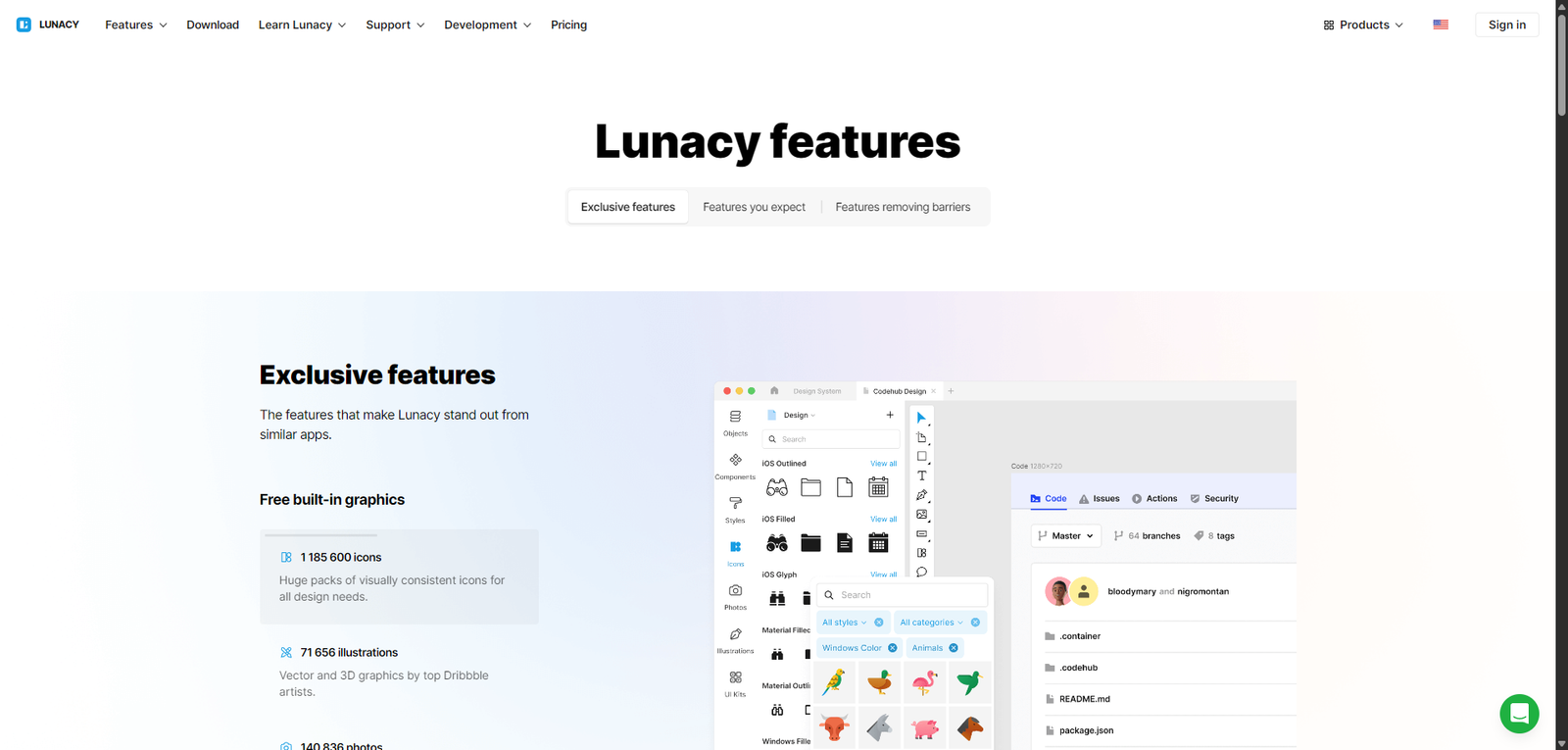
3. Built-In Assets Library
Access icons, illustrations, and photos
Reduce need for external resources
Speed up design workflows
4. AI-Powered Tools
Background remover
Image upscaler
Avatar and text generation tools
Automate repetitive design tasks
5. Sketch File Compatibility
Open and edit Sketch files
Seamless transition for Sketch users
Cross-platform flexibility
6. Collaboration Features
Share designs with team members
Basic cloud collaboration
Version control support
Use Cases
UI/UX Design
Design mobile apps and websites
Create wireframes and prototypes
Build user interfaces efficiently
Graphic Design
Create social media graphics
Design marketing materials
Produce visual assets
Freelancers & Designers
Use a free alternative to premium tools
Work offline without restrictions
Deliver client projects
Students & Beginners
Learn design without paying for software
Access built-in assets
Practice UI/UX workflows
Pros and Cons
Pros
Completely free graphic design software
Works offline (unique advantage)
Built-in assets reduce external dependencies
AI tools enhance productivity
Compatible with Sketch files
Cons
Collaboration features less advanced than competitors
Smaller ecosystem compared to Figma
Limited plugin support
Not as widely adopted in teams
UI may feel less polished than premium tools
Feature Comparison
Feature
Lunacy
Figma
Sketch
Free Plan
Yes
Yes
No
Offline Mode
Yes
Limited
Yes
Collaboration
Medium
High
Medium
AI Tools
Yes
Limited
Limited
Plugin Ecosystem
Limited
Extensive
Medium
Alternatives
Tool
Best For
Key Difference
Figma
Team collaboration
Strong cloud-based workflows
Sketch
macOS UI design
Industry standard for Apple users
Adobe XD
Prototyping
Integrated Adobe ecosystem
Canva
Simple design
Easier but less powerful
Verdict
Lunacy is a powerful and accessible graphic design tool that stands out for being completely free and offline-capable, while still offering modern features like AI tools and built-in assets.
Its strengths include:
Free access to full design functionality
Offline usability
Built-in resources and AI tools
However, limitations include:
Less mature collaboration features
Smaller ecosystem compared to competitors
Limited plugin support
Best suited for:
Freelancers and independent designers
Students and beginners
Users needing offline design tools
Not ideal for:
Large teams requiring real-time collaboration
Users relying heavily on plugins
Enterprise-level design workflows
Rating
Category
Score
Features
4.4 / 5
Ease of Use
4.5 / 5
Collaboration
3.9 / 5
Pricing Value
4.9 / 5
Overall
4.4 / 5
FAQ
What is Lunacy used for?
Lunacy is used for graphic design, UI/UX design, and creating digital assets.
Is Lunacy really free?
Yes, the core software is free, with optional paid assets.
Does Lunacy work offline?
Yes, it is designed to work without an internet connection.
Can Lunacy open Sketch files?
Yes, it supports Sketch file compatibility.
Who should use Lunacy?
Designers, freelancers, students, and anyone looking for a free design tool.