

Lunacy is a feature-rich, free graphic design tool that combines offline functionality, built-in assets, and AI-powered features. It offers strong value for individual designers and small teams, though larger organizations may still prefer more collaborative platforms.
Category: Graphic Design / UI & UX Design
Pricing Snapshot
| Plan | Price | Notes |
|---|---|---|
| Free Plan | Free | Full access to core features |
| Paid Assets | Optional | Icons, illustrations, and resources |
| Enterprise | Custom | Team collaboration and scaling |
Pricing Transparency: High — core software is free with optional paid assets
Source Type
- Official product documentation and features
- Graphic design and UI/UX tool analysis
- Comparison with design platforms like Figma and Sketch
Overview
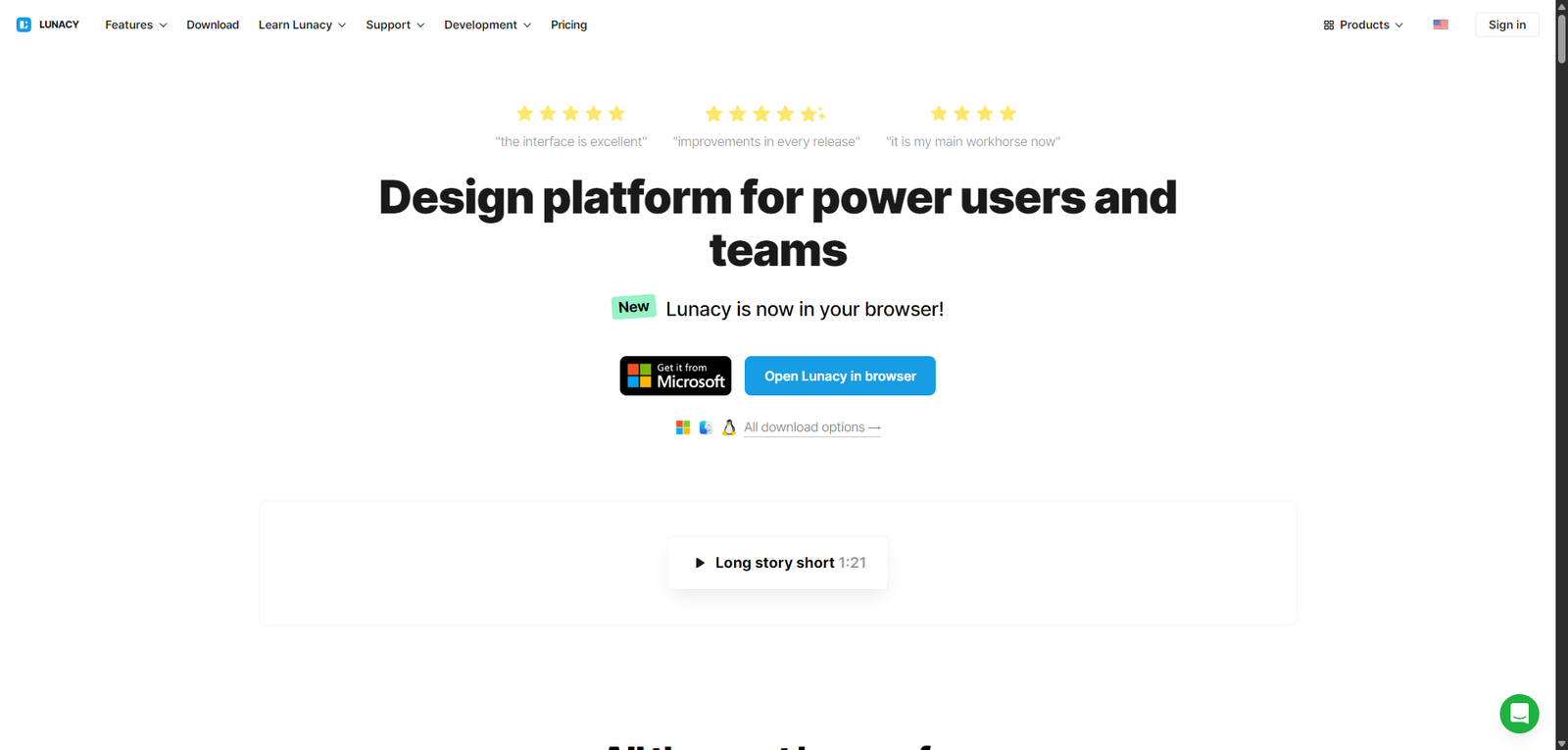
Lunacy is a free graphic design and UI/UX design tool developed by Icons8, offering a powerful alternative to tools like Sketch and Figma with built-in AI features. It enables designers to create interfaces, graphics, and prototypes without relying on cloud-based platforms.
The platform focuses on:
- Offline-first design workflows
- Built-in design assets and UI kits
- AI-powered tools for automation
- Compatibility with Sketch files
Lunacy positions itself as a lightweight yet capable design tool, especially appealing to users who want free access and offline functionality.
Key Features
1. Full Graphic & UI Design Suite
- Create UI/UX designs, wireframes, and graphics
- Vector editing tools and layout controls
- Suitable for both web and app design
2. Offline Functionality
- Works without internet connection
- No dependency on cloud services
- Faster performance for local workflows
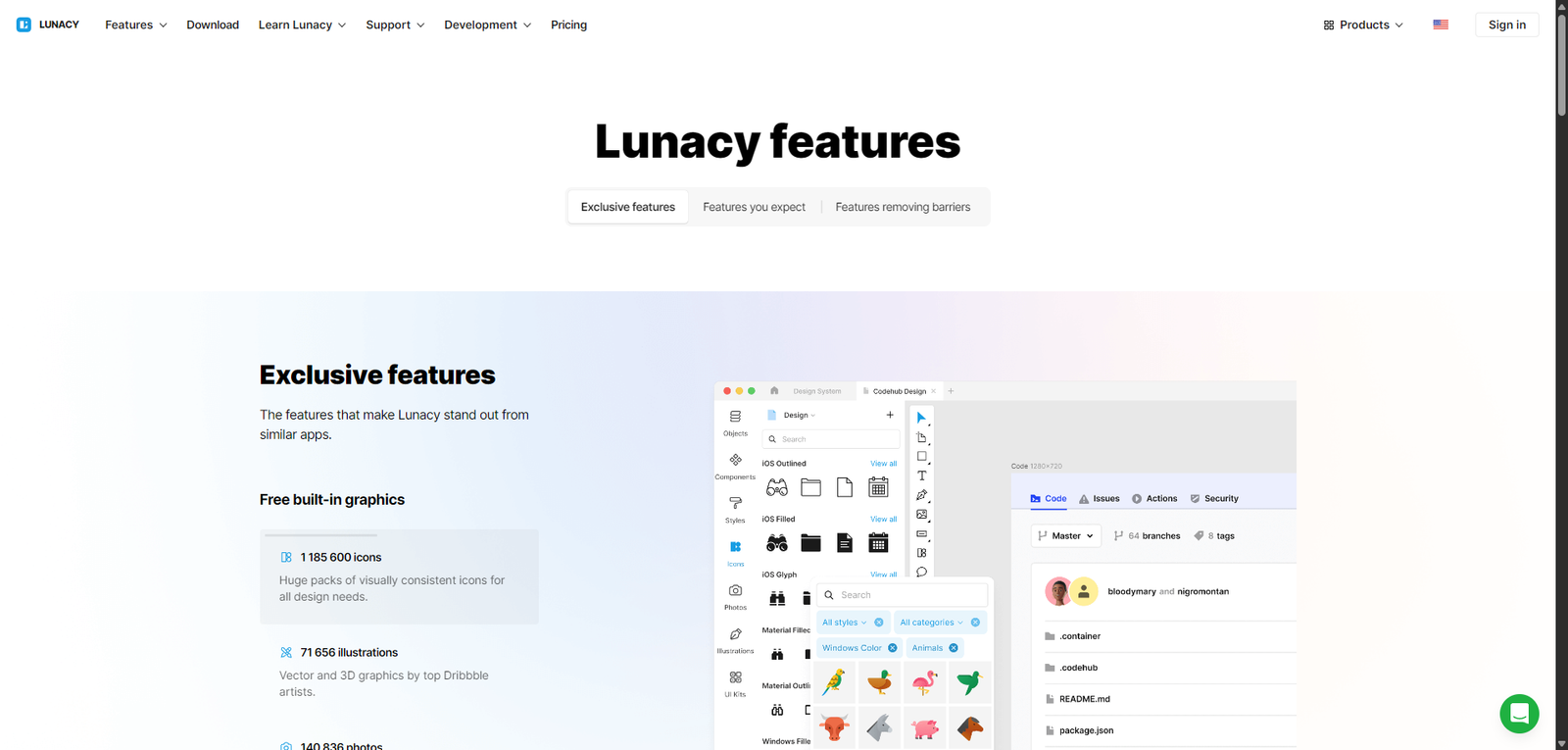
3. Built-In Assets Library
- Access icons, illustrations, and photos
- Reduce need for external resources
- Speed up design workflows
4. AI-Powered Tools
- Background remover
- Image upscaler
- Avatar and text generation tools
- Automate repetitive design tasks
5. Sketch File Compatibility
- Open and edit Sketch files
- Seamless transition for Sketch users
- Cross-platform flexibility
6. Collaboration Features
- Share designs with team members
- Basic cloud collaboration
- Version control support
Use Cases
UI/UX Design
- Design mobile apps and websites
- Create wireframes and prototypes
- Build user interfaces efficiently
Graphic Design
- Create social media graphics
- Design marketing materials
- Produce visual assets
Freelancers & Designers
- Use a free alternative to premium tools
- Work offline without restrictions
- Deliver client projects
Students & Beginners
- Learn design without paying for software
- Access built-in assets
- Practice UI/UX workflows
Pros and Cons
Pros
- Completely free graphic design software
- Works offline (unique advantage)
- Built-in assets reduce external dependencies
- AI tools enhance productivity
- Compatible with Sketch files
Cons
- Collaboration features less advanced than competitors
- Smaller ecosystem compared to Figma
- Limited plugin support
- Not as widely adopted in teams
- UI may feel less polished than premium tools
Feature Comparison
| Feature | Lunacy | Figma | Sketch |
|---|---|---|---|
| Free Plan | Yes | Yes | No |
| Offline Mode | Yes | Limited | Yes |
| Collaboration | Medium | High | Medium |
| AI Tools | Yes | Limited | Limited |
| Plugin Ecosystem | Limited | Extensive | Medium |
Alternatives
| Tool | Best For | Key Difference |
|---|---|---|
| Figma | Team collaboration | Strong cloud-based workflows |
| Sketch | macOS UI design | Industry standard for Apple users |
| Adobe XD | Prototyping | Integrated Adobe ecosystem |
| Canva | Simple design | Easier but less powerful |
Verdict
Lunacy is a powerful and accessible graphic design tool that stands out for being completely free and offline-capable, while still offering modern features like AI tools and built-in assets.
Its strengths include:
- Free access to full design functionality
- Offline usability
- Built-in resources and AI tools
However, limitations include:
- Less mature collaboration features
- Smaller ecosystem compared to competitors
- Limited plugin support
Best suited for:
- Freelancers and independent designers
- Students and beginners
- Users needing offline design tools
Not ideal for:
- Large teams requiring real-time collaboration
- Users relying heavily on plugins
- Enterprise-level design workflows
Rating
| Category | Score |
|---|---|
| Features | 4.4 / 5 |
| Ease of Use | 4.5 / 5 |
| Collaboration | 3.9 / 5 |
| Pricing Value | 4.9 / 5 |
| Overall | 4.4 / 5 |
FAQ
What is Lunacy used for?
Lunacy is used for graphic design, UI/UX design, and creating digital assets.
Is Lunacy really free?
Yes, the core software is free, with optional paid assets.
Does Lunacy work offline?
Yes, it is designed to work without an internet connection.
Can Lunacy open Sketch files?
Yes, it supports Sketch file compatibility.
Who should use Lunacy?
Designers, freelancers, students, and anyone looking for a free design tool.