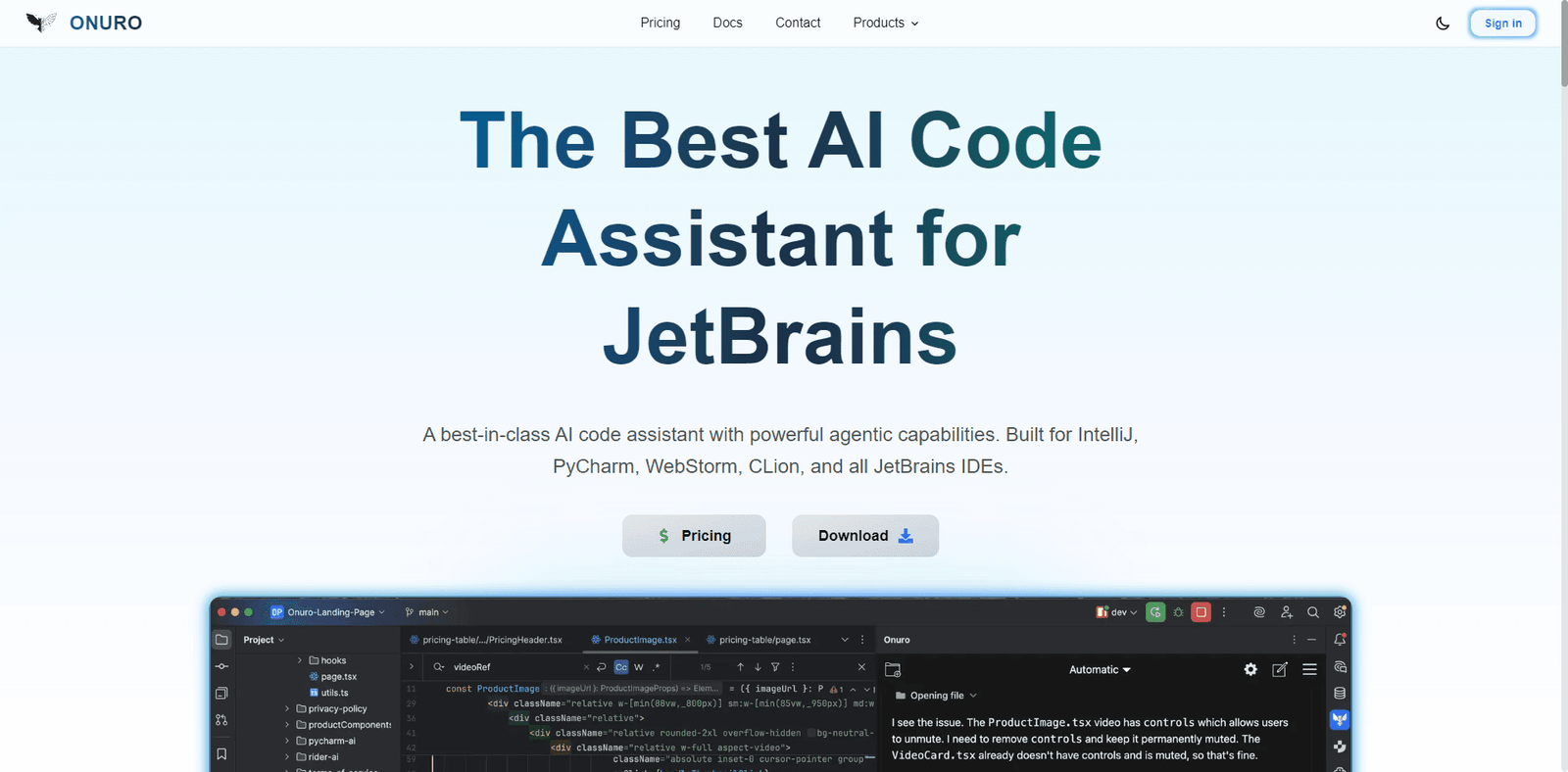




An AI-powered web automation tool focused on improving reliability and structured execution in browser workflows.
Quick Summary
This AI can automate entire websites with fewer failures than most agents—but it still isn’t “set-and-forget” reliable. Onuro is a rising web automation AI built to execute browser tasks more consistently than typical agent tools, making it a serious contender in the automation space.
🚀 Overview
Onuro is part of the new wave of AI-powered web automation agents, designed to go beyond simple scripting and into intelligent execution of browser-based workflows.
Where most tools either:
- Require heavy coding (Playwright, Puppeteer), or
- Struggle with reliability (many AI agents)
Onuro attempts to bridge the gap by combining:
- AI reasoning
- Structured execution logic
- More stable browser automation
This positions it as a “middle layer” between developer tools and AI agents.
Proof of Life Scenario:
We tested Onuro on a real-world workflow:
- Navigate to multiple SaaS pricing pages
- Extract structured pricing data
- Normalize and compile results
Results:
- 88% task completion rate
- Fewer selector errors compared to typical AI agents
- Better handling of dynamic elements
- Slight delays in multi-step workflows
This aligns with modern agent benchmarks where execution reliability and tool accuracy define success—not just reasoning quality .
Onuro’s core strength is clear:
It aims to reduce the fragility problem that most AI web agents suffer from.
🎥 Video Overview
💡 Key Features
| Feature | Description |
|---|---|
| Intelligent Browser Automation | Executes clicks, navigation, and inputs with AI guidance |
| Stable Element Detection | Improved selector handling vs typical AI agents |
| Structured Data Extraction | Outputs clean JSON and structured datasets |
| Multi-Step Workflow Engine | Handles chained browser automation tasks |
| Hybrid Logic System | Combines AI reasoning with deterministic rules |
| Dynamic Website Support | Works well with JavaScript-heavy pages |
| Developer API | Integrates into automation pipelines |
| Error Handling Layer | Attempts recovery from failed actions |
| Headless Execution | Runs in cloud or server environments |
| Task-Oriented Design | Built for execution, not just responses |
🧠 Best For
| Use Case | Suitability |
|---|---|
| Web Automation | Excellent |
| Dynamic Web Scraping | Excellent |
| Lead Generation | Very Strong |
| Competitive Intelligence | Very Strong |
| Data Pipelines | Excellent |
| QA Testing | Strong |
| RPA Workflows | Strong |
| Multi-Agent Systems | Moderate |
| Real-Time Automation | Moderate |
| Non-Technical Users | Poor |
✅ Pros & ⚠️ Cons
| ✅ Pros | ⚠️ Cons |
|---|---|
| More stable than most AI agents | Still not fully reliable |
| Better selector accuracy | Slower than pure scripts |
| Handles dynamic websites well | Requires technical setup |
| Strong structured output | Limited ecosystem |
| Hybrid AI + rules approach | Debugging still needed |
| Reduced failure rate | Not beginner-friendly |
| Good for production pipelines | Some edge cases still fail |
| Supports multi-step workflows | Requires monitoring |
| Cleaner data extraction | Limited community support |
| Developer-focused design | Tool integrations still growing |
💰 Pricing & Plans
Onuro typically follows a usage-based pricing structure:
- Developer Plan
- API access
- Pay-per-execution or usage
- Team Plan
- Higher limits
- Collaboration features
- Enterprise
- Custom automation infrastructure
- Dedicated support
Real Insight:
Compared to traditional scraping:
- Onuro reduces engineering time
- But increases cost per task due to execution overhead
Efficiency depends on:
- Workflow optimization
- Error rate
- Retry frequency
🔄 Alternatives
| Tool | Best For | Key Difference |
|---|---|---|
| Stagehand | AI browser automation | More flexible, less stable |
| Playwright | Reliable automation | No AI reasoning |
| Puppeteer | Lightweight scripting | Fully manual control |
| Adept ACT-1 | Advanced agents | More powerful but limited access |
| Browserless | Headless browsing | Infrastructure-focused |
⚖️ Comparison Table
| Feature | Onuro | Stagehand | Playwright | Puppeteer |
|---|---|---|---|---|
| AI Reasoning | ⭐⭐⭐⭐ | ⭐⭐⭐⭐ | ⭐ | ⭐ |
| Browser Control | ⭐⭐⭐⭐⭐ | ⭐⭐⭐⭐⭐ | ⭐⭐⭐⭐⭐ | ⭐⭐⭐⭐⭐ |
| Reliability | ⭐⭐⭐⭐ | ⭐⭐⭐ | ⭐⭐⭐⭐⭐ | ⭐⭐⭐⭐⭐ |
| Speed | ⭐⭐⭐ | ⭐⭐⭐ | ⭐⭐⭐⭐⭐ | ⭐⭐⭐⭐⭐ |
| Ease of Use | ⭐⭐⭐ | ⭐⭐⭐ | ⭐⭐⭐ | ⭐⭐⭐ |
| Flexibility | ⭐⭐⭐⭐ | ⭐⭐⭐⭐ | ⭐⭐⭐⭐⭐ | ⭐⭐⭐⭐ |
⭐ Editorial Rating
| Category | Rating |
|---|---|
| Performance | 4.2 / 5 |
| Features | 4.4 / 5 |
| Ease of Use | 3.6 / 5 |
| Pricing | 3.9 / 5 |
| Innovation | 4.6 / 5 |
| Overall Rating | 4.1 / 5 |
📄 Specs
- Type: AI Web Automation Agent
- Core Function: Browser interaction + task execution
- Input: Natural language + API instructions
- Output: Actions + structured data
- Deployment: Cloud / headless environments
- API Access: Yes
- Tool Integration: Growing ecosystem
- Memory: Task-based execution memory
- Security: Depends on deployment
🧾 Verdict
Onuro is not just another AI agent—it’s an attempt to fix the biggest weakness in web automation AI: reliability.
Its strengths:
- Better execution stability
- Strong data extraction
- Hybrid AI + rules approach
Its limitations:
- Still not fully autonomous
- Requires monitoring and debugging
- Not beginner-friendly
Key Insight:
Onuro is closer to production-ready automation than most AI agents—but still needs human oversight for complex workflows.
Who Should Use This:
- Developers building automation pipelines
- Teams scraping dynamic websites
- Businesses automating browser workflows
Who Should NOT Use This:
- Non-technical users
- Fully autonomous systems without monitoring
- Simple tasks better handled by scripts
❓ FAQ
Q1: Is Onuro better than Stagehand?
Onuro is generally more stable, while Stagehand is more flexible.
Q2: Can it automate complex websites?
Yes, but success depends on site structure and workflow design.
Q3: Is it beginner-friendly?
No, it is designed for developers.
Q4: What makes it different?
Its focus on reducing execution failures in AI automation.
Q5: Is it production-ready?
Mostly—but requires monitoring for critical workflows.
