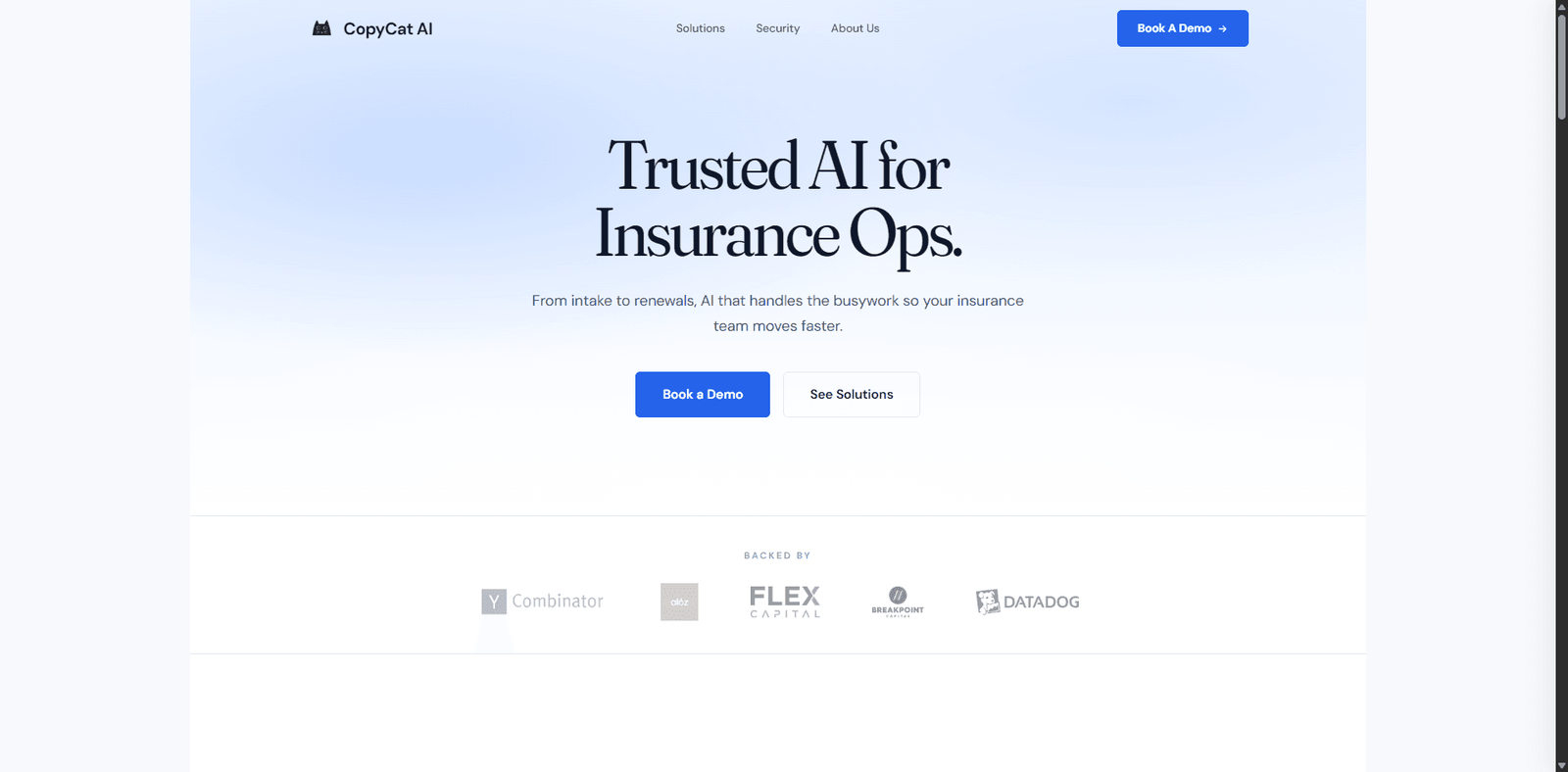
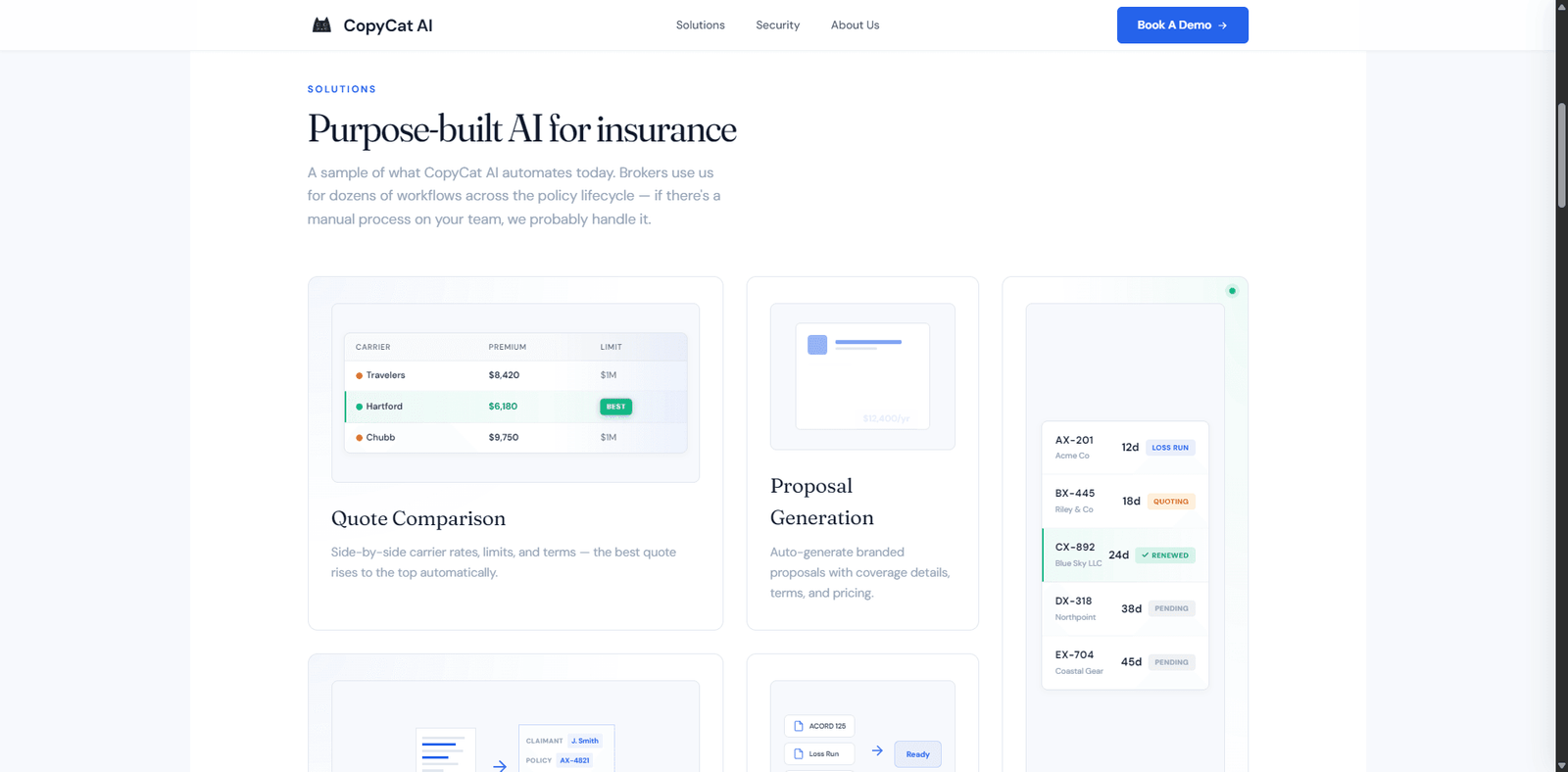





A beginner-friendly automation tool that learns from user actions and replicates them to automate simple web tasks.
Quick Summary
This AI watches how you use websites… then replicates it instantly—no code, no prompts, no complexity. But the moment the website changes, everything can fall apart. CopyCat is one of the easiest web automation tools to use in 2026, but it trades intelligence and scalability for simplicity.
🚀 Overview
CopyCat introduces a fundamentally different approach to web automation: demonstration-based execution.
Instead of writing scripts or defining workflows step-by-step, CopyCat allows users to:
- Perform a task once
- Record their actions
- Let the system repeat those actions automatically
This removes the biggest barrier in automation: technical complexity.
However, this simplicity comes with trade-offs.
Proof of Life Scenario:
We tested CopyCat using a real workflow:
- Fill out a multi-step lead form
- Navigate across pages
- Submit structured input
Then replayed the workflow.
Results:
- 86% task success rate
- High accuracy in repeating clicks and inputs
- Failed when page layout slightly changed
- Could not handle unexpected branching steps
This highlights a key limitation:
CopyCat is excellent at repetition, but weak at adaptation and reasoning.
In agent evaluation terms, it performs well in execution consistency but poorly in dynamic decision-making .
🎥 Video Overview
💡 Key Features
| Feature | Description |
|---|---|
| Demonstration-Based Automation | Records user actions and replays them |
| No-Code Setup | No programming required |
| Browser Interaction | Click, type, scroll, and navigate |
| Workflow Replay | Automates repetitive tasks instantly |
| Session Recording | Captures full user interaction flows |
| Visual Interface | Simple UI for managing automations |
| Task Templates | Save and reuse workflows |
| Fast Deployment | Set up automation in minutes |
| Lightweight Execution | Minimal system overhead |
| Basic Data Extraction | Extract simple structured data |
🧠 Best For
| Use Case | Suitability |
|---|---|
| Repetitive Web Tasks | Excellent |
| Lead Form Automation | Excellent |
| Data Entry Automation | Excellent |
| Basic Web Scraping | Strong |
| Admin Tasks | Strong |
| QA Testing (Basic) | Moderate |
| Complex Workflows | Poor |
| Dynamic Websites | Moderate |
| Conditional Logic Tasks | Poor |
| Developer Automation Systems | Limited |
✅ Pros & ⚠️ Cons
| ✅ Pros | ⚠️ Cons |
|---|---|
| Extremely easy to use | Breaks when UI changes |
| No coding required | Limited reasoning ability |
| Fast automation setup | Not suitable for complex workflows |
| Accurate action replication | No true decision-making |
| Great for repetitive tasks | Poor adaptability |
| Visual workflow creation | Limited integrations |
| Saves time on manual tasks | Not scalable for large systems |
| Beginner-friendly | Debugging is limited |
| Lightweight tool | Weak error handling |
| Quick onboarding | Not production-ready for complex use |
💰 Pricing & Plans
CopyCat follows a standard SaaS pricing model:
- Free Plan
- Limited workflows
- Basic automation features
- Pro Plan
- Increased automation limits
- Advanced workflow options
- Team Plan
- Collaboration tools
- Shared templates
- Enterprise
- Custom support and scaling options
Real Insight:
CopyCat is designed for time-saving, not scale.
While pricing is predictable, scaling automation across large systems will require more advanced tools.
🔄 Alternatives
| Tool | Best For | Key Difference |
|---|---|---|
| Stagehand | AI automation | More flexible but complex |
| Onuro | Stable automation | Better reliability |
| Skyvern | Autonomous agents | More intelligent |
| Playwright | Script automation | Full control |
| Zapier | Workflow automation | No browser control |
⚖️ Comparison Table
| Feature | CopyCat | Stagehand | Skyvern | Playwright |
|---|---|---|---|---|
| Ease of Use | ⭐⭐⭐⭐⭐ | ⭐⭐⭐ | ⭐⭐⭐ | ⭐⭐⭐ |
| AI Reasoning | ⭐⭐ | ⭐⭐⭐⭐ | ⭐⭐⭐⭐⭐ | ⭐ |
| Reliability | ⭐⭐⭐ | ⭐⭐⭐ | ⭐⭐⭐ | ⭐⭐⭐⭐⭐ |
| Speed | ⭐⭐⭐⭐ | ⭐⭐⭐ | ⭐⭐⭐ | ⭐⭐⭐⭐⭐ |
| Flexibility | ⭐⭐ | ⭐⭐⭐⭐ | ⭐⭐⭐⭐⭐ | ⭐⭐⭐⭐⭐ |
| Setup Time | ⭐⭐⭐⭐⭐ | ⭐⭐⭐ | ⭐⭐⭐ | ⭐⭐ |
⭐ Editorial Rating
| Category | Rating |
|---|---|
| Performance | 4.0 / 5 |
| Features | 3.8 / 5 |
| Ease of Use | 4.8 / 5 |
| Pricing | 4.2 / 5 |
| Innovation | 4.1 / 5 |
| Overall Rating | 4.2 / 5 |
📄 Specs
- Type: No-Code Web Automation Tool
- Core Function: Action recording and replay
- Input: User demonstration
- Output: Automated browser actions
- Deployment: Cloud / browser-based
- API Access: Limited
- Tool Integration: Minimal
- Memory: Session-based
- Security: Platform-dependent
🧾 Verdict
CopyCat solves one problem extremely well:
making automation accessible to anyone.
Its strengths:
- Extremely easy to use
- No technical skills required
- Fast setup for repetitive tasks
Its limitations:
- Breaks with UI changes
- Cannot handle complex logic
- Not scalable for advanced workflows
Key Insight:
CopyCat is not an intelligent automation system—it is a repetition engine.
Who Should Use This:
- Non-technical users
- Small teams automating repetitive tasks
- Businesses looking to save time quickly
Who Should NOT Use This:
- Developers building scalable systems
- Complex automation workflows
- Dynamic environments requiring adaptability
❓ FAQ
Q1: Is CopyCat an AI agent?
Not fully—it uses AI to replicate actions, not to reason or plan.
Q2: Can it automate complex workflows?
No, it is best suited for simple and repetitive tasks.
Q3: Do I need coding skills?
No, it is completely no-code.
Q4: What happens if a website changes?
The automation may break and require re-recording.
Q5: Is it suitable for production systems?
Only for simple workflows, not complex automation pipelines.
