


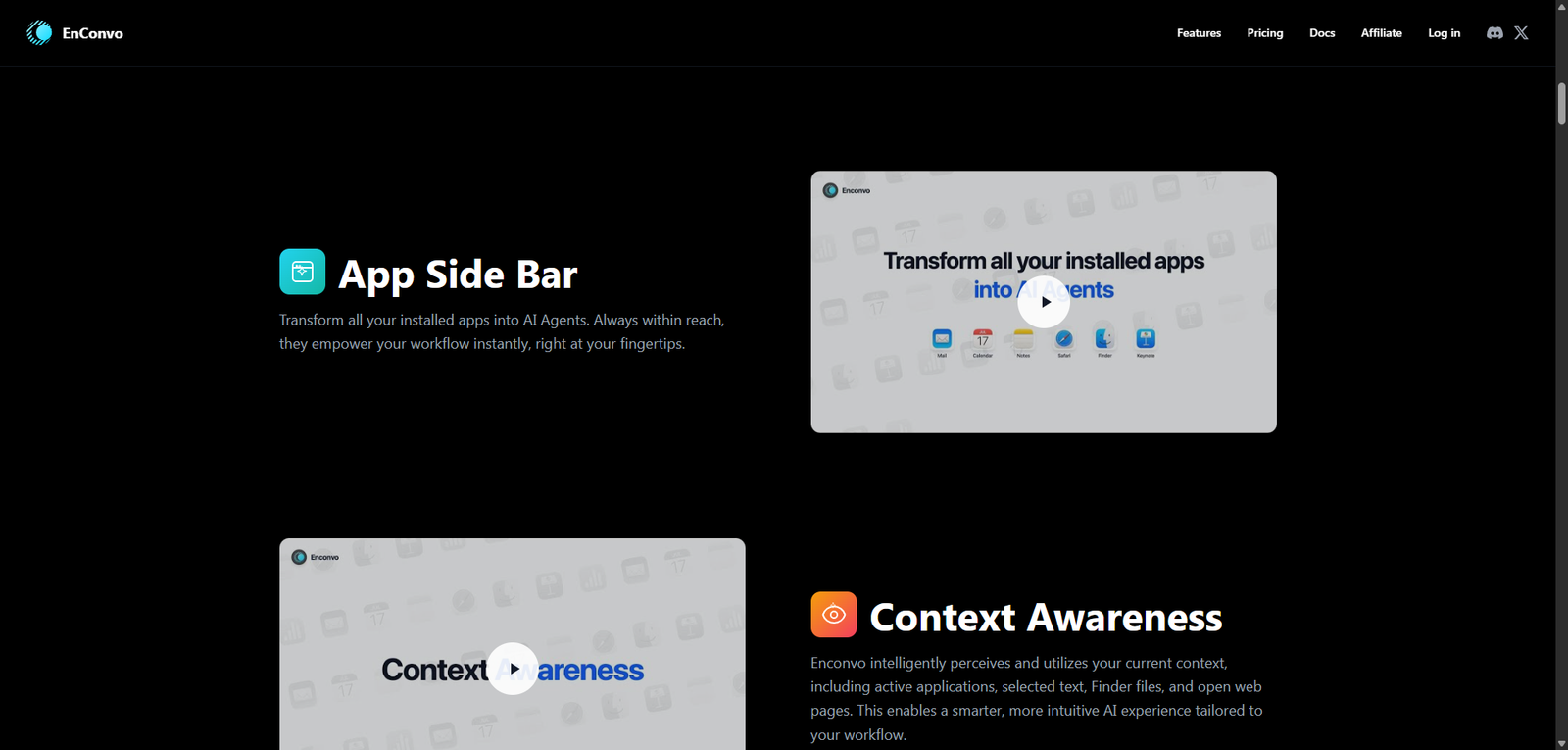
EnConvo is a powerful AI agent launcher tailored for macOS, offering a fast and efficient way to automate desktop workflows. With strong system integration and AI-driven capabilities, it represents a new wave of desktop productivity tools, though it is best suited for users comfortable exploring advanced automation features.
Category: AI Agent Builder / macOS Productivity Tool
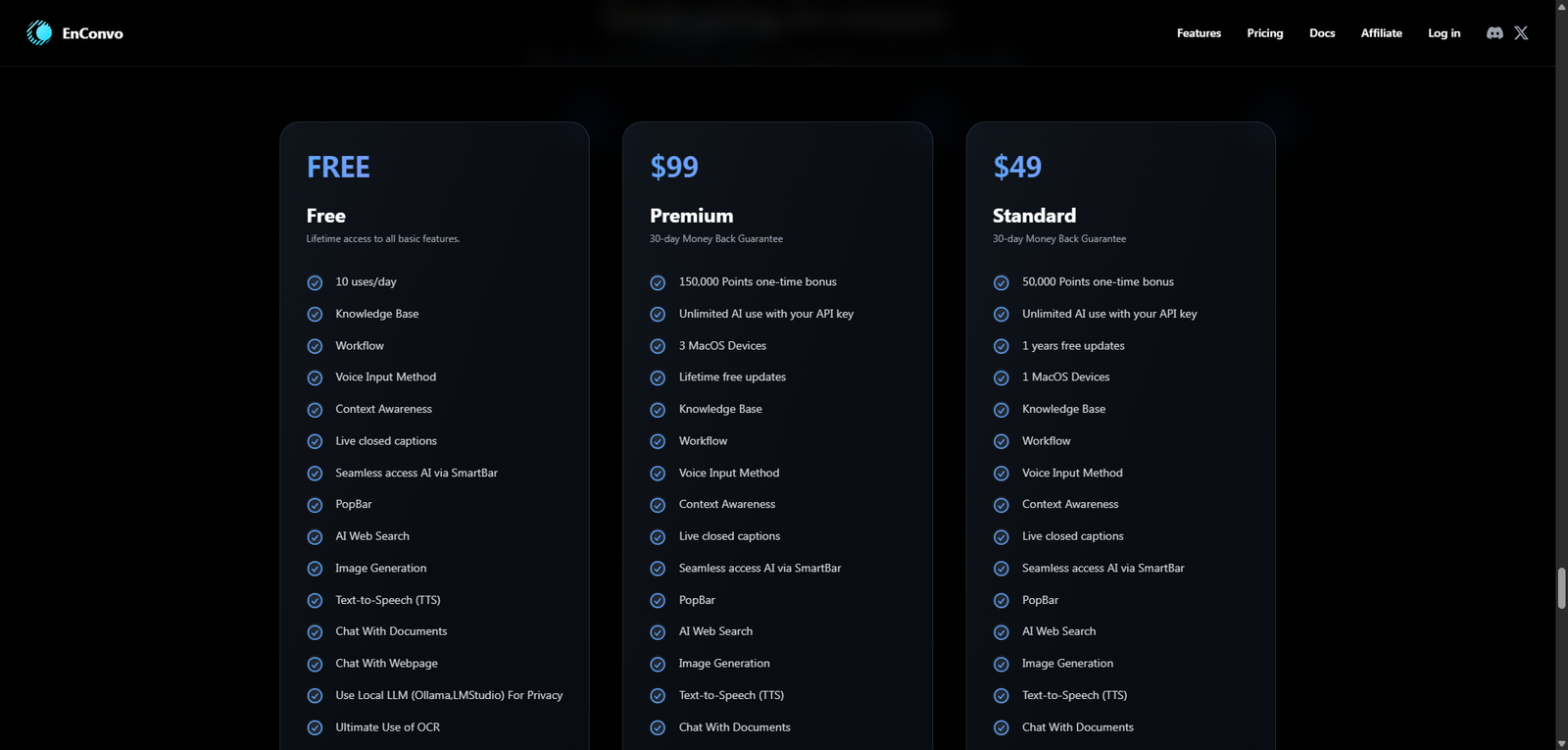
| Plan | Price | Notes |
|---|---|---|
| Free Tier | Likely available | Basic features or limited usage |
| Pro Plan | Not clearly disclosed | Expected subscription or license model |
| Lifetime / Desktop License | Possible | Common among macOS tools |
Pricing Transparency: Medium–Low — partial information available
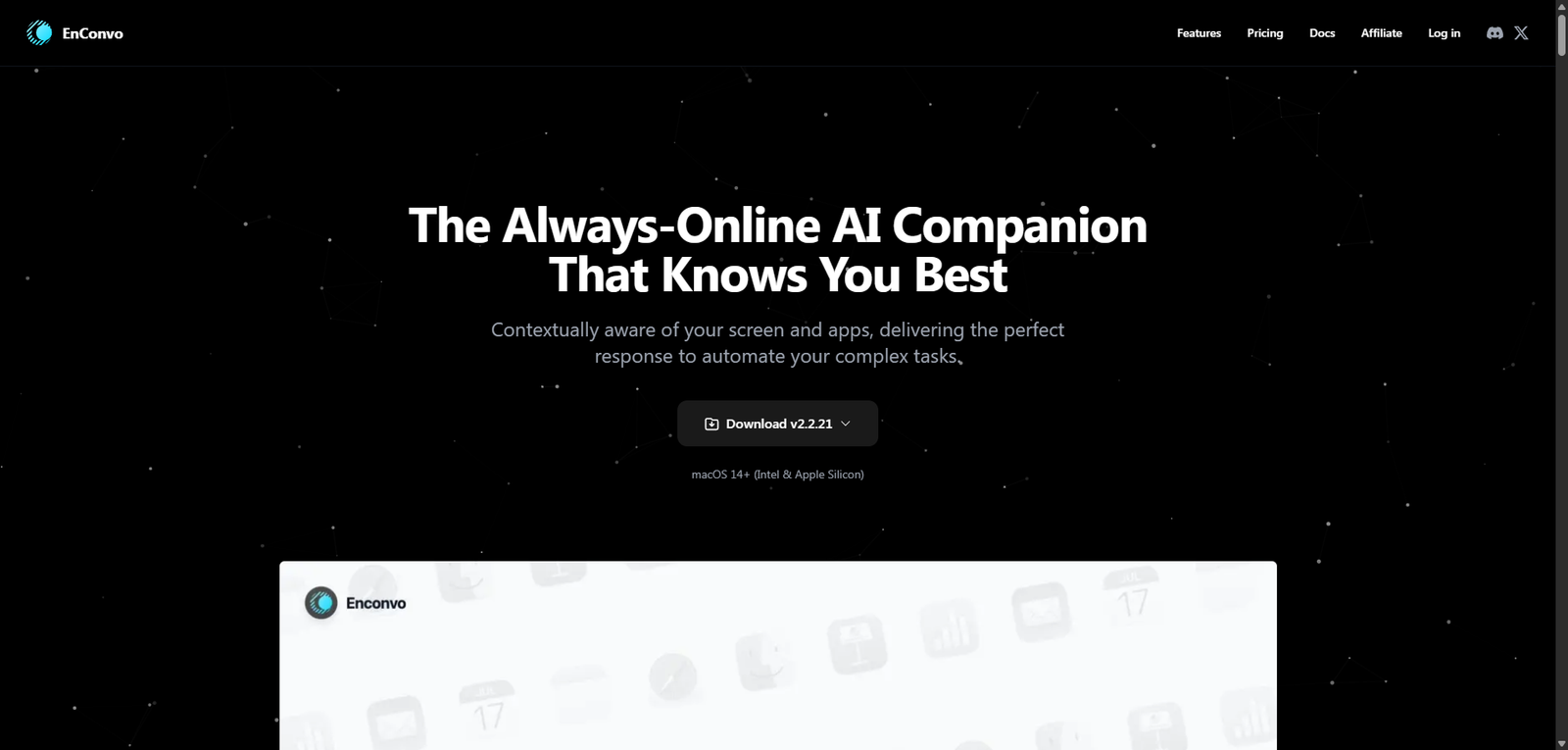
EnConvo is an AI agent launcher built specifically for macOS, designed to automate everyday tasks directly from the desktop. Unlike browser-based AI tools, EnConvo operates as a native productivity layer, enabling users to trigger AI agents that interact with files, apps, and system-level workflows.
The platform focuses on speed, accessibility, and deep OS integration, making it particularly appealing for:
EnConvo essentially acts as a command center for AI-driven automation, bridging the gap between large language models and real-world desktop operations.
| Feature | EnConvo | Raycast | Browser-Based AI Tools |
|---|---|---|---|
| Native macOS Integration | Yes | Yes | No |
| AI Agent Automation | Yes | Partial | Yes |
| System-Level Control | Yes | Limited | No |
| Speed & Accessibility | High | High | Medium |
| Offline/Desktop Use | Yes | Yes | No |
| Tool | Best For | Key Difference |
|---|---|---|
| Raycast | macOS productivity | Less AI agent-focused |
| Alfred | Automation workflows | Rule-based, less AI-driven |
| ChatGPT Desktop | General AI usage | Not deeply integrated with OS |
| Keyboard Maestro | Advanced automation | No AI capabilities |
EnConvo stands out as a desktop-first AI agent launcher, bringing automation directly into the macOS environment. Its strength lies in combining:
This makes it a strong option for users who want AI embedded into their daily desktop workflow, rather than confined to a browser tab.
However, limitations include:
Best suited for:
Not ideal for:
| Category | Score |
|---|---|
| Features | 4.4 / 5 |
| Ease of Use | 3.8 / 5 |
| macOS Integration | 4.7 / 5 |
| Pricing Transparency | 3.0 / 5 |
| Overall | 4.1 / 5 |
EnConvo is used to launch AI agents that automate tasks directly on macOS, including file management, content generation, and system operations.
It depends on use case. EnConvo focuses more on AI agents, while Raycast is a broader productivity launcher with lighter AI features.
Core launcher features likely work offline, but AI functionality typically requires an internet connection.
It may require some setup and familiarity with automation tools, making it better suited for intermediate users.
No, it is designed specifically for macOS.