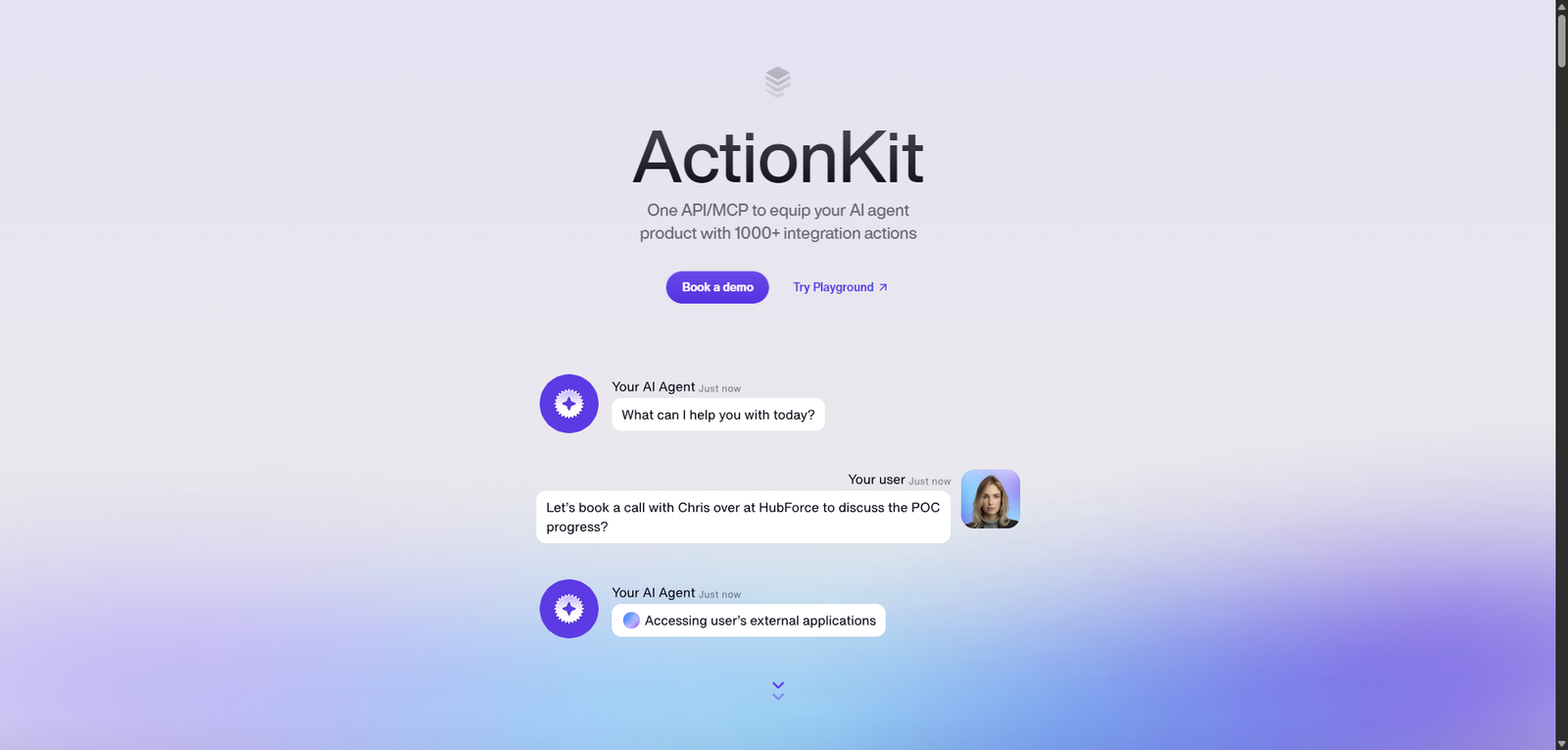



ActionKit is a powerful integration layer for AI agents, enabling seamless interaction with over 1,000 tools through a unified API. It is best suited for developers building automation-heavy, multi-platform AI systems, offering scalability and efficiency at the cost of transparency and simplicity.
Category: AI Agent Builder / Integration Platform
Pricing Snapshot
| Plan | Price | Notes |
|---|---|---|
| Free Tier | Not specified | Possibly limited or trial-based |
| Paid Plans | Undisclosed | Likely usage-based or API volume pricing |
| Enterprise | Custom | Scalable integrations and support |
Pricing Transparency: Low — no public pricing details available
Source Type
- Product overview and integration-focused positioning
- API-based workflow automation analysis
- Comparison with integration platforms and agent tooling
Overview
ActionKit is an API platform designed to connect AI agents with over 1,000 external tools and services, enabling seamless execution of tasks across different applications. It acts as an integration layer, allowing AI systems to interact with third-party platforms without requiring custom integrations for each service.
The platform is built to simplify how AI agents:
- Query data from external systems
- Execute actions across SaaS tools
- Authenticate and manage connections
- Automate workflows across multiple services
ActionKit essentially functions as a middleware layer for AI agents, reducing the complexity of building and maintaining integrations.
Key Features
1. 1000+ Tool Integrations
- Connects AI agents to a wide range of SaaS platforms
- Eliminates the need for custom API integrations
- Supports common business and productivity tools
2. Unified API Interface
- Single API to interact with multiple services
- Simplifies development and reduces overhead
- Standardizes how agents access external tools
3. Managed Authentication Flows
- Handles OAuth and API authentication
- Reduces complexity in securing integrations
- Improves developer productivity
4. Action Execution Engine
- Enables AI agents to perform actions (write, update, trigger workflows)
- Supports real-time task execution
- Useful for automation and orchestration
5. Event Logging & Debugging
- Tracks API calls and execution logs
- Helps identify issues and optimize workflows
- Improves transparency in agent behavior
6. Pre-Built Integration Examples
- Provides templates and examples
- Speeds up onboarding and development
- Demonstrates best practices
Use Cases
AI Agent Automation
- Enable agents to interact with CRMs, databases, and SaaS tools
- Automate multi-step workflows across platforms
- Execute tasks without manual intervention
Workflow Orchestration
- Coordinate actions across multiple systems
- Trigger workflows based on events
- Build cross-platform automation pipelines
Developer Productivity
- Reduce time spent building integrations
- Focus on core AI logic instead of API management
- Accelerate product development
SaaS Integration Layer
- Centralize integrations for applications
- Maintain consistency across services
- Scale integration capabilities efficiently
Pros and Cons
Pros
- Supports 1000+ integrations, reducing development effort
- Unified API simplifies complex workflows
- Managed authentication improves security and ease of use
- Enables real-time action execution for AI agents
- Useful for building scalable automation systems
Cons
- Pricing not publicly available
- Closed-source platform limits customization
- Reliance on third-party integrations
- May introduce dependency on external infrastructure
- Requires developer implementation
Feature Comparison
| Feature | ActionKit | Zapier | Pipedream |
|---|---|---|---|
| AI Agent Integration | Yes | Limited | Yes |
| Number of Integrations | 1000+ | 6000+ | 1000+ |
| Unified API | Yes | No | Partial |
| Managed Authentication | Yes | Yes | Yes |
| Developer Flexibility | High | Medium | High |
Alternatives
| Tool | Best For | Key Difference |
|---|---|---|
| Zapier | No-code automation | Less developer-focused |
| Pipedream | API workflows | More flexible but less AI-centric |
| Make (Integromat) | Visual automation | Not AI-native |
| LangChain Tools | AI integrations | Requires manual setup |
Verdict
ActionKit is a developer-focused integration platform that enables AI agents to interact with a wide ecosystem of tools through a single, unified API. Its main value lies in simplifying integration complexity and enabling cross-platform automation at scale.
Its strengths include:
- Broad integration support
- Streamlined authentication and API management
- Strong fit for AI agent workflows
However, limitations include:
- Lack of pricing transparency
- Closed ecosystem
- Dependency on external integrations
Best suited for:
- Developers building AI-powered applications
- Teams needing scalable integration infrastructure
- Products requiring multi-tool automation
Not ideal for:
- Non-technical users
- Simple automation needs
- Teams preferring open-source solutions
Rating
| Category | Score |
|---|---|
| Features | 4.5 / 5 |
| Ease of Use | 3.8 / 5 |
| Integration Capabilities | 4.7 / 5 |
| Pricing Transparency | 2.9 / 5 |
| Overall | 4.1 / 5 |
FAQ
What is ActionKit used for?
ActionKit is used to connect AI agents with external tools and services, enabling automated workflows and task execution.
How many integrations does ActionKit support?
It supports over 1,000 integrations with various SaaS platforms.
Is ActionKit no-code?
No, it is primarily a developer-focused API platform.
Does ActionKit handle authentication?
Yes, it provides managed authentication flows for integrations.
Is ActionKit open-source?
No, it is a closed-source platform.