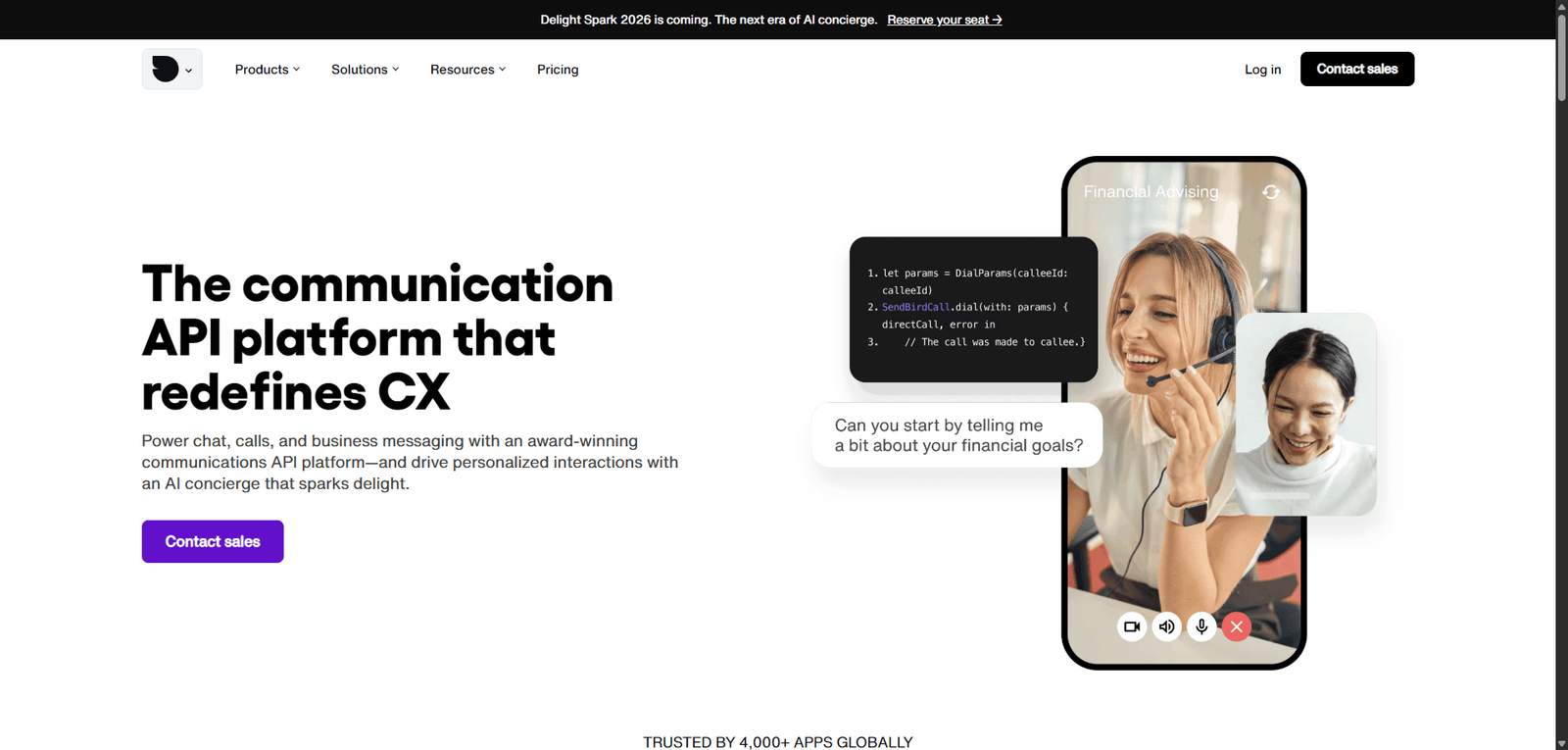
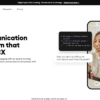

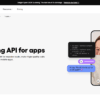
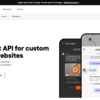

Sendbird is a developer-focused communication platform that enables businesses to build scalable, real-time messaging and support systems. It offers powerful flexibility and performance, making it a strong choice for apps and platforms needing embedded communication features.
Category: AI Customer Support / Messaging Platform
Pricing Snapshot
| Plan | Price | Notes |
|---|---|---|
| Free Trial | Available | Limited usage for testing |
| Starter / Growth | Usage-based | Based on MAU or messages |
| Pro | Scales with usage | Advanced features and support |
| Enterprise | Custom | SLA, security, and high-scale deployments |
Pricing Transparency: Medium — usage-based pricing varies by product (chat, calls, AI)
Source Type
- Official platform documentation and features
- Messaging infrastructure and customer support trends
- Comparison with chat APIs and support platforms
Overview
Sendbird is a customer communication platform that provides APIs, SDKs, and AI-powered tools for building in-app chat, messaging, and support experiences at scale.
Unlike traditional helpdesk tools, Sendbird focuses on developer-first messaging infrastructure, enabling businesses to:
- Embed chat and messaging into apps
- Build real-time customer support systems
- Automate conversations with AI
- Scale communication across millions of users
Sendbird positions itself as a communication layer for modern applications, combining real-time messaging with AI-driven support automation.
Key Features
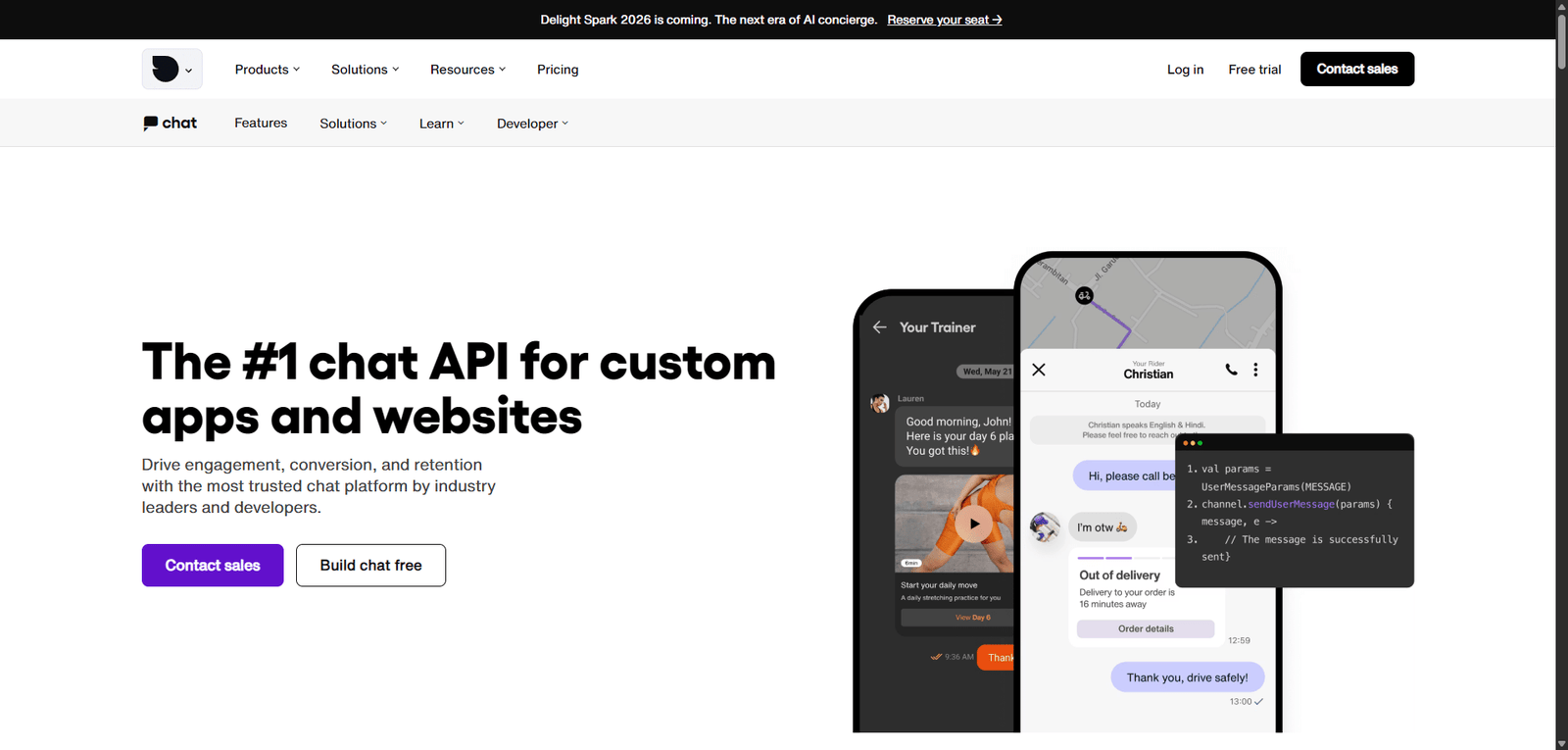
1. In-App Chat & Messaging APIs
- Real-time chat functionality
- SDKs for web and mobile apps
- Scalable messaging infrastructure
2. AI Customer Support (Sendbird AI)
- Automate support conversations
- Provide intelligent responses
- Integrate with knowledge bases
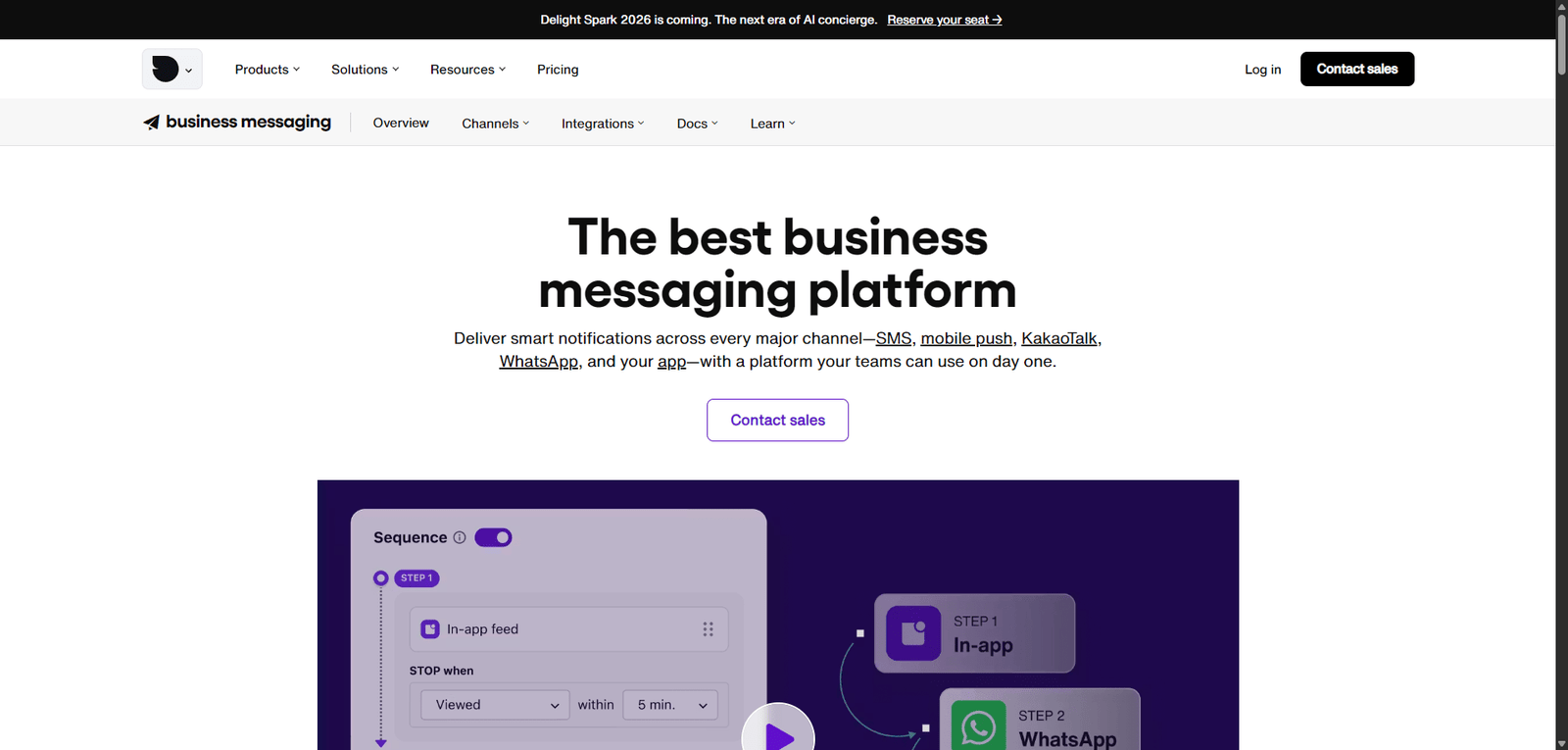
3. Omnichannel Messaging
- Support chat across multiple platforms
- Maintain consistent user experience
- Centralize communication workflows
4. Chat Moderation & Safety Tools
- Filter inappropriate content
- Ensure community safety
- Support compliance and trust
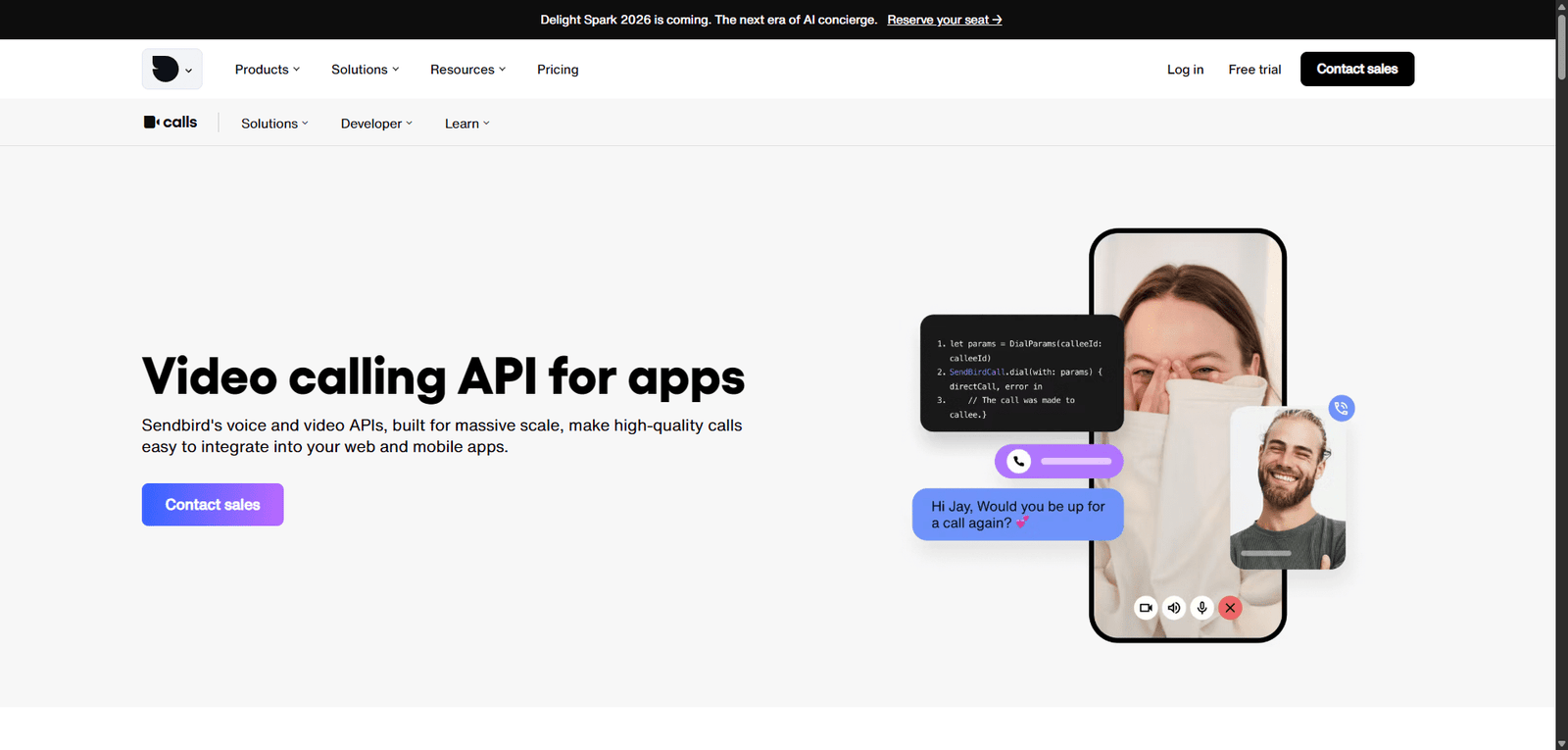
5. Voice & Video Communication
- Add voice and video calls to apps
- Enable real-time communication
- Expand beyond text-based support
6. Analytics & Insights
- Track user engagement and interactions
- Monitor support performance
- Optimize communication strategies
Use Cases
In-App Customer Support
- Provide real-time support inside apps
- Reduce reliance on external channels
- Improve user experience
Marketplace & Community Platforms
- Enable user-to-user communication
- Build social or collaborative features
- Moderate conversations
SaaS & Product Teams
- Add chat to products
- Improve onboarding and retention
- Provide contextual support
E-commerce & On-Demand Services
- Enable customer-agent communication
- Handle order-related queries
- Improve service quality
Pros and Cons
Pros
- Powerful developer-first messaging infrastructure
- Highly scalable for large applications
- Supports chat, voice, and video
- Flexible APIs and SDKs
- Strong customization capabilities
Cons
- Requires technical implementation
- Pricing can scale with usage
- Not a plug-and-play helpdesk solution
- Setup complexity for non-developers
- AI features may require tuning
Feature Comparison
| Feature | Sendbird | Intercom | Twilio |
|---|---|---|---|
| In-App Messaging | Yes | Yes | Yes |
| Developer APIs | High | Medium | High |
| AI Support | Yes | Yes | Limited |
| Voice & Video | Yes | Limited | Yes |
| Ease of Use | Medium | High | Medium |
Alternatives
| Tool | Best For | Key Difference |
|---|---|---|
| Intercom | SaaS support | More out-of-the-box features |
| Twilio | Communication APIs | Broader infrastructure but more complex |
| Stream Chat | In-app chat | Simpler developer experience |
| Zendesk | Helpdesk | Traditional support workflows |
Verdict
Sendbird is a robust messaging and customer support platform that excels in building real-time communication features within apps, making it ideal for companies that need scalable, customizable messaging infrastructure.
Its strengths include:
- Developer flexibility and scalability
- Multi-channel communication capabilities
- Strong support for real-time interactions
However, limitations include:
- Requires technical expertise
- Usage-based pricing can grow quickly
- Not a traditional plug-and-play support tool
Best suited for:
- Developers and product teams
- SaaS platforms and marketplaces
- Apps requiring built-in communication
Not ideal for:
- Non-technical users
- Businesses needing simple helpdesk tools
- Small teams without development resources
Rating
| Category | Score |
|---|---|
| Features | 4.7 / 5 |
| Ease of Use | 4.1 / 5 |
| Scalability | 4.9 / 5 |
| Pricing Value | 4.2 / 5 |
| Overall | 4.5 / 5 |
FAQ
What is Sendbird used for?
Sendbird is used to add chat, messaging, and communication features to apps.
Does Sendbird support AI customer support?
Yes, it includes AI tools for automating conversations.
Is Sendbird beginner-friendly?
It requires some technical knowledge for setup and integration.
Can Sendbird handle large-scale applications?
Yes, it is designed for high scalability.
Who should use Sendbird?
Developers, SaaS companies, and businesses building communication features.
