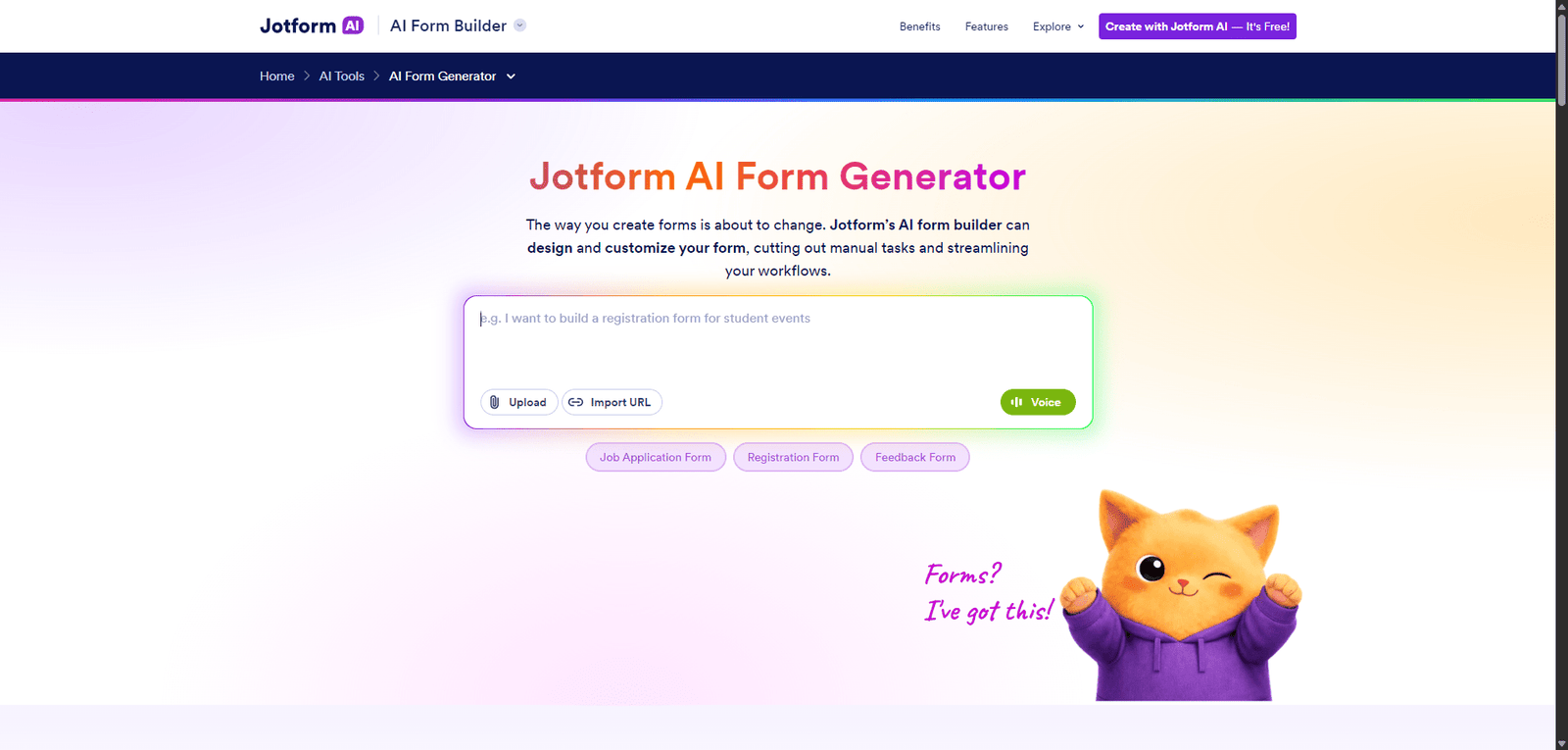
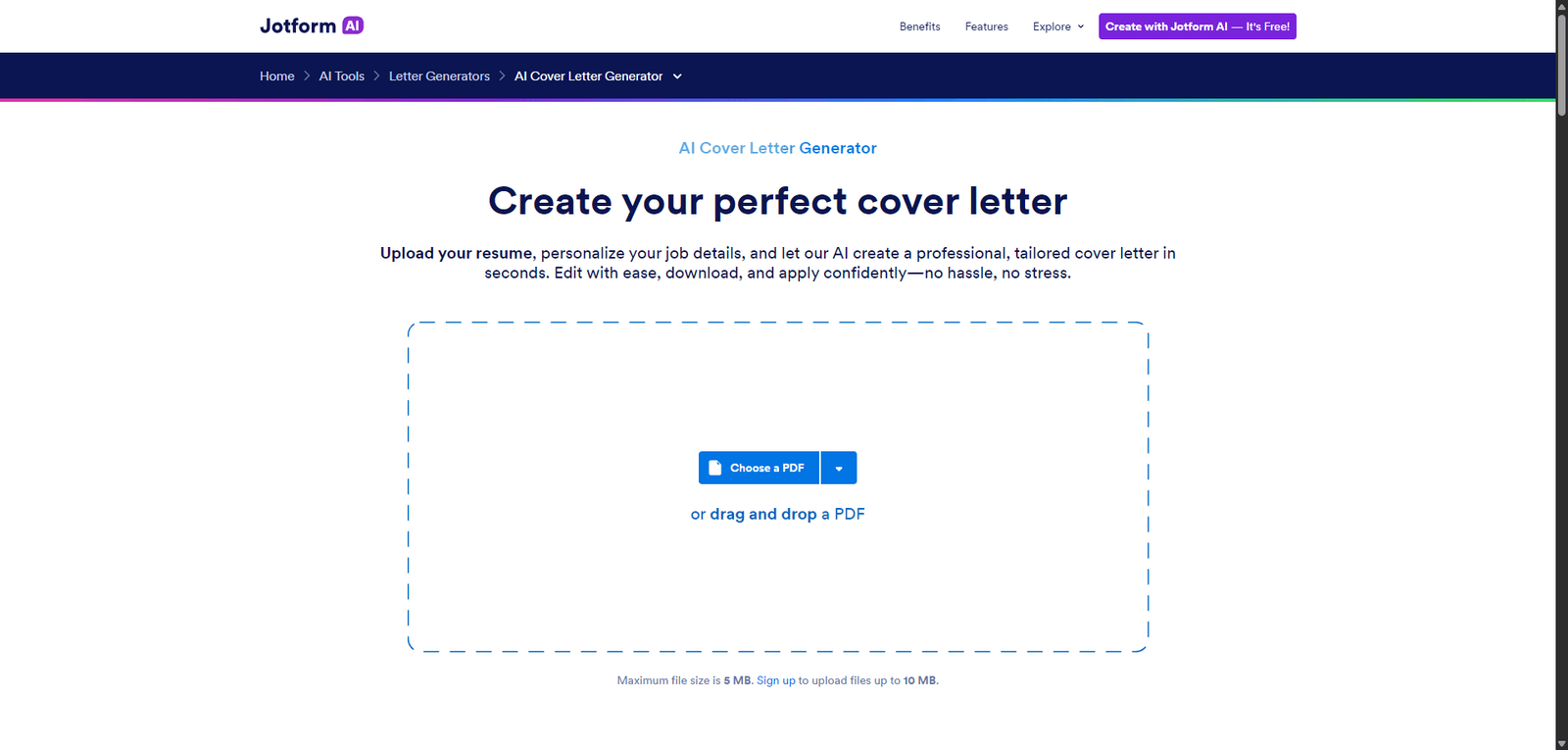
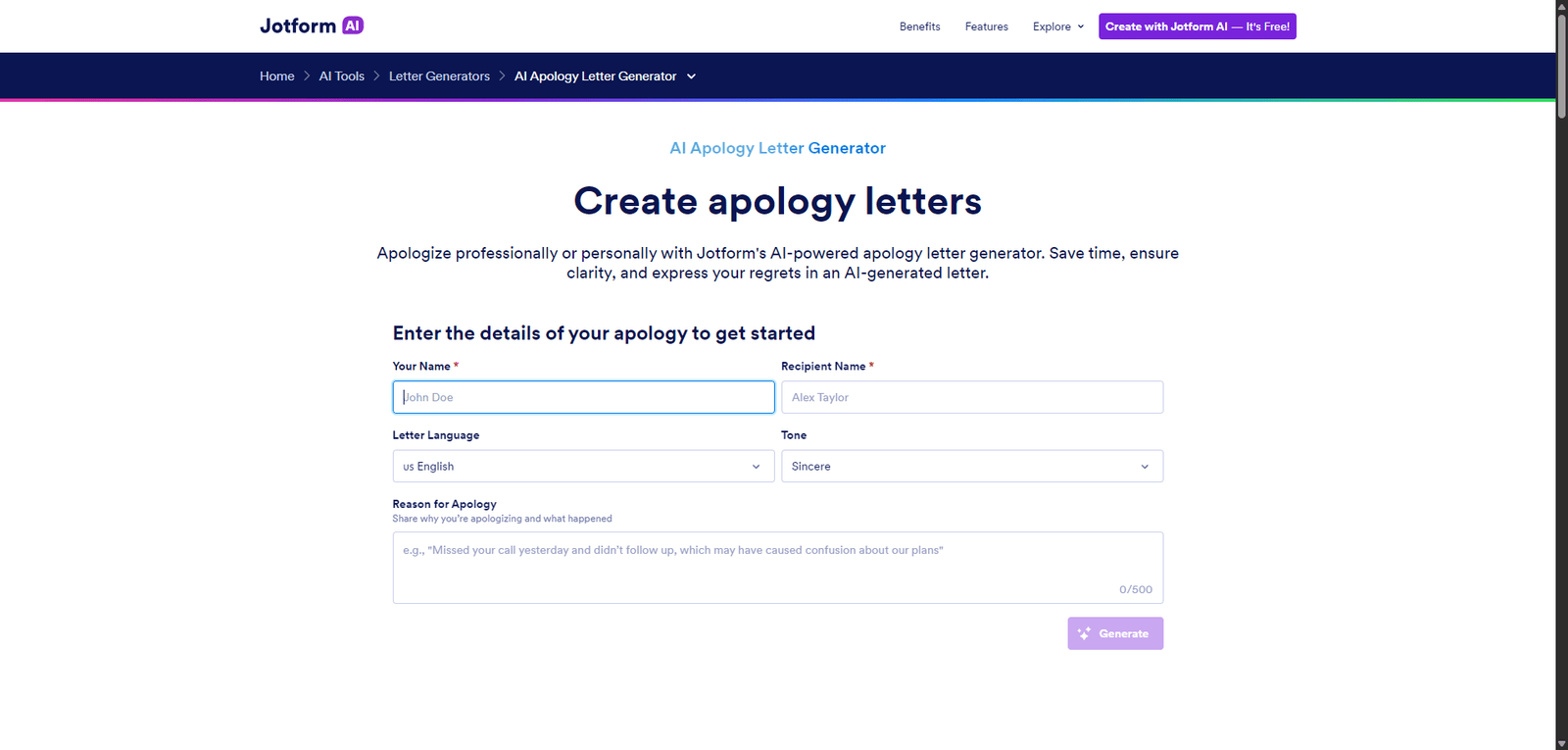


Jotform is a versatile no-code platform that helps businesses collect data and automate workflows, including customer support intake. It is best suited for teams needing flexible, form-based solutions, rather than full-featured helpdesk systems.
Category: Customer Support / Forms & Workflow Automation
Pricing Snapshot
| Plan | Price | Notes |
|---|---|---|
| Free Plan | Free | Limited forms and submissions |
| Bronze | ~$39/month | Increased limits and features |
| Silver | ~$49/month | More storage and submissions |
| Gold | ~$129/month | Advanced features and higher limits |
| Enterprise | Custom | Custom workflows and support |
Pricing Transparency: High — clearly defined tiers and limits
Source Type
- Official platform features and documentation
- Form automation and customer support trends
- Comparison with form builders and support tools
Overview
Jotform is a no-code form builder platform that enables businesses to create forms, automate workflows, and manage customer interactions, making it widely used for customer support intake, data collection, and process automation.
While not a traditional helpdesk tool, Jotform plays a key role in customer support by:
- Collecting support requests via forms
- Automating responses and workflows
- Routing inquiries to teams
- Integrating with CRM and support systems
Jotform positions itself as a flexible data collection and workflow automation platform, supporting both customer support and broader business processes.
Key Features
1. Drag-and-Drop Form Builder
- Create forms without coding
- Customize fields and layouts
- Build support request forms quickly
2. Customer Support Intake Forms
- Collect customer inquiries and tickets
- Structure incoming support requests
- Improve organization and response handling
3. Workflow Automation
- Automate responses and notifications
- Route submissions to teams
- Trigger actions based on form data
4. Conditional Logic
- Show or hide fields dynamically
- Personalize user experience
- Improve form efficiency
5. Integrations & App Ecosystem
- Connect with CRM, email, and support tools
- Integrate with platforms like Google Sheets, Slack, and Zapier
- Extend workflows easily
6. Templates & Customization
- Access pre-built templates
- Customize forms for different industries
- Speed up deployment
Use Cases
Customer Support Intake
- Collect support tickets via forms
- Organize incoming requests
- Improve response workflows
Lead & Inquiry Management
- Capture customer inquiries
- Route leads to appropriate teams
- Automate follow-ups
Internal Support Requests
- Manage IT or HR requests
- Standardize internal workflows
- Improve efficiency
Surveys & Feedback
- Collect customer feedback
- Analyze satisfaction and issues
- Improve service quality
Pros and Cons
Pros
- Easy-to-use no-code form builder
- Highly customizable forms and workflows
- Strong automation and integrations
- Wide range of templates
- Scalable for different business needs
Cons
- Not a full helpdesk or ticketing system
- Advanced features can become complex
- Pricing increases with usage
- Limited native AI capabilities
- Requires integrations for full support workflows
Feature Comparison
| Feature | Jotform | Typeform | Google Forms |
|---|---|---|---|
| Form Customization | High | High | Medium |
| Workflow Automation | Yes | Limited | Limited |
| Integrations | High | Medium | Medium |
| Ease of Use | High | High | Very High |
| Customer Support Use | Medium-High | Medium | Low |
Alternatives
| Tool | Best For | Key Difference |
|---|---|---|
| Typeform | Interactive forms | Better UX design |
| Google Forms | Basic forms | Free and simple |
| Tally | Lightweight forms | Minimalist approach |
| Zoho Forms | Business workflows | Integrated ecosystem |
Verdict
Jotform is a powerful and flexible form-based platform that supports customer support workflows through structured data collection and automation, making it a strong option for teams needing customizable intake and process automation.
Its strengths include:
- No-code ease of use
- Strong automation capabilities
- Wide integration ecosystem
However, limitations include:
- Not a full customer support system
- Requires integrations for advanced workflows
- Limited built-in AI capabilities
Best suited for:
- Businesses needing structured support intake
- Teams automating workflows
- Organizations collecting customer data
Not ideal for:
- Companies needing full helpdesk solutions
- Real-time chat-based support
- Advanced AI-driven support systems
Rating
| Category | Score |
|---|---|
| Features | 4.6 / 5 |
| Ease of Use | 4.8 / 5 |
| Flexibility | 4.7 / 5 |
| Pricing Value | 4.4 / 5 |
| Overall | 4.6 / 5 |
FAQ
What is Jotform used for?
Jotform is used to create forms, collect data, and automate workflows, including customer support intake.
Is Jotform a helpdesk tool?
No, but it can support helpdesk workflows through forms and integrations.
Does Jotform require coding?
No, it is a no-code platform.
Can Jotform integrate with other tools?
Yes, it integrates with many CRM and automation platforms.
Who should use Jotform?
Businesses, teams, and organizations needing forms and workflow automation.
