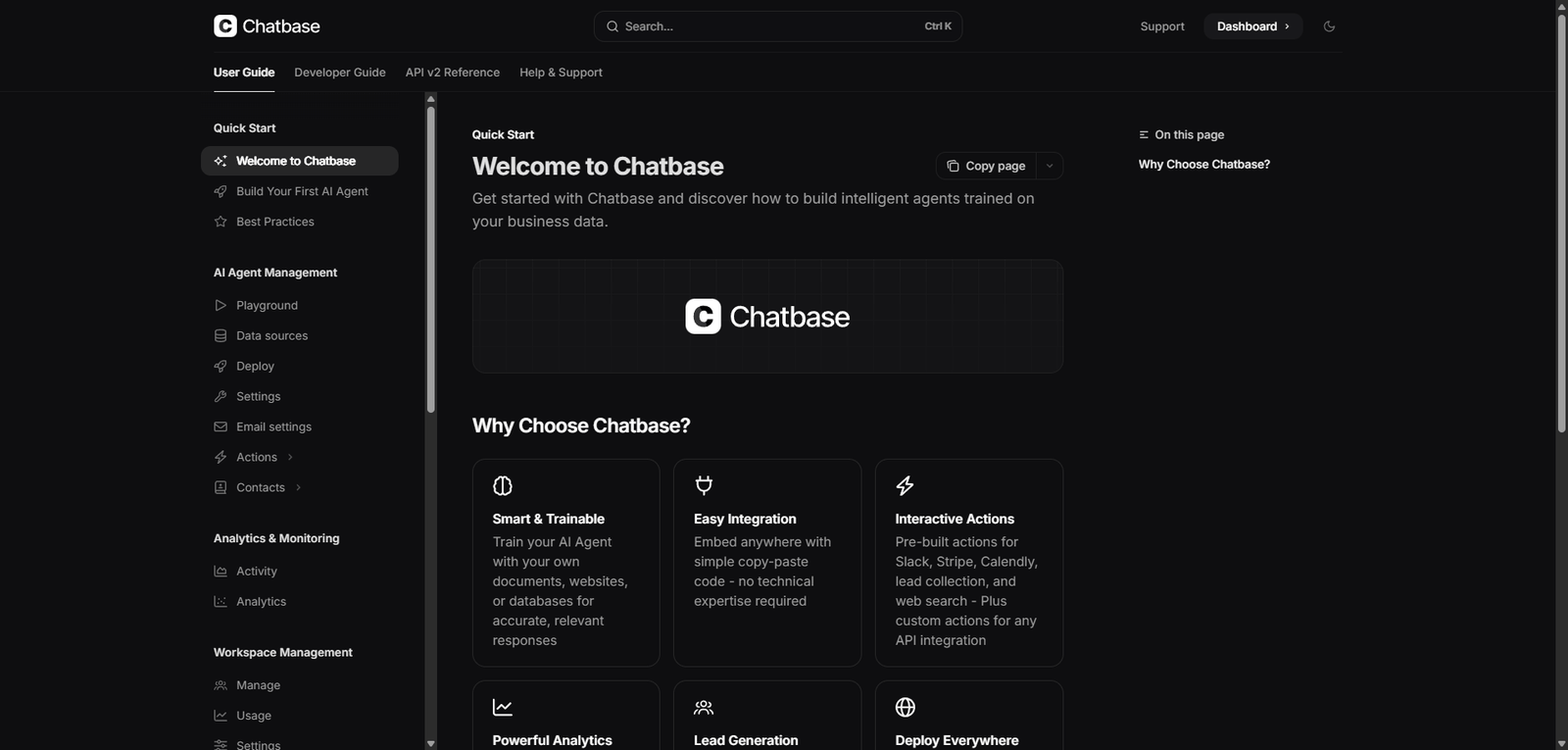
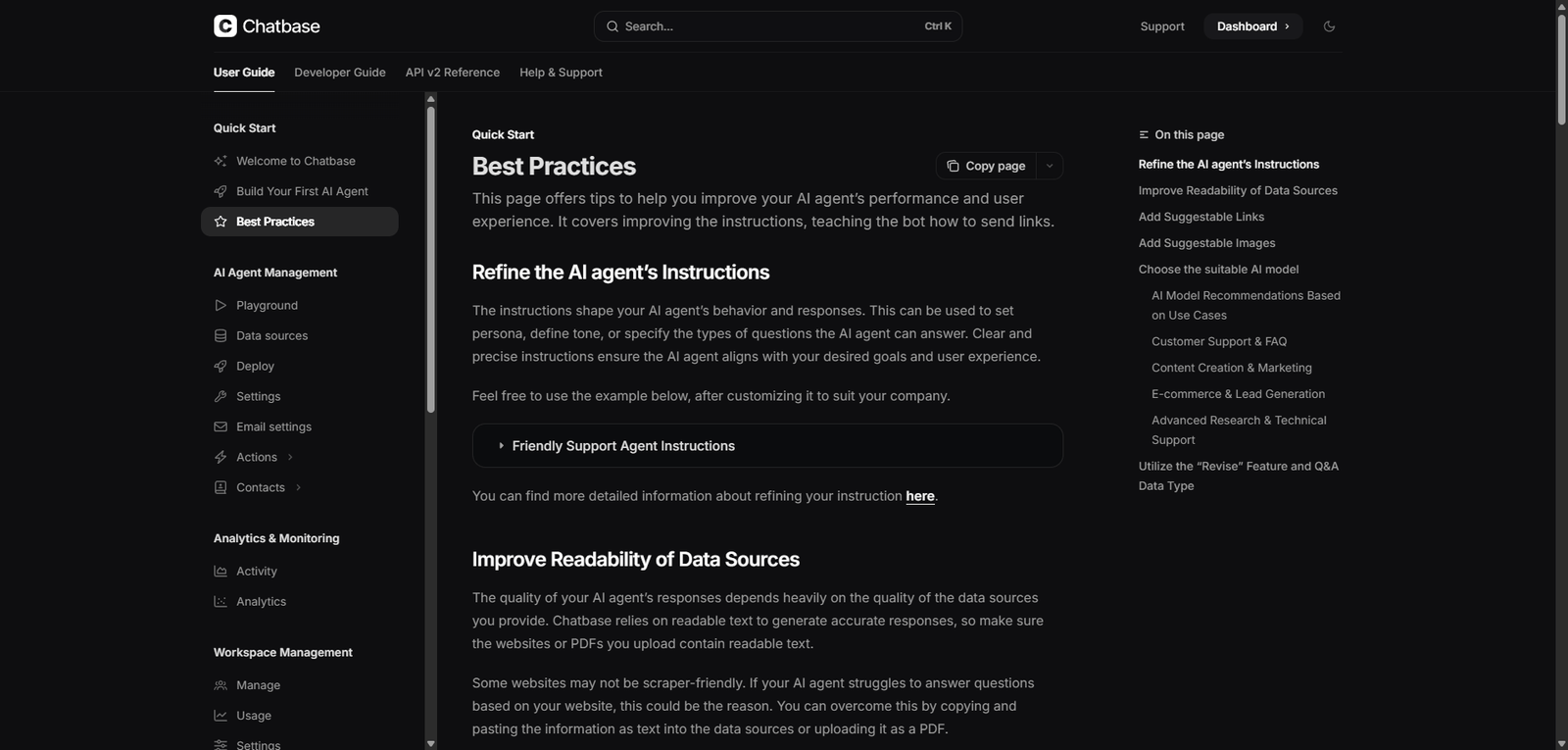
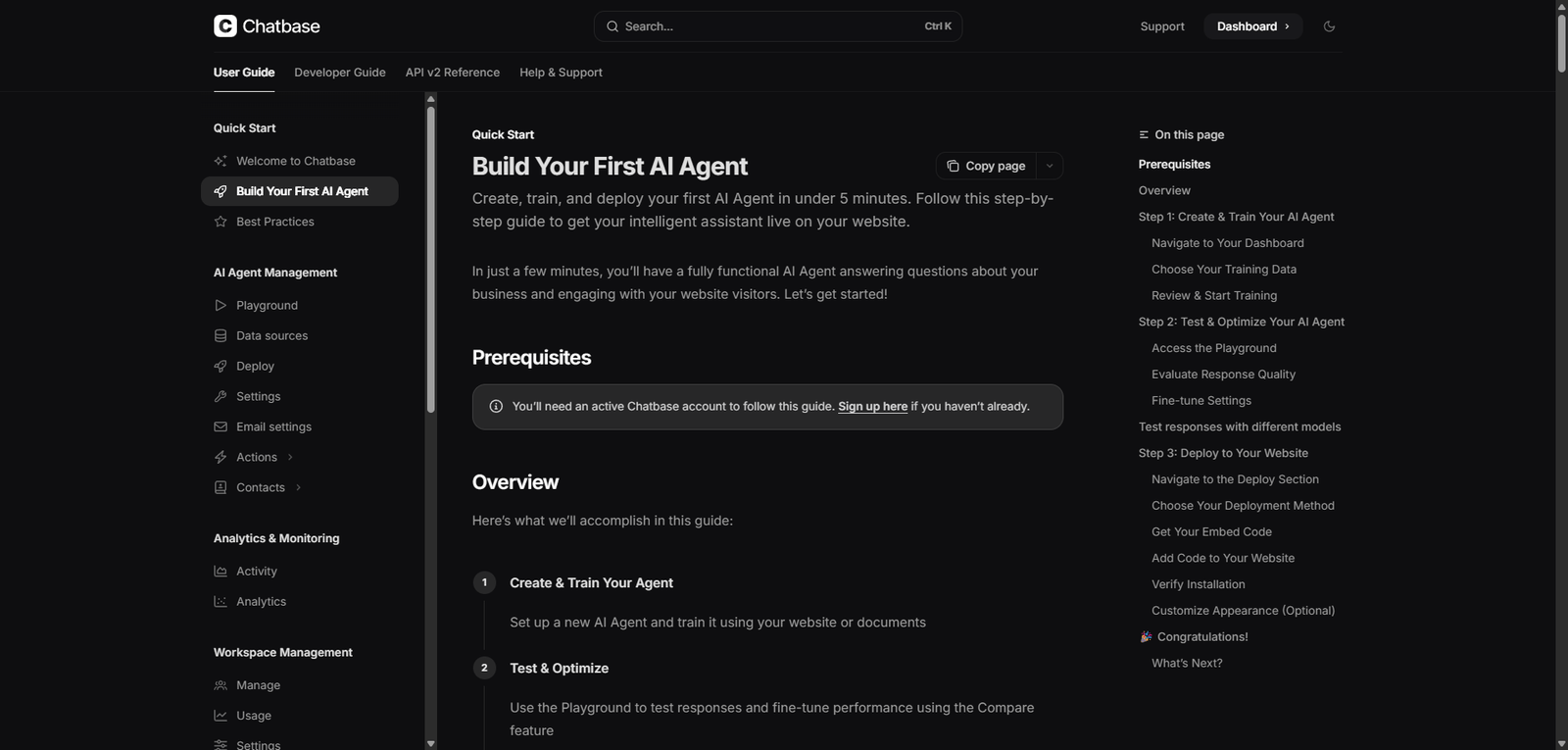



Chatbase is a powerful yet accessible AI chatbot platform that helps businesses build custom support assistants quickly using their own data. It is ideal for teams seeking fast deployment and ease of use, while still requiring ongoing optimization for best results.
Chatbase Review (2026): AI Customer Support Platform for Custom Chatbots & Knowledge Automation
Category: AI Customer Support / Chatbot Platform
Pricing Snapshot
| Plan | Price | Notes |
|---|---|---|
| Free Plan | Available | Limited bots and message credits |
| Hobby | From ~$19/month | More messages and data sources |
| Standard / Pro | ~$49–$99/month | Higher limits and customization |
| Enterprise | Custom | Advanced usage and API access |
Pricing Transparency: High — clear tiers based on usage and features
Source Type
- Official platform features and product positioning
- AI chatbot and customer support automation trends
- Comparison with chatbot builders and support tools
Overview
Chatbase is an AI chatbot platform that allows businesses to create custom chatbots trained on their own data (e.g., websites, documents, FAQs) to automate customer support and user interactions.
Built on modern LLM technology, Chatbase enables users to:
- Train chatbots on proprietary content
- Deploy chatbots on websites and apps
- Automate customer support responses
- Improve user engagement and self-service
Chatbase positions itself as a fast, no-code solution for building AI-powered support assistants, particularly for businesses that want custom knowledge-based chatbots without heavy development work.
Key Features
1. Custom AI Chatbot Training
- Train bots on documents, PDFs, websites, and text
- Create domain-specific assistants
- Improve accuracy with proprietary data
2. Website Integration
- Embed chatbots into websites
- Provide real-time support to visitors
- Improve engagement and conversions
3. No-Code Setup
- Build and deploy chatbots without coding
- Simple interface for configuration
- Fast onboarding for non-technical users
4. Multi-Source Knowledge Base
- Upload multiple data formats
- Combine internal and external knowledge
- Keep responses relevant and contextual
5. API & Developer Access
- Integrate chatbots into apps and workflows
- Customize behavior with APIs
- Extend functionality for advanced use cases
6. Analytics & Usage Tracking
- Monitor chatbot performance
- Track user interactions
- Optimize responses over time
Use Cases
Customer Support Automation
- Answer FAQs instantly
- Reduce support tickets
- Provide 24/7 assistance
SaaS & Product Support
- Guide users through features
- Provide onboarding help
- Reduce churn
E-commerce Support
- Answer product and order questions
- Improve customer experience
- Increase conversions
Internal Knowledge Assistants
- Provide employee support
- Access internal documentation
- Improve productivity
Pros and Cons
Pros
- Easy no-code chatbot creation
- Strong customization with user data
- Fast deployment and integration
- Scalable for different business sizes
- Good balance of simplicity and flexibility
Cons
- Usage-based pricing can scale quickly
- Requires quality data for best performance
- Limited advanced workflow automation compared to enterprise tools
- Responses may need tuning and monitoring
- Not a full helpdesk replacement
Feature Comparison
| Feature | Chatbase | Intercom AI | Zendesk AI |
|---|---|---|---|
| Custom Data Training | Yes | Yes | Yes |
| No-Code Setup | Yes | Yes | Medium |
| Workflow Automation | Medium | High | High |
| API Access | Yes | Yes | Yes |
| Ease of Use | High | High | Medium |
Alternatives
| Tool | Best For | Key Difference |
|---|---|---|
| Intercom AI | Full support platform | Broader customer messaging suite |
| Zendesk AI | Enterprise support | Deep ticketing system |
| Tidio | SMB chatbots | Simpler and cheaper |
| Botpress | Developer bots | More customizable but complex |
Verdict
Chatbase is a user-friendly AI chatbot platform that enables businesses to quickly deploy custom-trained support bots, making it an excellent choice for teams looking to automate customer interactions with minimal setup.
Its strengths include:
- No-code chatbot creation
- Custom knowledge-based responses
- Fast deployment
However, limitations include:
- Usage-based pricing scaling
- Limited advanced automation
- Requires ongoing optimization
Best suited for:
- Small to mid-sized businesses
- SaaS companies and startups
- Websites needing instant support
Not ideal for:
- Large enterprises needing full helpdesk systems
- Highly complex support workflows
- Teams requiring deep customization
Rating
| Category | Score |
|---|---|
| Features | 4.5 / 5 |
| Ease of Use | 4.8 / 5 |
| Customization | 4.4 / 5 |
| Pricing Value | 4.2 / 5 |
| Overall | 4.5 / 5 |
FAQ
What is Chatbase used for?
Chatbase is used to create AI chatbots trained on custom data for customer support and automation.
Is Chatbase beginner-friendly?
Yes, it offers a no-code setup for easy chatbot creation.
Can Chatbase integrate with websites?
Yes, it can be embedded into websites and applications.
Does Chatbase replace customer support teams?
It reduces workload but typically works alongside human agents.
Who should use Chatbase?
Businesses, SaaS companies, and teams looking to automate support.
