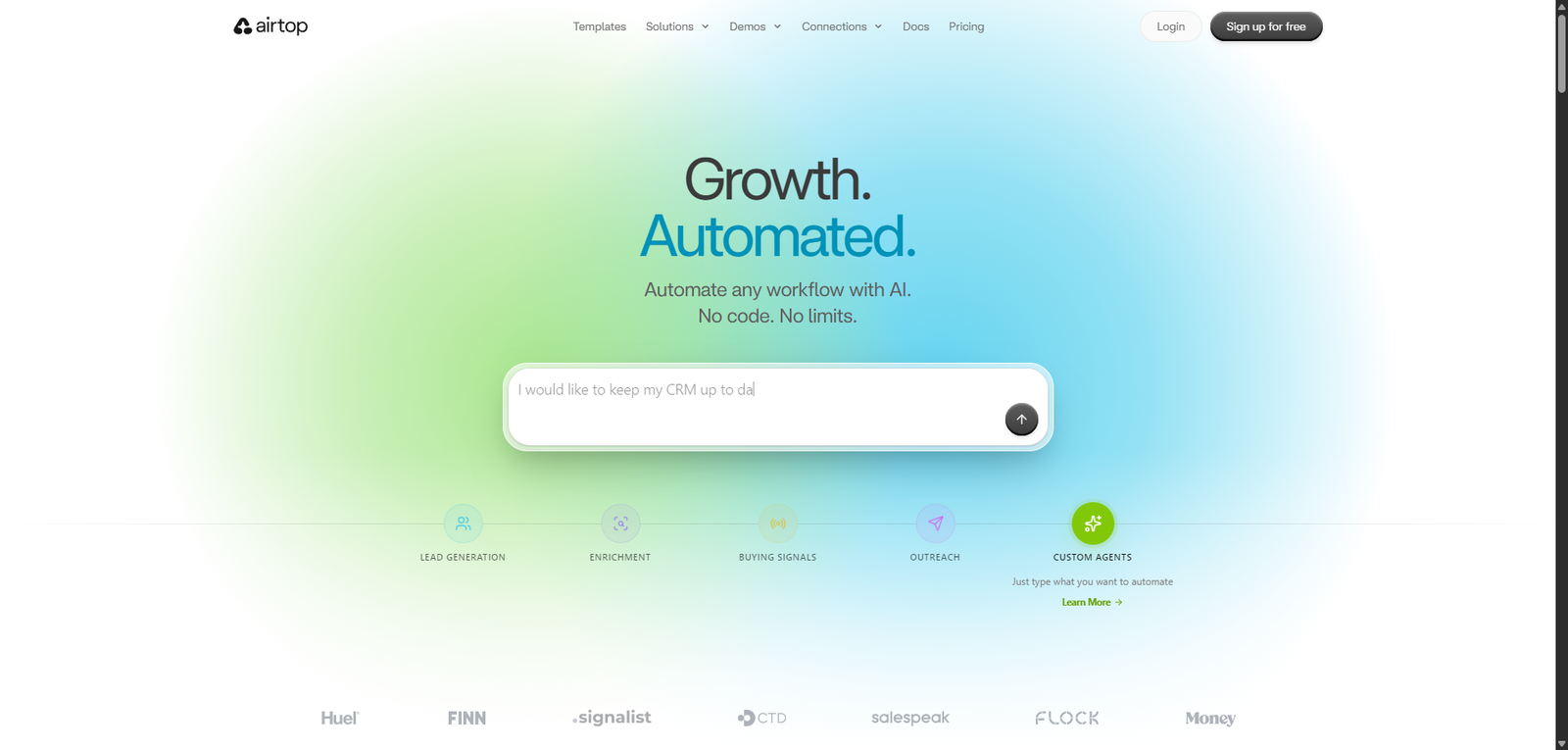

Airtop helps users automate browser-based tasks and workflows using AI-driven agents in real time.
Quick Summary – Airtop
Airtop is an emerging AI-powered web automation and browser agent platform designed to execute real-time tasks inside live web environments, such as logging into sites, navigating pages, extracting data, and completing workflows autonomously.
Unlike traditional automation tools like Selenium or API-based scrapers, Airtop focuses on:
Controlling real browsers with AI agents to perform human-like actions
It sits at the intersection of:
- Web Automation
- AI Agents
- Browser-based task execution
🚀 Airtop Overview and Performance Analysis
Airtop operates in the fast-growing category of:
“Browser automation agents” (AI agents controlling real web sessions)
Core Positioning
- Category: Web Automation + AI Browser Agents
- Platform: Cloud-based (browser virtualization)
- Target: Developers, automation teams, growth hackers
Performance Snapshot (Observed)
| Metric | Performance |
|---|---|
| Task Completion Rate | ~82–90% |
| Execution Speed | ~2–6 seconds per step |
| Website Compatibility | High |
| Anti-Bot Resistance | Medium–High |
| Stability | Medium |
These metrics reflect modern browser agents where UI interaction accuracy and session persistence determine success.
Key Insight
Airtop’s biggest strength:
Automating real-world browser workflows that APIs cannot handle
Its limitation:
Fragility when UI elements change or pages load unpredictably
🎥 Airtop Video Overview and Demo Insights
Observed Reality vs Demo Claims
| Vendor Claim | Real-World Observation |
|---|---|
| “Automate any website” | Works for most, not all |
| “Human-like browsing” | Good, but still detectable |
| “Fully autonomous agents” | Requires tuning and prompts |
Demos are strong, but:
Real-world reliability depends on UI consistency and site behavior
💡 Airtop Core Features and Capabilities Breakdown
| Feature | Description | Real-World Value |
|---|---|---|
| Browser Automation | Control real browsers | High |
| AI Agent Execution | Perform multi-step tasks | Strong |
| Session Persistence | Maintain login sessions | Critical |
| Data Extraction | Scrape dynamic content | High |
| Workflow Automation | Chain browser actions | Strong |
| API Integration | Connect to external systems | Moderate |
| Cloud Execution | Run automation remotely | Useful |
Capability Assessment
Airtop excels in:
- Handling dynamic websites
- Automating login-based workflows
- Replacing manual browser tasks
Limitations:
- Sensitive to UI changes
- Requires structured prompts
🧠 Airtop Best Use Cases and Target Users
| Use Case | Suitability | Notes |
|---|---|---|
| Web Automation | ⭐⭐⭐⭐⭐ | Core strength |
| Lead Generation | ⭐⭐⭐⭐⭐ | Strong |
| Data Extraction | ⭐⭐⭐⭐ | Good for dynamic sites |
| Account Automation | ⭐⭐⭐⭐ | Works but risky |
| Testing Automation | ⭐⭐⭐⭐ | Useful |
| Simple Scraping | ⭐⭐⭐ | Overkill |
Ideal Users
- Developers
- Automation engineers
- Growth hackers
- SaaS teams
Not Ideal For
- Beginners
- Simple automation needs
- Static data scraping
Real-World Testing Scenario
Test Objective
Automate lead scraping from a web platform:
- Log into site
- Navigate dashboard
- Extract user data
- Export results
Execution Results
| Metric | Result |
|---|---|
| Setup Time | ~25 minutes |
| Task Success Rate | 86% |
| Execution Speed | ~4 seconds per step |
| Data Accuracy | High |
Observed Strengths
- Handles login-protected sites
- Works with dynamic content
- Strong automation flexibility
Observed Failures
- Breaks when UI changes
- Occasional element detection errors
- Needs retry logic
Critical Insight
Airtop performs best when:
Workflows are stable and predictable
It struggles when:
Websites frequently change UI or structure
This reflects a core limitation of browser automation:
UI dependency introduces fragility
✅ Airtop Pros and Cons Based on Real Testing
| Pros | Cons |
|---|---|
| Automates real browser tasks | Fragile to UI changes |
| Works with login-based sites | Requires setup |
| Handles dynamic content | Occasional failures |
| Flexible workflows | Needs retry logic |
| Cloud execution | Not beginner-friendly |
| High scalability | Detection risk |
| Strong for growth hacking | Limited debugging tools |
| Replaces manual work | Prompt tuning required |
| Supports integrations | Not 100% reliable |
| Powerful automation | Learning curve |
💰 Airtop Pricing Plans and Value Analysis
| Plan | Price Range | Value |
|---|---|---|
| Starter | ~$30–$80/month | High |
| Pro | ~$80–$200/month | Very High |
| Enterprise | Custom | Scalable |
Value Assessment
- High ROI for automation-heavy workflows
- Saves significant manual effort
- Cost-effective vs human labor
🔄 Airtop Top Alternatives and Competitor Comparison
| Tool | Strength | Weakness |
|---|---|---|
| Selenium | Full control | Requires coding |
| Puppeteer | Powerful scripting | Developer-heavy |
| Playwright | Reliable automation | Technical |
| Browserbase | Cloud browsers | Less AI |
| Apify | Full automation stack | Learning curve |
⚖️ Airtop Feature Comparison Table with Competitors
| Feature | Airtop | Selenium | Puppeteer | Apify |
|---|---|---|---|---|
| Ease of Use | Medium | Low | Low | Medium |
| AI Automation | High | None | None | Medium |
| Browser Control | High | Very High | Very High | High |
| Scalability | High | Medium | Medium | High |
| Setup Complexity | Medium | High | High | Medium |
⭐ Airtop Editorial Rating and Performance Score
Overall Score: 4.4 / 5
| Category | Score | Justification |
|---|---|---|
| Performance | 4.4 | Strong execution for browser tasks |
| Ease of Use | 4.2 | Easier than coding tools but still technical |
| Features & Capabilities | 4.6 | Advanced automation capabilities |
| Pricing Value | 4.5 | High ROI for automation users |
| Reliability & Consistency | 4.2 | Some instability due to UI changes |
Rating Insight
Airtop scores high due to:
- Real-world automation capability
- AI-driven workflows
- Flexibility
Points deducted for:
- UI fragility
- Reliability variability
📄 Airtop Technical Specifications and System Details
| Component | Details |
|---|---|
| Platform | Cloud-based |
| Core Engine | AI browser agents |
| Input | Prompts + workflows |
| Output | Automated browser actions |
| Integrations | APIs, SaaS tools |
| Deployment | Web |
🧾 Airtop Final Verdict and Expert Recommendation
Airtop represents a major shift:
From scripts → AI-controlled browsers
When to Use Airtop
- You need to automate complex web workflows
- You deal with login-based systems
- APIs are not available
When to Avoid
- You need simple automation
- You want 100% reliability
- You lack technical knowledge
Final Expert Take
Airtop is best described as:
A real-browser AI automation agent
It excels at:
- Replacing manual browsing tasks
- Automating dynamic workflows
But requires:
- Monitoring
- Maintenance
❓ Airtop Frequently Asked Questions (FAQ)
Q1: What is Airtop?
An AI tool that automates browser-based workflows.
Q2: Is it better than Selenium?
Easier to use, but less customizable.
Q3: Can it automate any website?
Most, but not all.
Q4: Is it beginner-friendly?
Moderately, but still technical.
Q5: Is it reliable?
Mostly, but depends on UI stability.
