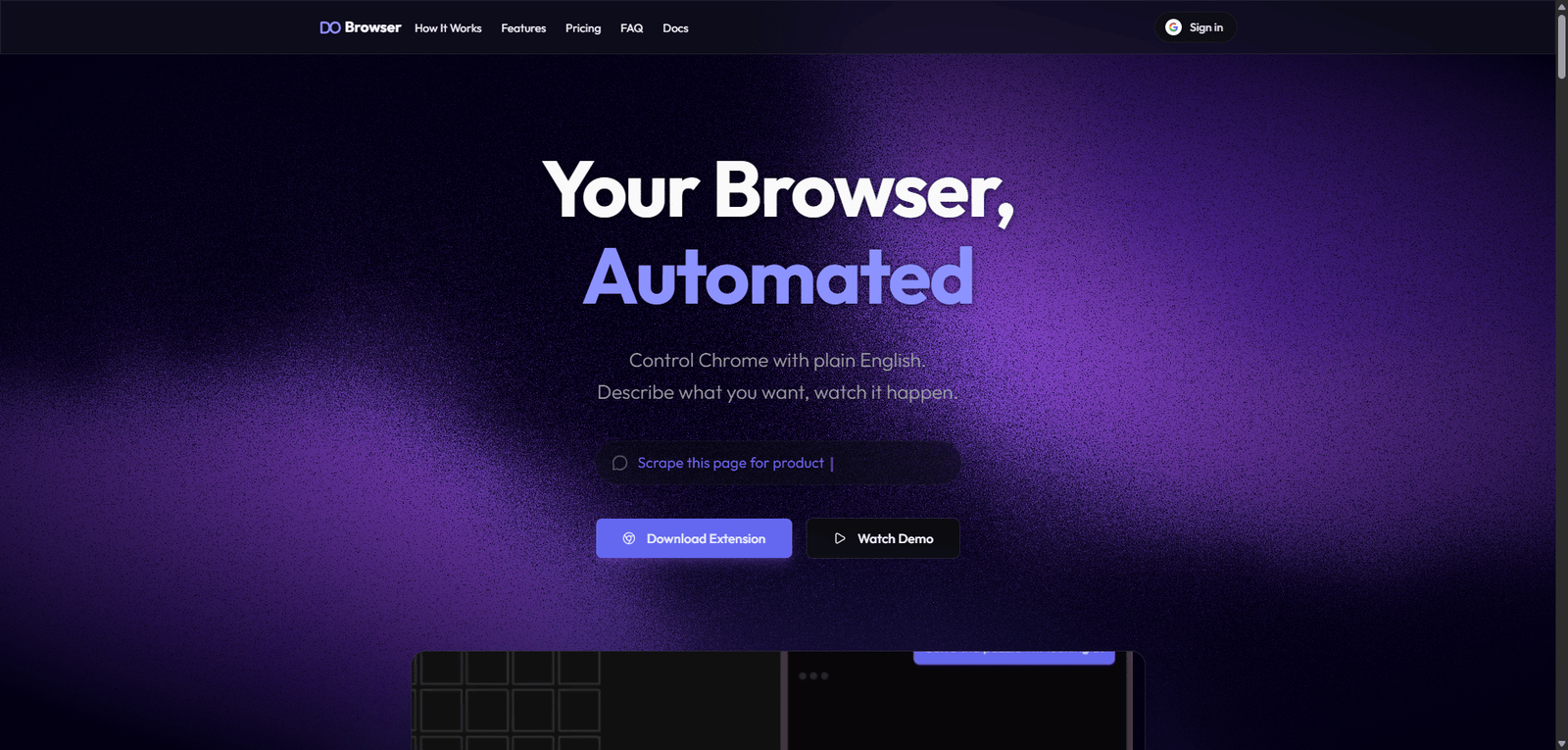



Dobrowser is an AI-powered browser automation platform that helps users automate web-based tasks and workflows efficiently. It is best suited for productivity and automation use cases, while still requiring setup and optimization for complex workflows.
Category: Web Automation / AI Agents
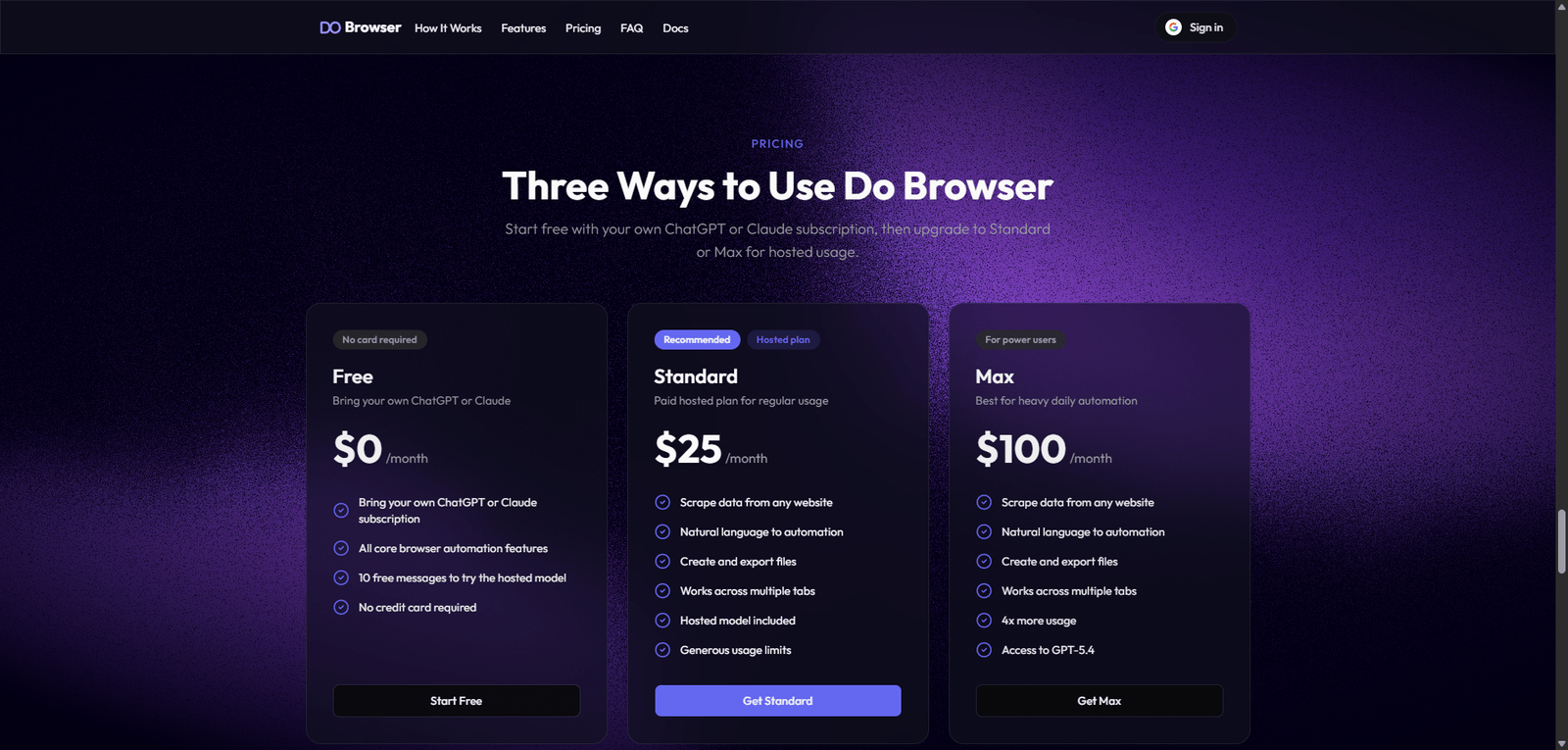
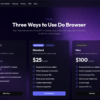
Pricing Snapshot
| Plan | Price | Notes |
|---|---|---|
| Free Trial | Likely available | Limited automation tasks |
| Paid Plans | Not publicly disclosed | Usage-based or subscription |
| Enterprise | Custom | Advanced automation and scaling |
Pricing Transparency: Low — limited public pricing information
Source Type
- Product positioning and browser automation trends
- AI agent and workflow automation tools
- Comparison with RPA and no-code automation platforms
Overview
Dobrowser is an AI-powered web automation platform that enables users to automate browser-based tasks using intelligent agents, reducing manual interaction with websites and repetitive workflows.
It focuses on:
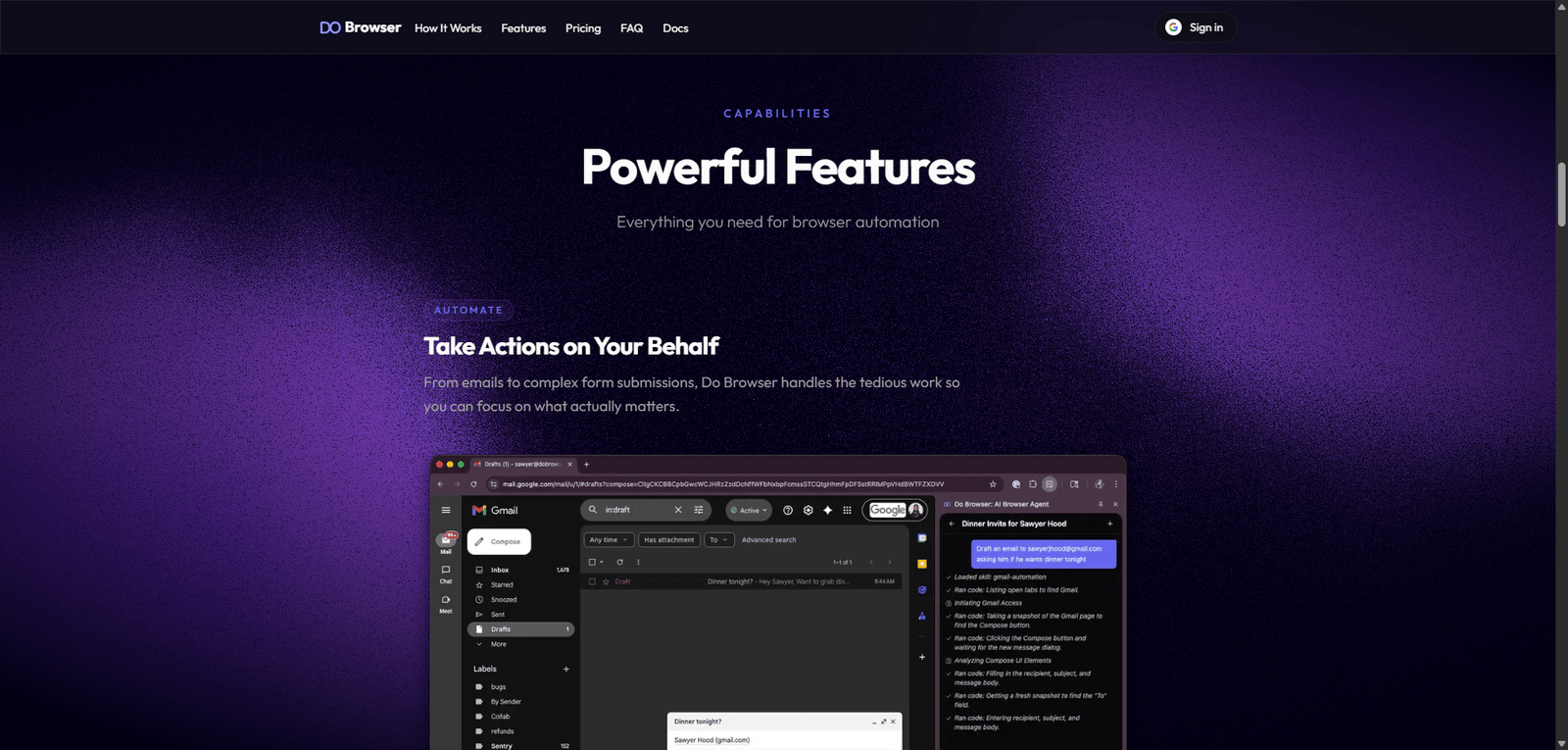
- Automating actions inside a browser (clicking, filling forms, navigation)
- Using AI agents to execute tasks dynamically
- Simplifying web workflows without heavy scripting
- Improving productivity through automation
Dobrowser positions itself as a lightweight AI automation layer for the web, bridging the gap between traditional RPA tools and modern AI agents.
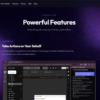
Key Features
1. AI Browser Automation
- Automate actions like clicks, typing, and navigation
- Execute workflows directly in a browser
- Reduce manual repetitive tasks
2. Intelligent Task Execution
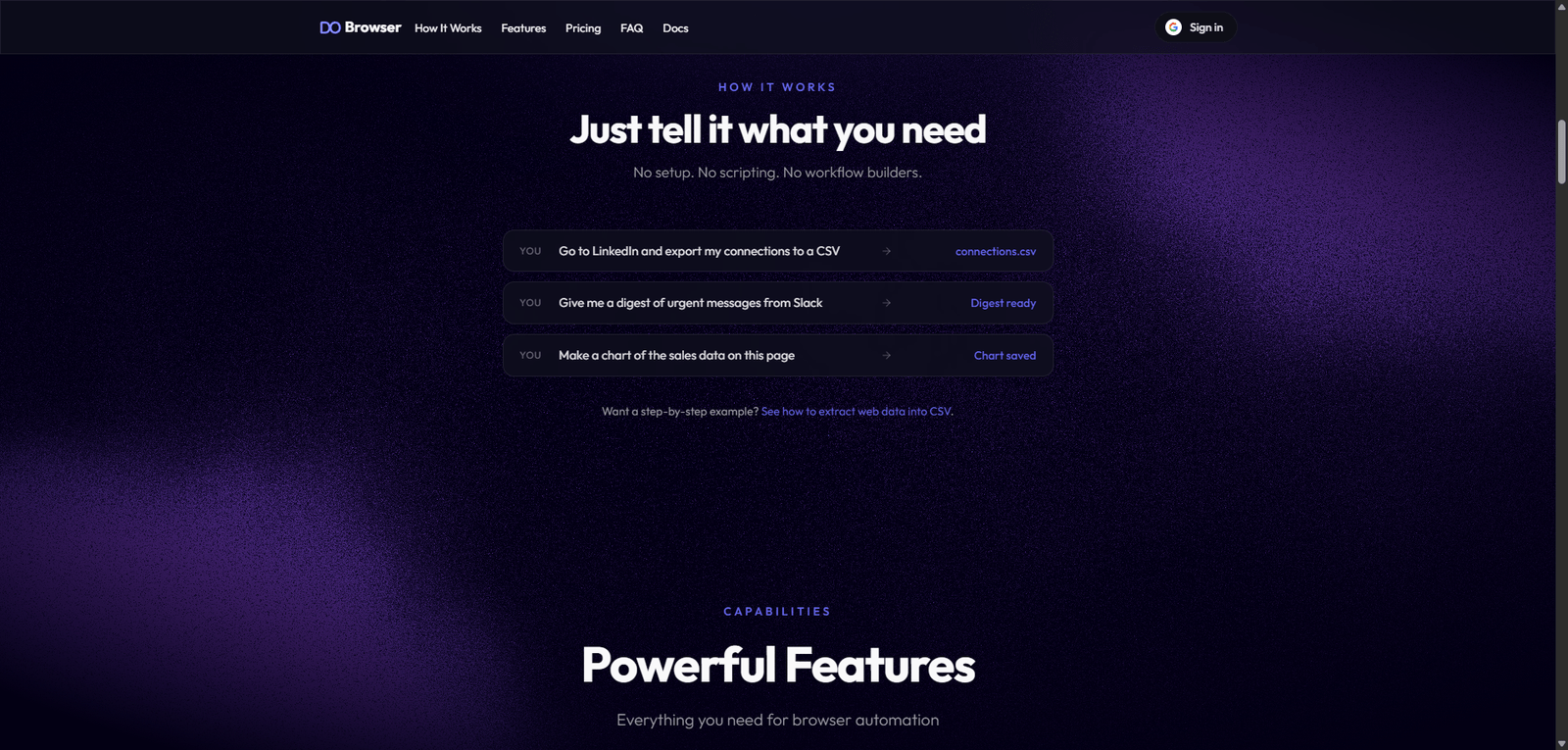
- AI agents interpret instructions
- Adapt to dynamic web environments
- Handle multi-step processes
3. No-Code / Low-Code Setup
- Minimal technical setup required
- Create automation workflows easily
- Accessible to non-developers
4. Workflow Automation
- Automate repetitive business processes
- Connect multiple web tasks
- Improve operational efficiency
5. Data Extraction & Interaction
- Extract information from websites
- Interact with web apps
- Support research and data workflows
6. Integration Potential
- Connect with external tools and APIs
- Extend automation capabilities
- Support business workflows
Use Cases
Web Task Automation
- Automate repetitive browsing tasks
- Fill forms and submit data
- Navigate complex workflows
Lead Generation & Data Collection
- Extract data from websites
- Automate research processes
- Build datasets efficiently
Business Process Automation
- Automate operational workflows
- Reduce manual input
- Improve productivity
AI Agent Experimentation
- Build and test browser-based AI agents
- Explore automation use cases
- Prototype AI-driven workflows
Pros and Cons
Pros
- Strong AI-driven browser automation capabilities
- Reduces manual repetitive work
- No-code accessibility
- Useful for multiple industries
- Flexible workflow automation
Cons
- Pricing not transparent
- May struggle with complex or highly dynamic websites
- Requires setup and testing
- Limited public detail on integrations
- Not a full enterprise RPA solution
Feature Comparison
| Feature | Dobrowser | UiPath | Zapier |
|---|---|---|---|
| Browser Automation | Yes | Yes | Limited |
| AI Agents | Yes | Limited | Yes |
| No-Code | Yes | Medium | Yes |
| Workflow Automation | Yes | Yes | Yes |
| Enterprise Features | Medium | High | Medium |
Alternatives
| Tool | Best For | Key Difference |
|---|---|---|
| UiPath | Enterprise RPA | More complex and powerful |
| Zapier | Workflow automation | App-based, not browser-focused |
| Browserflow | Browser automation | More rule-based workflows |
| AutoGPT Agents | AI automation | More experimental |
Verdict
Dobrowser is a modern AI web automation platform that enables users to automate browser-based workflows using intelligent agents, making it a strong option for productivity, data extraction, and workflow automation.
Its strengths include:
- AI-driven browser interaction
- No-code workflow creation
- Flexible automation use cases
However, limitations include:
- Limited pricing transparency
- Potential challenges with complex websites
- Requires setup and iteration
Best suited for:
- Businesses automating web workflows
- Marketers and researchers
- Users exploring AI automation
Not ideal for:
- Highly complex enterprise automation needs
- Users requiring deep system integrations
- Fully plug-and-play automation
Rating
| Category | Score |
|---|---|
| Features | 4.5 / 5 |
| Ease of Use | 4.4 / 5 |
| Automation | 4.6 / 5 |
| Pricing Transparency | 2.9 / 5 |
| Overall | 4.4 / 5 |
FAQ
What is Dobrowser used for?
Dobrowser is used to automate browser-based tasks using AI agents.
Does Dobrowser require coding?
No, it offers no-code or low-code automation.
Can Dobrowser extract data from websites?
Yes, it supports data extraction and interaction.
Is Dobrowser an RPA tool?
It overlaps with RPA but focuses on AI-driven browser automation.
Who should use Dobrowser?
Businesses, marketers, and users automating web workflows.
